• Home
  • Design
  • Advertising
  • Inspiration
  • Tools
  • Buzz
  • Follow Us ▾
    • Facebook
    • Facebook Group
    • LinkedIn
    • LinkedIn Group
    • Threads
    • Instagram
    • Pinterest
    • Twitter / X

Digital Synopsis

Design, Advertising & Creative Inspiration

  • Photoshop
  • Logo Design
  • UI/UX
  • AI
  • Web Design
  • Typography
  • Photography
  • About Us
  • Advertise

How To Create Color Schemes For Your UI Design Using The 60-30-10 Technique

Selecting the right colors for your UI and applying them effectively can be a tricky task. You want to choose colors that go well with each other and create a sense of harmony within the design. You also want to pick the right accent colors to highlight elements like buttons and call-to-actions.

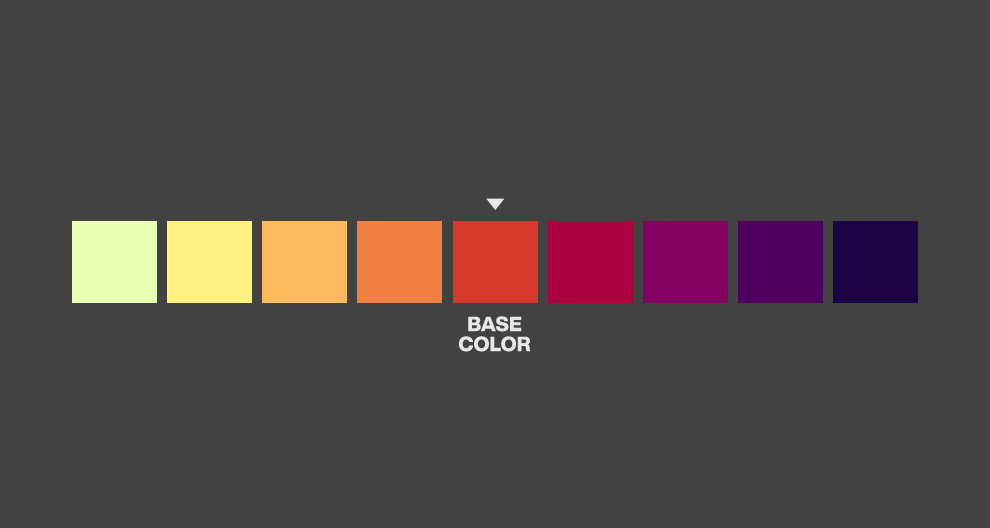
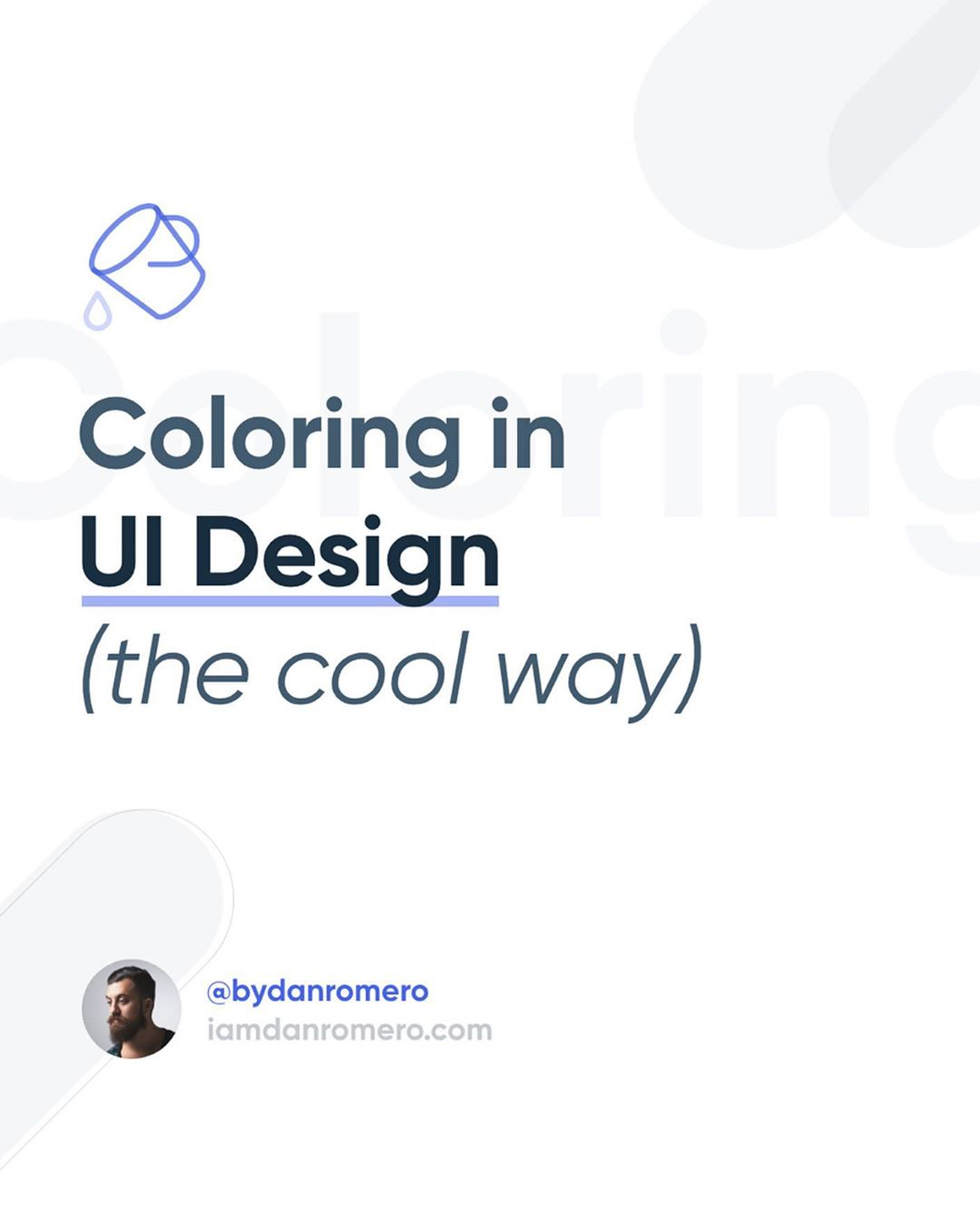
Venezuelan product designer Dan Romero has come up with an excellent list of pointers that show you how to apply colors to interfaces using the 60-30-10 technique. With this technique, you can create analogous color palettes with a tint, so your designs look balanced and harmonious. Check it out below.

How To Apply Color To Your UI Design


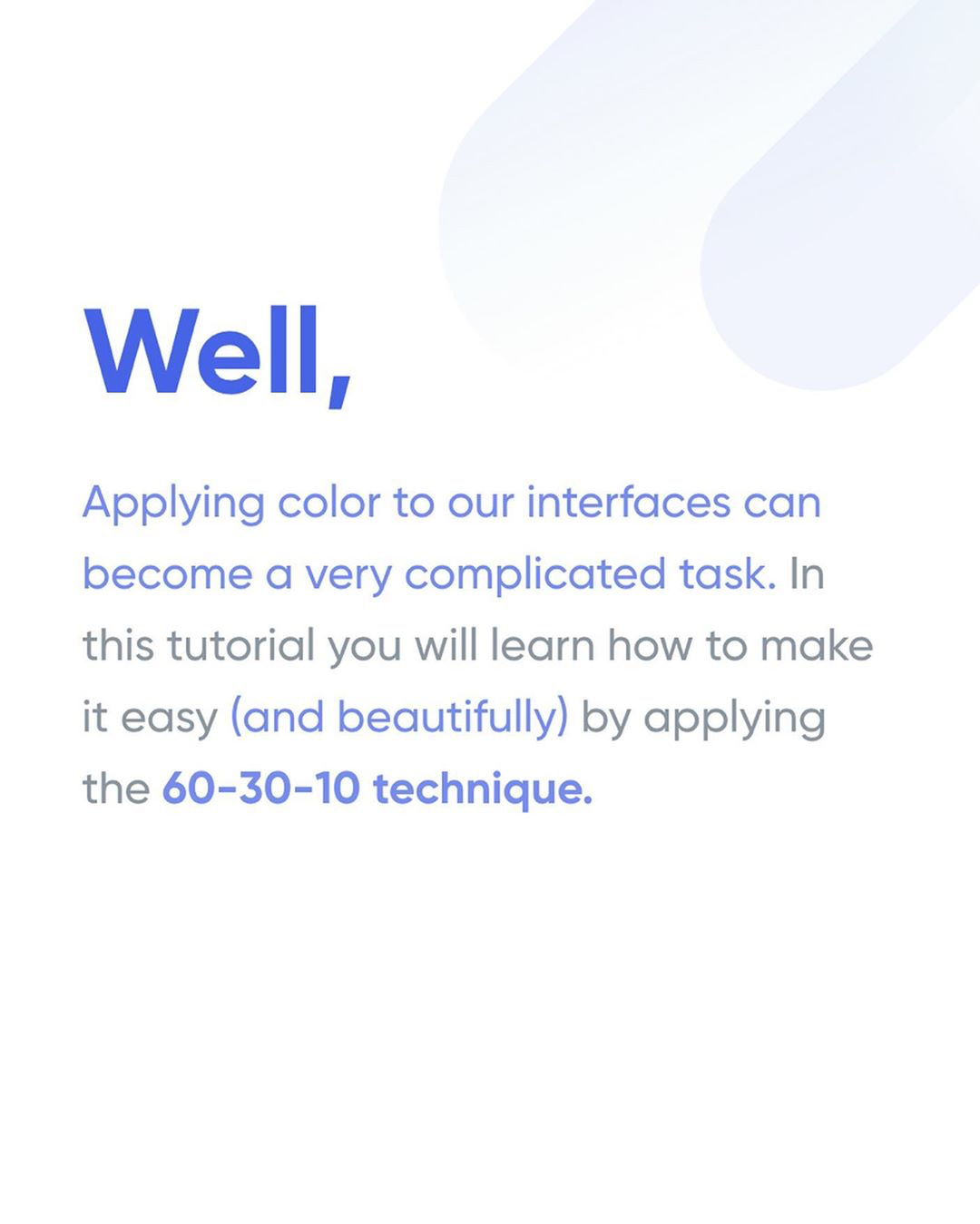
How To Apply Color To Your UI Design - 60-30-10 Technique Intro


1.

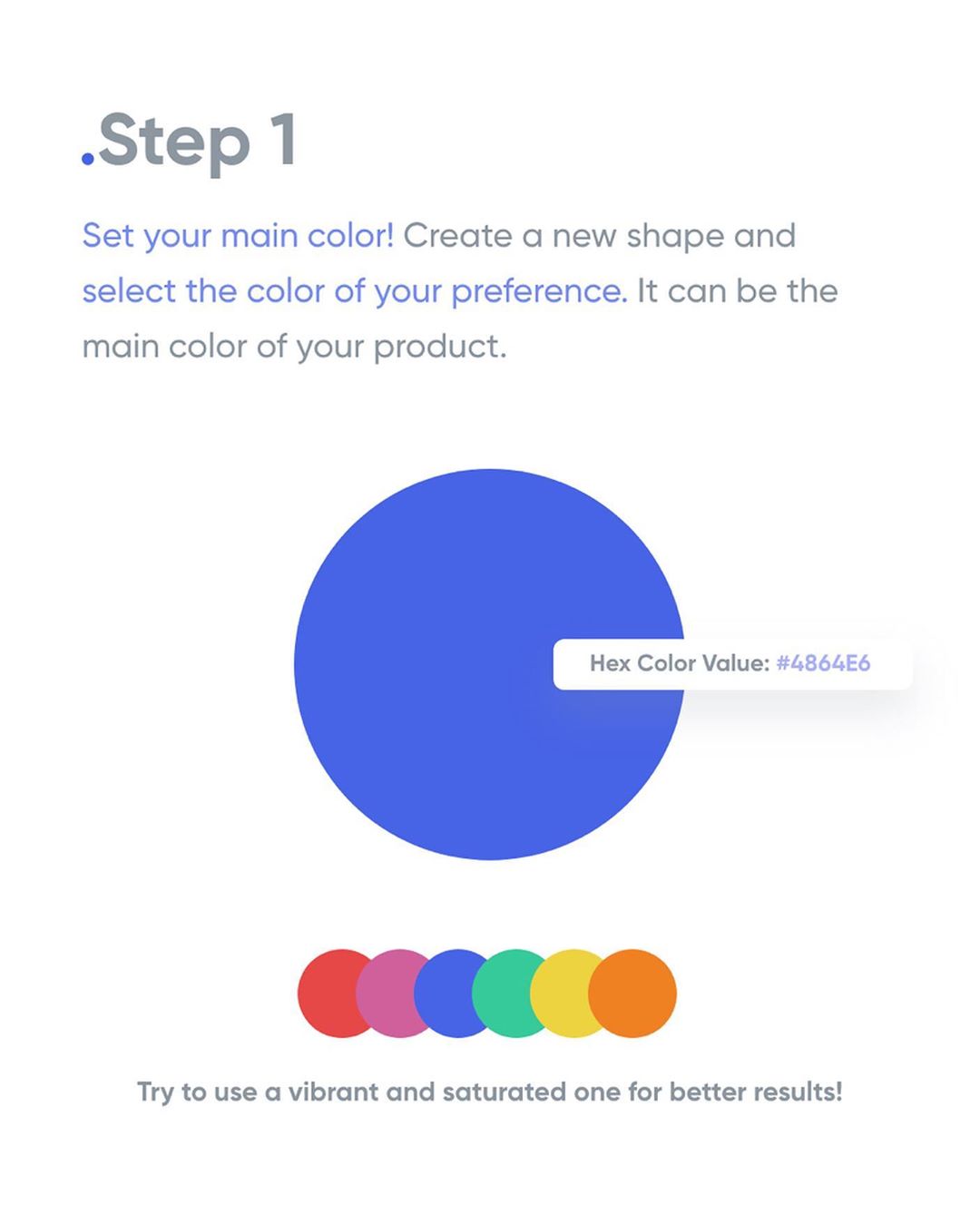
How To Apply Color To Your UI Design - Step 1


2.

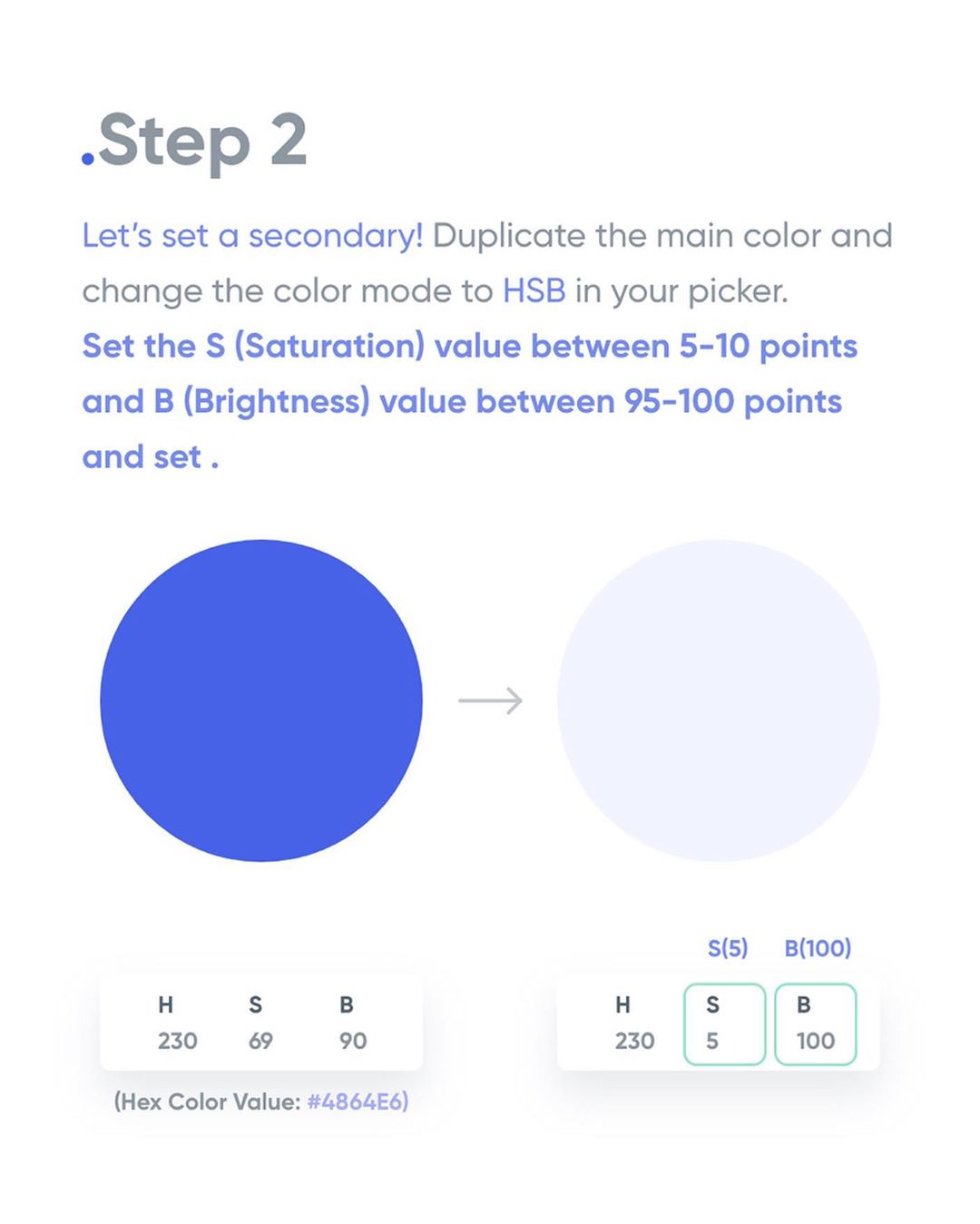
How To Apply Color To Your UI Design - Step 2


3.

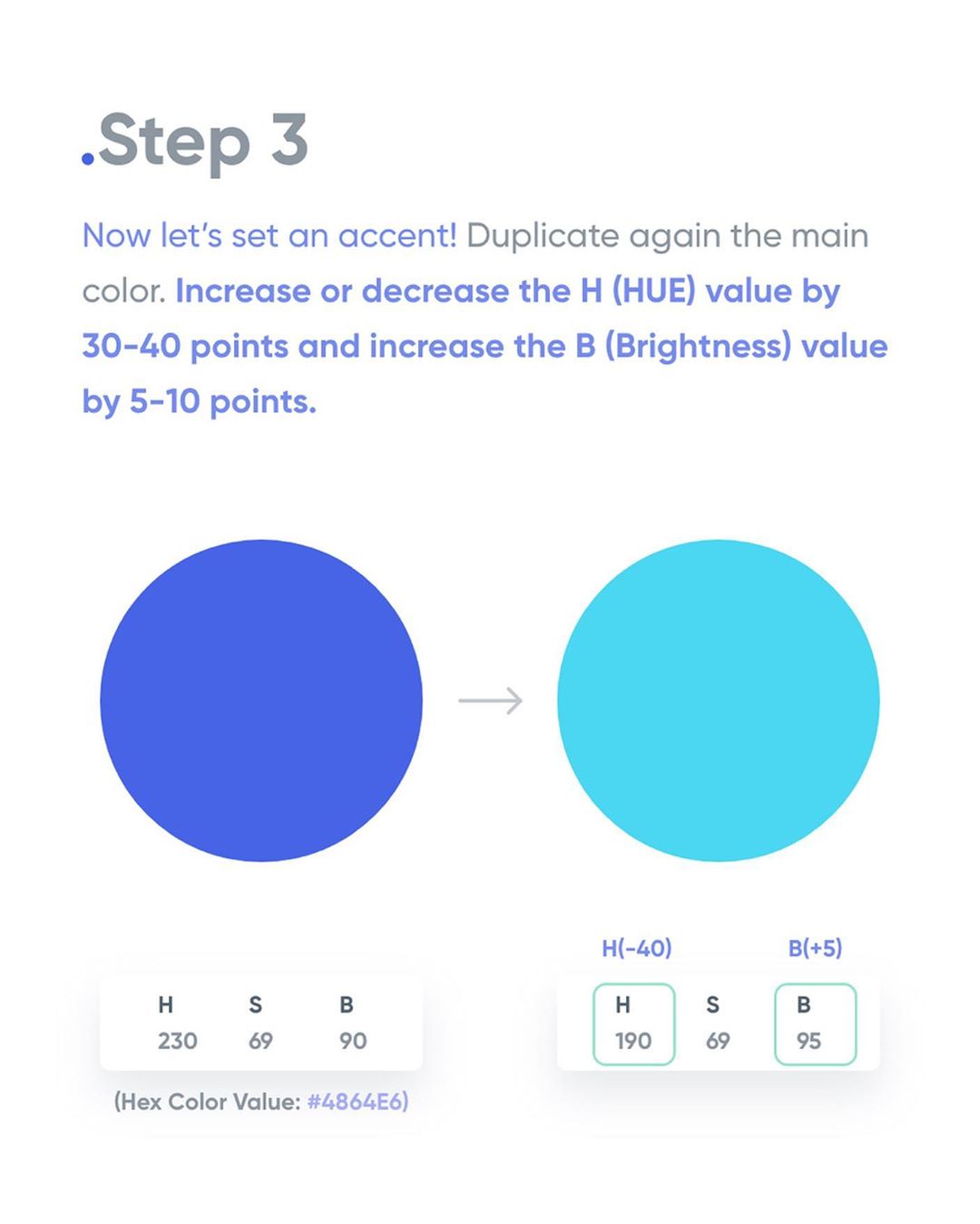
How To Apply Color To Your UI Design - Step 3


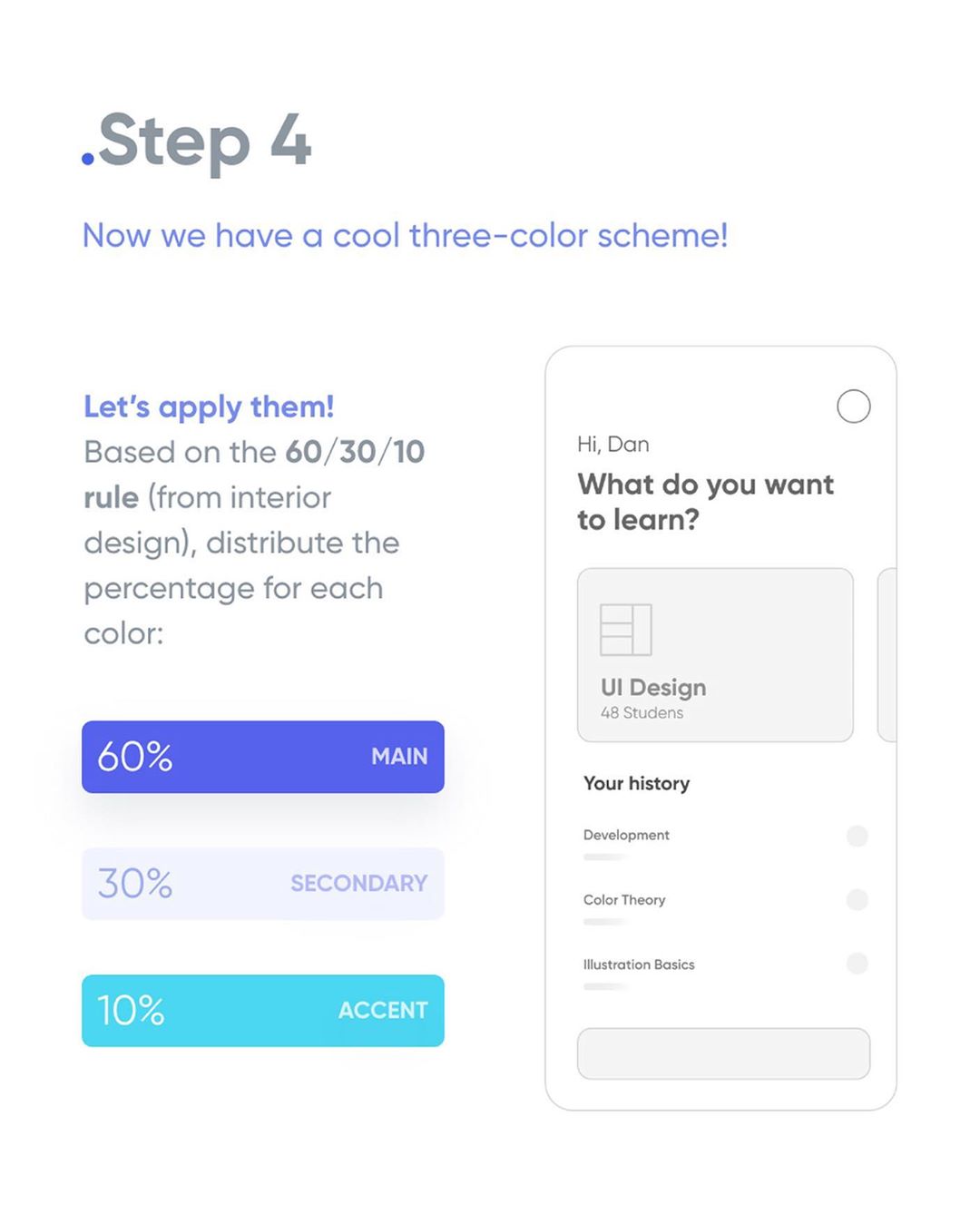
4.

How To Apply Color To Your UI Design - Step 4


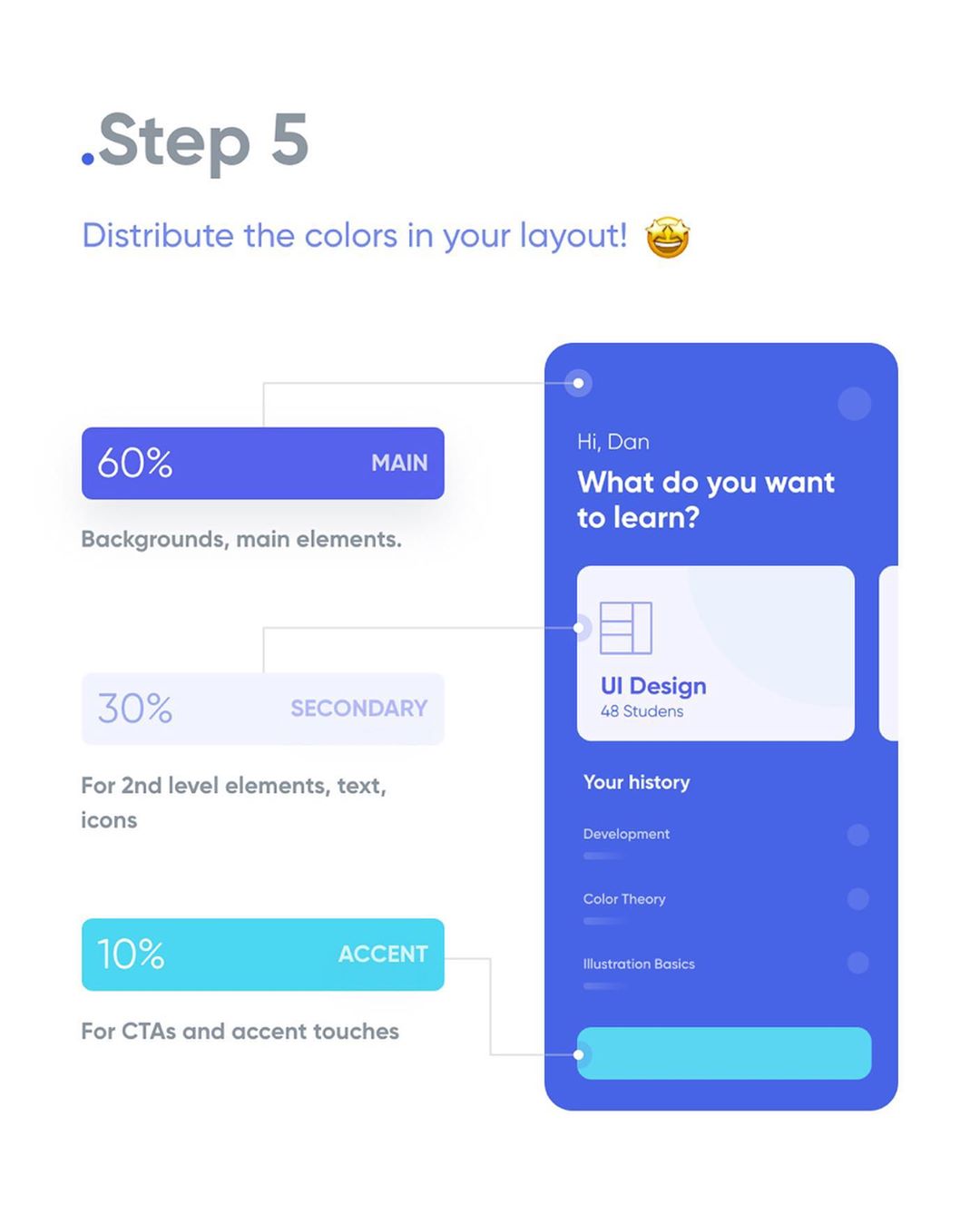
5.

How To Apply Color To Your UI Design - Step 5


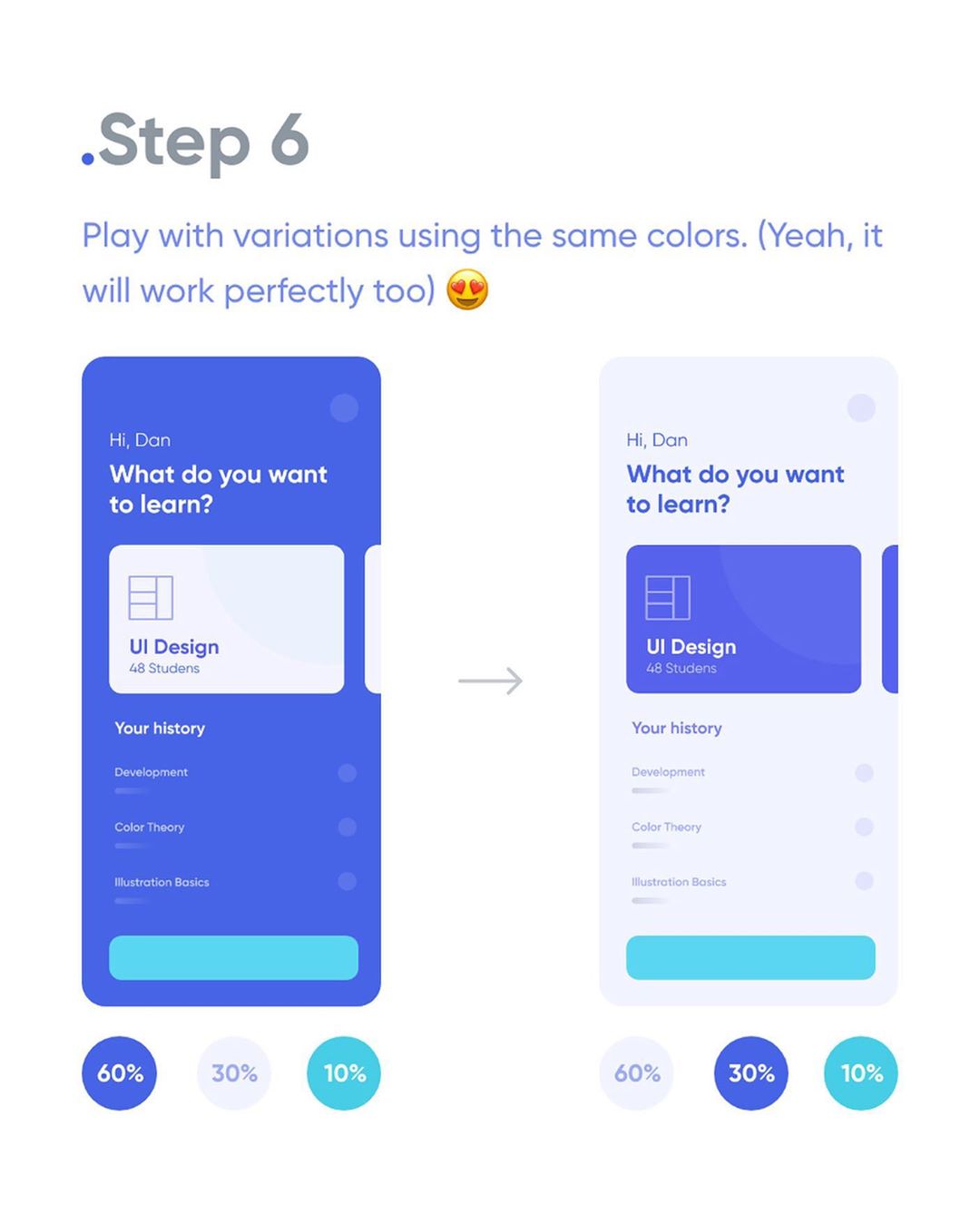
6.

How To Apply Color To Your UI Design - Step 6


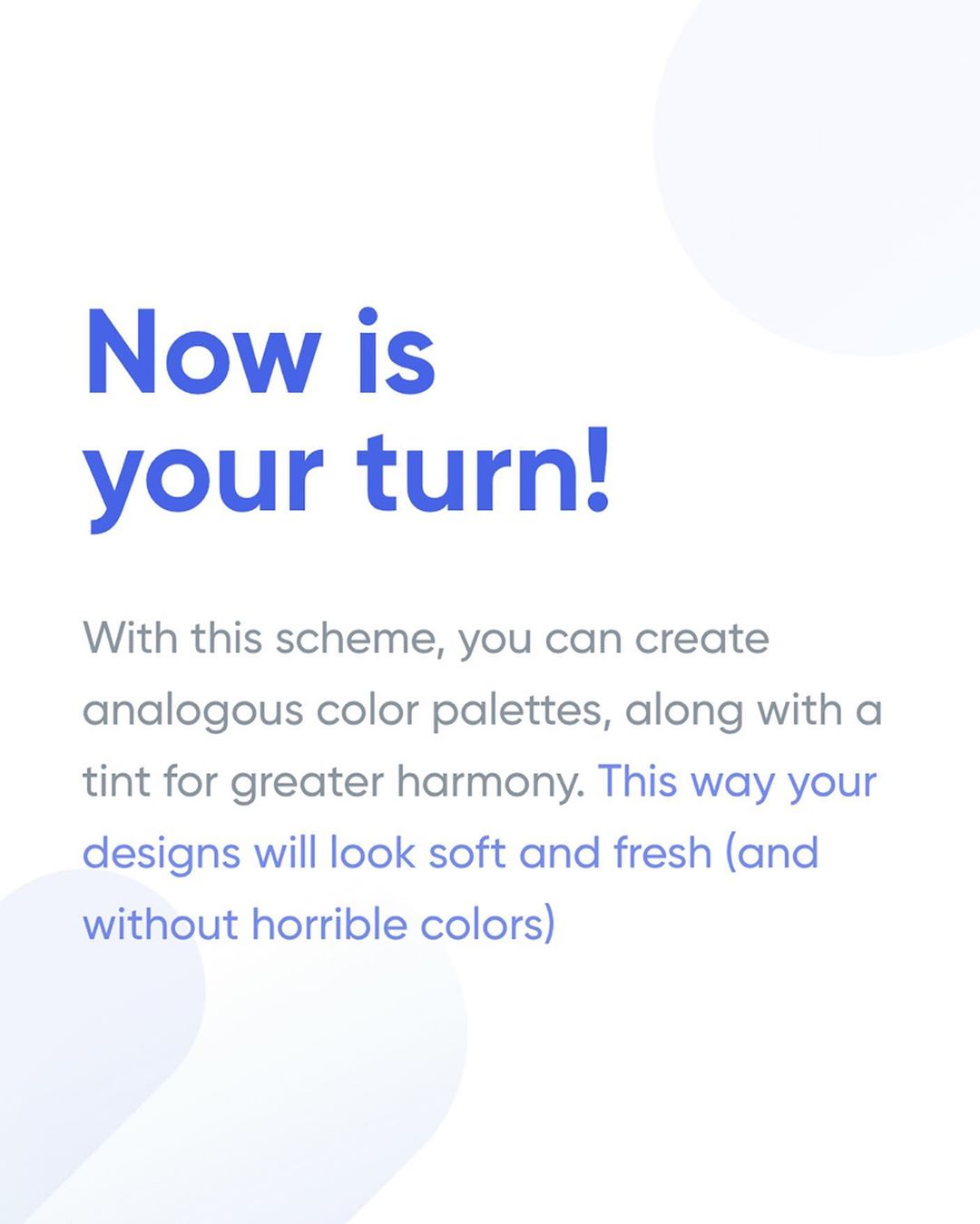
How To Apply Color To Your UI Design - Analogous Color Palettes

Share this post with a designer friend and voice your views in the comments below.
Don't Miss:

  • how-to-make-color-palettes-from-one-color
    How To Make Hundreds Of Color Palettes From Just One Color
  • how-to-create-better-gradients
    6 Useful Tips To Help You Create Better Gradients
  • logo-design-best-color-scheme-psychology-combo
    How To Choose The Best Colors For Your Logo
  • how-to-choose-good-color-combination
    This Animated Video Brilliantly Explains How To Choose The Right Colors For Your Designs
  • best-uses-of-color-in-movies
    10 Best Uses Of Color In Movies
  • how-to-change-color-in-photoshop
    5 Ways To Change The Color Of Anything In Photoshop

Share Your Views:

Comments for this post are now closed.
Share your thoughts with 433,000+ design lovers on our Facebook Page.

Popular

  • Graphic Designer Fixes The 9 Worst Logos Ever
  • 50 Incredibly Creative Logos With Hidden Meanings
  • 11 Best And Worst Redesigns Of Famous Logos
  • Top 10 Netflix Documentaries For Graphic Designers
  • 11 Differences Between Designers And Clients

TRENDING

  • Top 20 Graphic Design Trends For 2026
  • Top 10 Logo Design Trends For 2026 And How To Use Them
  • Portfolios Of Designers Who Have Worked At Apple, Google, Meta, And More
  • Designers Are Sharing Their Redesigns Of Famous Logos And Some Of Them Are Better Than The Original
  • “Which Current Graphic Design Trend Will Age Badly?” – Here Are The Top Replies

Follow Us On

  • Facebook
  • Facebook Group
  • LinkedIn
  • LinkedIn Group
  • Threads
  • Instagram
  • Pinterest
  • X / Twitter

Copyright © 2012-2026 Digital Synopsis | Privacy Policy | Affiliate Disclosure | Advertise With Us