Designers in 2026 work in a fully global, cloud-based, and collaboration-heavy environment. Whether you’re sharing large design files, accessing region-locked creative resources, collaborating with international clients, or working from cafés and co-working spaces, your internet connection is a critical part of your workflow.
That’s where a VPN comes in. The right VPN protects your data, keeps client work private, unlocks global resources, and ensures stable access to design tools without slowing you down. In this guide, we break down the best 5 VPNs for designers in 2026, with a focus on speed, privacy, usability, and real-world creative workflows.
What Is a VPN and Why Is It Important for Designers?
A VPN (Virtual Private Network) encrypts your internet traffic and routes it through a secure server, masking your IP address and protecting your online activity from ISPs, hackers, and third parties.
For designers, VPNs are especially important because they help:
Protect sensitive client files and intellectual property
Secure connections on public Wi-Fi networks
Access geo-restricted design tools, fonts, inspiration sites, or platforms
Maintain privacy when working remotely or while traveling
Avoid throttling during large file uploads and downloads
In short, a VPN isn’t just a security tool it’s a productivity and access tool for modern creative professionals.
Shortlist – Best VPNs for Designers in 2026 (Quick Picks)
Best Overall for Privacy & Innovation: Mysterium VPN
Best for Speed & Enterprise-Level Security: NordVPN
Best Value for Freelancers & Teams: Surfshark
Best for Reliability & Travel: ExpressVPN
Best Free & Open-Source Option: Proton VPN
Best VPN Tools for Designers
Mysterium VPN
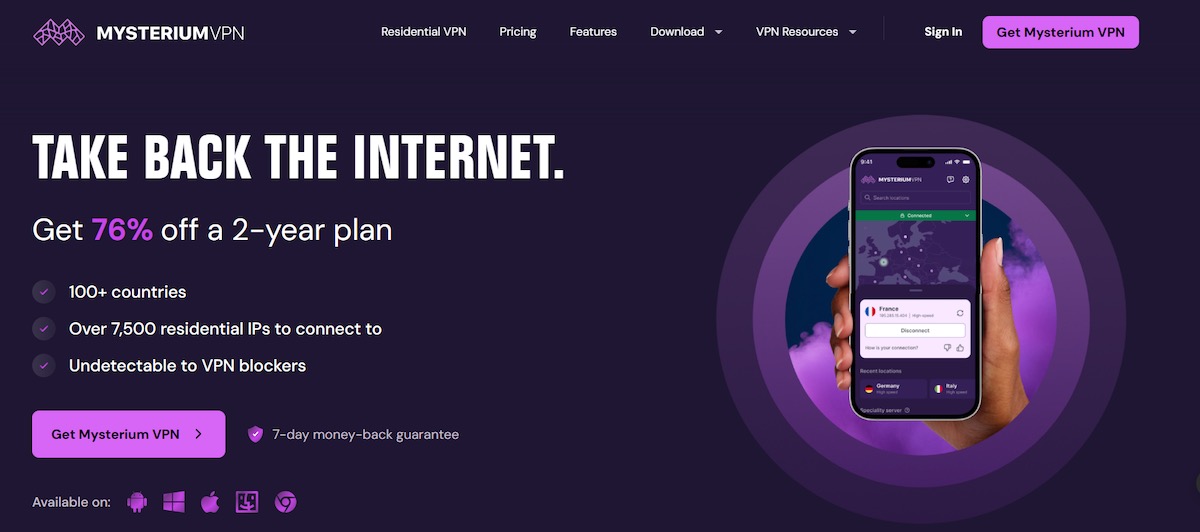
Mysterium VPN takes a different approach to traditional VPNs by combining strong privacy protections with a decentralized network of residential IPs. Instead of routing traffic solely through centralized data-center servers, it provides access to thousands of real residential IP addresses across more than 100 countries. This makes connections appear more like normal user traffic and can help reduce VPN detection or blocking on region-restricted websites and creative platforms. For users in specific states or regions, including those looking for a reliable Kentucky VPN, Mysterium’s network ensures fast, secure, and private access without restrictions.
Built for users who prioritize online privacy and freedom, Mysterium VPN includes essential security features such as a strict no-logs policy, a kill switch to prevent accidental data leaks, and DNS leak protection to keep browsing activity private. It uses modern, lightweight protocols like WireGuard to deliver fast and secure connections across both desktop and mobile devices.
For designers handling sensitive client work or accessing location-specific inspiration sites, tools, and marketplaces, Mysterium’s residential IP model offers a more private and flexible browsing experience compared to conventional VPN services.
Pros:
Decentralized VPN network designed to enhance privacy
Access to 7,500+ residential IPs across 100+ countries
Strong encryption with modern security protocols
Kill switch and DNS leak protection included
Supports multiple devices on a single account
Cons:
Interface may feel less familiar than mainstream VPNs
Performance can vary depending on node availability
Some advanced features are limited to higher-tier plans
Pricing:
Plans start at approximately $7.99 per month, with significant discounts available on annual and multi-year subscriptions. Longer plans can reduce the effective monthly cost substantially.
NordVPN
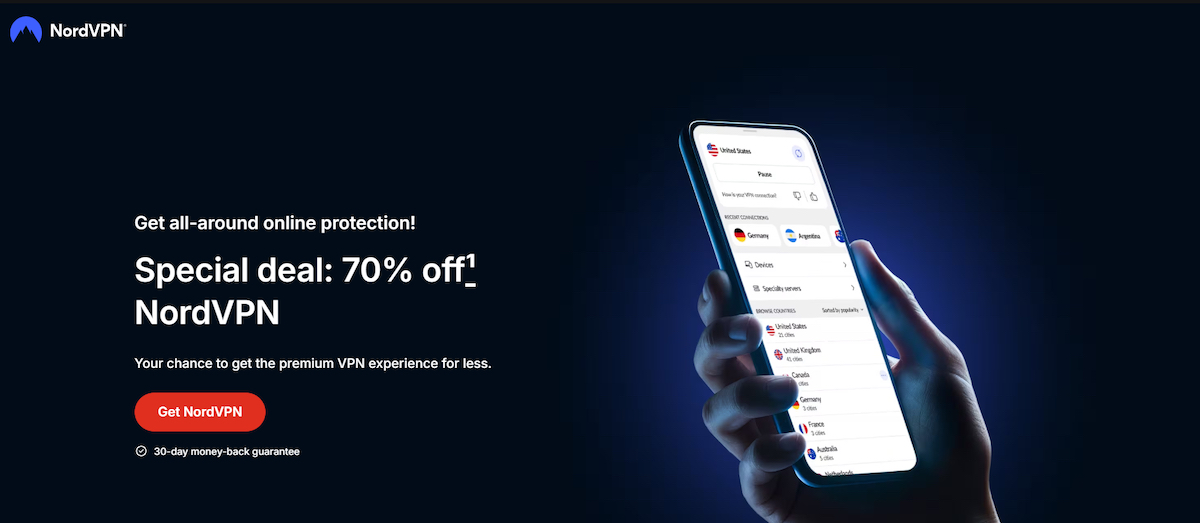
NordVPN is a well-established VPN service designed for users who need a balance of high performance, strong security, and ease of use. It uses industry-standard AES-256 encryption and supports modern VPN protocols, including NordLynx, NordVPN’s WireGuard-based technology built to deliver fast speeds while maintaining a secure connection. This makes it suitable for designers who regularly upload or download large files or work with cloud-based design tools.
NordVPN operates a large global server network and follows a strict no-logs policy, meaning it does not track or store users’ online activity. Its infrastructure includes RAM-only servers, which are designed to ensure that no data is stored long-term. Core security features include a kill switch, DNS leak protection, and options for specialty servers such as Double VPN for additional privacy.
Beyond standard VPN functionality, NordVPN offers built-in protection against malicious websites and trackers through its security features, helping designers stay protected while researching, downloading assets, or accessing third-party platforms. The service supports up to 10 devices per account, allowing designers to secure multiple devices under one subscription.
Pros:
High-speed connections powered by the NordLynx protocol
Strong encryption and modern security standards
Strict no-logs policy
RAM-only server infrastructure
Large global server network
Kill switch and DNS leak protection included
Cons:
Monthly plans are relatively expensive compared to long-term options
Advanced security features may be unnecessary for basic users
Device limit may feel restrictive compared to unlimited-device VPNs
Pricing:
NordVPN offers multiple subscription plans with discounted pricing on long-term commitments. Two-year plans provide the lowest monthly cost, while monthly plans are priced higher. All plans include a 30-day money-back guarantee.
Surfshark
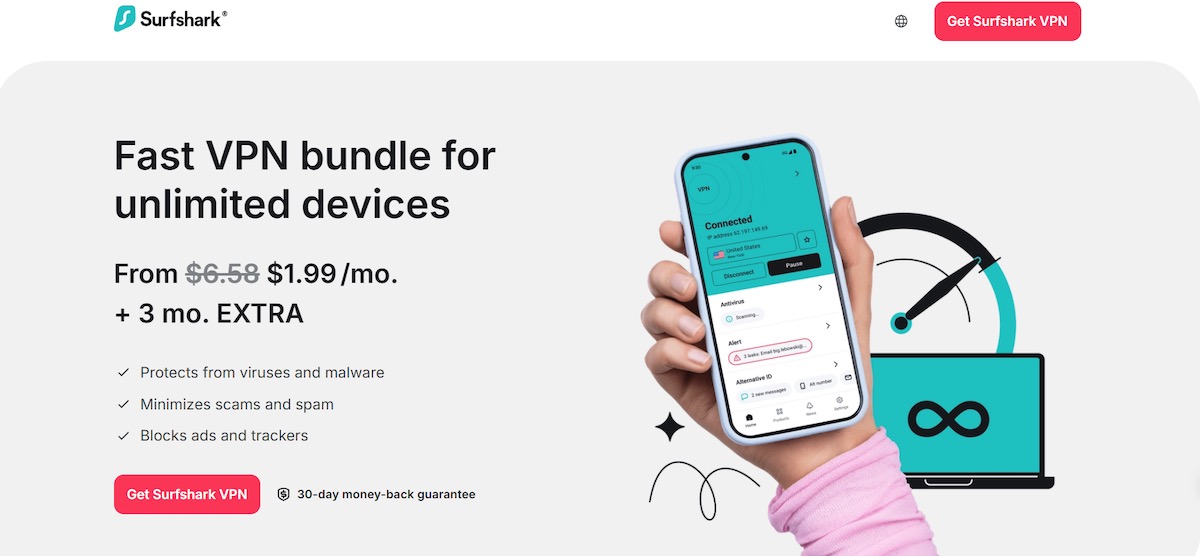
Surfshark is a feature-rich VPN service built to protect your online privacy and keep your connection secure across unlimited devices. Unlike many VPNs that cap simultaneous connections, one Surfshark subscription works on an unlimited number of devices, letting designers secure phones, laptops, tablets, and more without extra accounts. This makes it a strong option for freelancers, small teams, or anyone with multiple gadgets in their workflow.
Surfshark’s VPN uses strong encryption and modern protocols like WireGuard® combined with a global network of 4,500+ RAM-only servers in 100+ countries, providing fast, reliable connections for browsing, cloud tools, and file transfers. It offers privacy features such as a no-logs policy, and built-in protections against trackers, ads, and malware helping designers maintain focus and security while accessing design resources online.
In addition to core VPN functionality, Surfshark includes advanced privacy tools such as Dynamic MultiHop (double-VPN routing), Camouflage Mode (obfuscated servers for restricted networks), split tunneling, and features that block ads, trackers, and cookie pop-ups, enhancing both security and browsing comfort.
Pros:
Unlimited simultaneous device connections, ideal for designers with many devices
Large network of 4,500+ RAM-only servers in 100+ countries
Strong encryption and privacy protections with a strict no-logs policy
Advanced features like Dynamic MultiHop and Camouflage Mode
Blocks ads, trackers, and cookie pop-ups to improve browsing
Cons:
Monthly subscription pricing can be high compared to long-term plans
Some advanced privacy tools may be more than casual users need
Advanced feature names may feel overwhelming for beginners
Pricing:
Surfshark offers flexible subscription options including monthly, 1-year, and 2-year plans. All plans include a 30-day money-back guarantee and support unlimited devices. Pricing per month is lower on longer subscriptions, and the exact rate depends on the plan length and any bundle options you select.
ExpressVPN
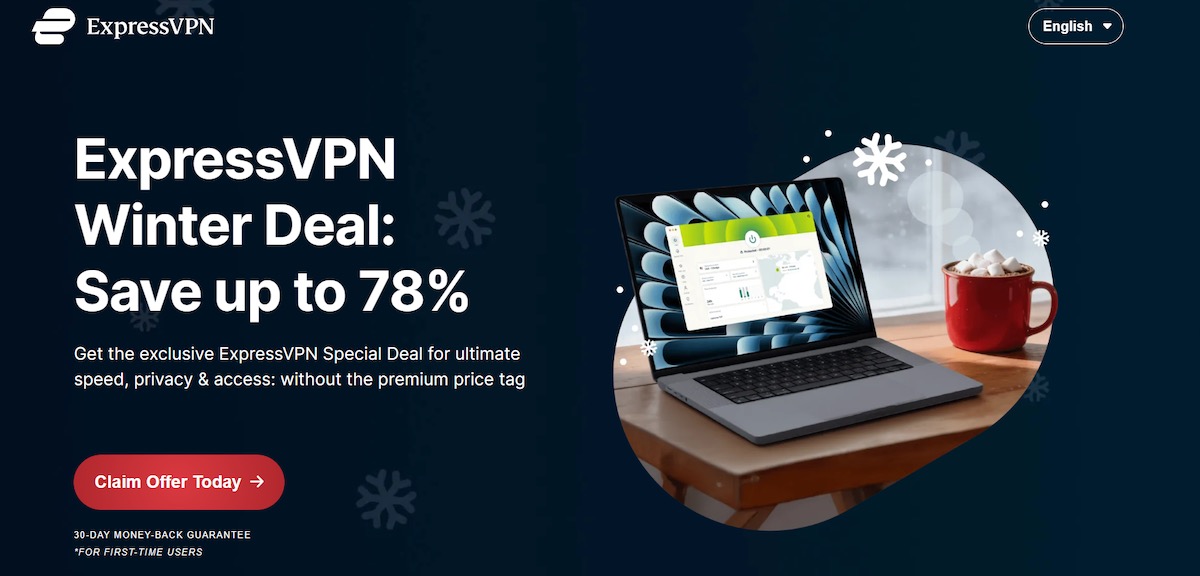
ExpressVPN is a premium VPN service built to deliver secure, reliable, and fast connections across devices and global networks. It uses industry‑standard AES‑256 encryption along with its proprietary Lightway protocol to ensure strong privacy protections and greater connection stability essential for designers who frequently transfer large files, use cloud design tools, or work from public networks.
ExpressVPN operates a large global server fleet with coverage in 105 countries and supports a strict no‑logs policy, meaning it does not track or store users’ online activity. Core privacy and security features include TrustedServer technology that ensures no data is ever written to a hard drive, a Network Lock kill switch that blocks traffic if the VPN disconnects, and private, encrypted DNS on every server. It also includes a suite of built‑in protections like tracker blocking and ad filtering to improve privacy while browsing.
With intuitive apps for all major platforms and support for up to 14 simultaneous device connections on its highest plans, ExpressVPN is ideal for designers who value reliable performance, robust privacy, and consistent access to design resources around the world.
Pros:
Strong encryption and modern security standards
Proprietary Lightway protocol for fast and stable connections
TrustedServer technology and strict no‑logs policy
Network Lock kill switch and private DNS protection
Wide server reach across 105 countries
Support for up to 14 simultaneous device connections
Built‑in protections like tracker blocking and ad filtering
Cons:
Premium pricing compared with many competitors
Some advanced privacy features only available on higher tier plans
Bigger feature set may be more than what casual VPN users need
Pricing:
ExpressVPN has introduced new tiered plans Basic, Advanced, and Pro designed to fit varying needs. All plans include core VPN protection, access to servers in 105 countries, and a 30‑day money‑back guarantee. Device limits range from 10 to 14 simultaneous connections depending on the plan level, and higher tiers add extras such as a built-in password manager, identity monitoring tools, and extended device support.
Proton VPN
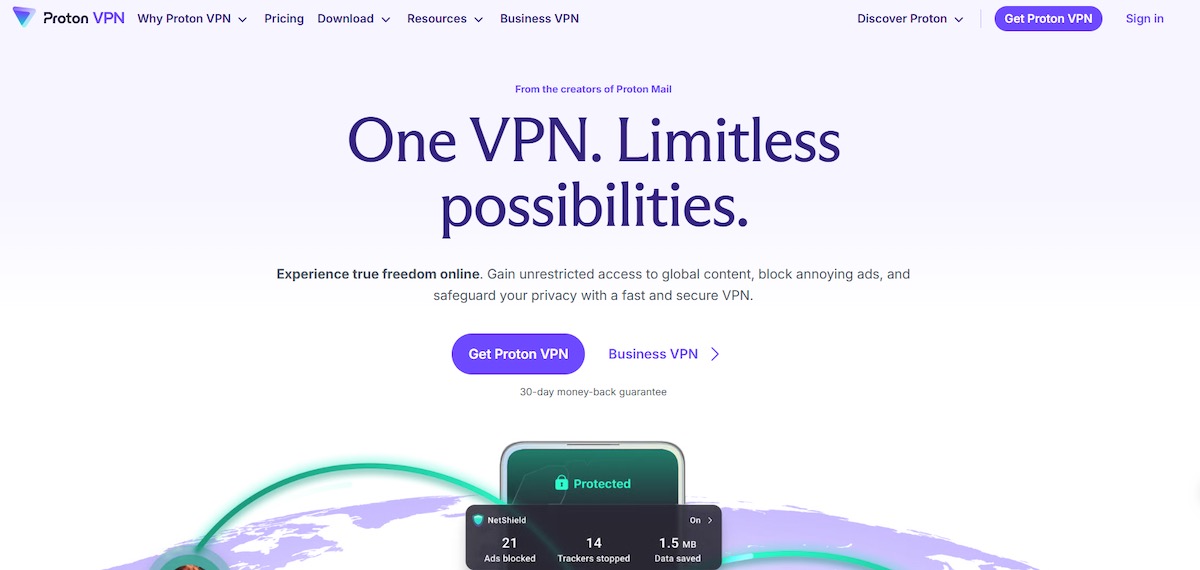
Proton VPN is a privacy-focused VPN service developed by the creators of ProtonMail. It uses strong encryption standards and a strict no-logs policy to protect users’ online activity, making it a solid choice for designers who care about security, privacy, and transparent practices. Proton operates a global network of servers, and its apps support modern VPN features like DNS leak prevention and a kill switch to keep your connection private even if the VPN drops.
One of Proton VPN’s defining characteristics is its freemium model, where a free plan is available with unlimited bandwidth and no data caps ideal for testing the service before committing. Paid plans unlock higher speeds, access to a much larger server network in more than 120 countries, support for up to 10 simultaneous device connections, streaming and P2P support, advanced features like NetShield (ad and malware blocking), Secure Core multi-hop routing, and split tunneling on supported platforms.
Because Proton is built around a broader suite of privacy tools (including secure email, encrypted cloud storage, password management, and calendar tools), upgrading to the higher-tier Unlimited plan bundles these services into one subscription helpful for designers who want a comprehensive privacy ecosystem rather than just a VPN.
Pros:
Free plan with unlimited bandwidth and no data limits
Strong privacy focus and strict no-logs policy
Access to high-speed servers and advanced features on paid plans
Support for up to 10 devices on paid subscriptions
Additional protections like malware/ads blocking, multi-hop routing, and split tunneling on selected platforms
Cons:
Free plan limits speeds and available server locations
Full server access and advanced features require paid plans
Some advanced features (e.g., streaming optimization) may be more than basic users need
Pricing:
Proton VPN offers a Free plan with basic protection and access to servers in a limited number of countries. Paid tiers include VPN Plus, which provides high-speed access to servers in 120+ countries and multi-device support, and Proton Unlimited, which bundles VPN Plus with other Proton services for additional value. Paid plans are available monthly, yearly, or multi-year, and all paid Proton VPN subscriptions come with a 30-day money-back guarantee.
Key Features Designers Should Look for in a VPN
High speeds for large file transfers
Strong encryption and no-logs policies
Global server coverage
Compatibility with design tools and cloud platforms
Easy-to-use apps across devices
How to Choose the Right VPN for Your Design Workflow
Choose a VPN based on how you work, not just brand reputation. Freelancers may prioritize affordability and device limits, while agency designers may need speed, stability, and enterprise-grade security. Privacy-focused creatives should look at decentralized or open-source solutions.
Common VPN Use Cases for Designers
Working securely on public Wi-Fi
Accessing region-locked design assets
Protecting client files during transfers
Collaborating with international teams
Avoiding ISP throttling
VPN Performance Tips for Designers
Use the nearest server for best speed
Choose WireGuard-based protocols when available
Disable VPN only when absolutely necessary
Split-tunnel design apps if supported
FAQ
Is using a VPN legal for designers?
Yes, VPNs are legal in most countries and commonly used for privacy and security.
Will a VPN slow down design tools?
A quality VPN has minimal impact and may even improve stability on throttled networks.
Do designers really need a VPN?
If you work remotely, handle client data, or access global resources absolutely.