Ask any designer about their least favorite recurring problem and low-resolution source files will rank near the top. The client sends a logo pulled from their old website. The perfect stock image is only available at a fraction of the size you need. An archival photo is destined for a large-format print but exists only as a small, soft scan. For years, these situations meant compromise, awkward workarounds, or an uncomfortable conversation about reshooting. AI upscaling has quietly changed all of that, and it has become a staple of the modern design toolkit almost without anyone noticing.
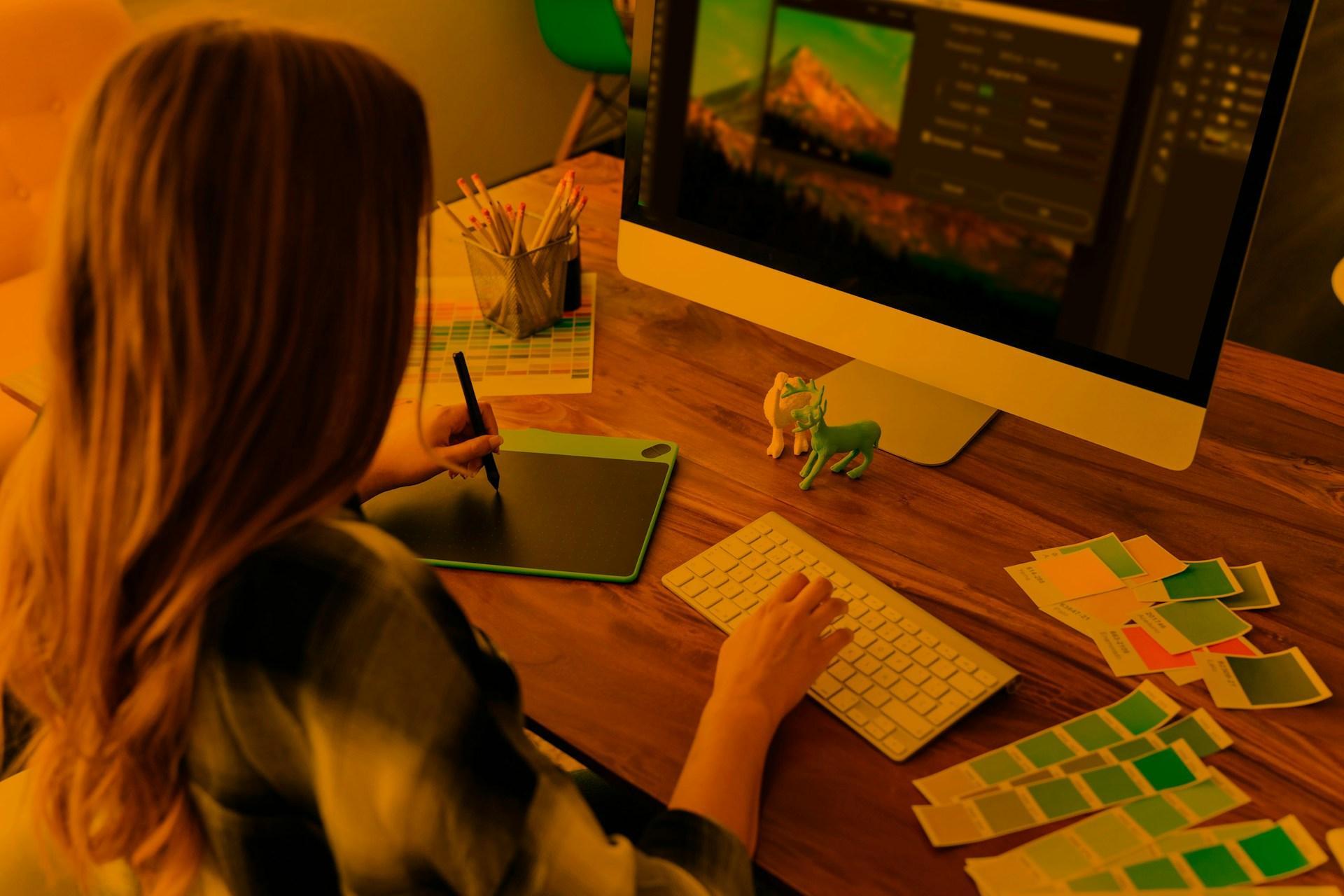
The perennial problem of low-resolution assets
Resolution has always been a hard constraint in design. Enlarge a small image with traditional methods and you get a blurry, blocky mess, because there simply is not enough detail to work with. Designers learned to plan around this limitation, sourcing the highest-resolution assets they could and treating anything low-res as unusable for serious work.
The trouble is that designers rarely control where their raw materials come from. Clients supply what they have, stock libraries have limits, and older brand assets were created for screens and print standards that feel tiny by today’s expectations. The result was a constant, low-grade friction between the quality designers wanted and the materials they were handed.
How AI upscaling works
AI upscaling breaks that constraint in a fundamentally different way. Rather than naively stretching existing pixels, it uses models trained on enormous numbers of images to reconstruct plausible detail, effectively making an informed estimate of what a higher-resolution version of the image should look like. The difference in output is dramatic: edges stay sharp, textures hold together, and enlargement no longer means degradation.
This is why upscaling has moved from a gimmick to a genuinely useful tool. It does not just make images bigger; it makes them usable, recovering enough perceived detail to take a file that would once have been rejected and make it work in a real project.
Where it fits in the workflow
For designers, the practical applications are everywhere. Prepping a client-supplied logo or photo for a high-resolution layout, readying an image for large-format print, cleaning up assets for a modern high-density screen, or restoring an old image for a heritage project all become straightforward. AI upscaling tools such as Pixelcut can be useful at the early stage of a project, turning questionable source material into something more workable before the main design process begins.
That placement matters. By resolving quality issues up front, upscaling removes a bottleneck that used to derail projects or force compromises later. It becomes a quiet enabler, expanding the range of materials a designer can confidently work with rather than a flashy feature anyone talks about.
AI in the broader design toolkit
Image upscaling is only one example of how artificial intelligence is reshaping creative work. IBM’s Global AI Adoption Index reflects the growing integration of AI across businesses, with organizations increasingly incorporating AI into everyday workflows to improve productivity, automate repetitive tasks, and support decision-making. Creative teams are part of that shift, relying on AI-powered features for everything from background removal and object selection to generative editing and image enhancement.
What makes these tools valuable is not that they replace creative professionals, but that they simplify the repetitive parts of the process. Automating routine technical tasks gives designers more time to focus on composition, storytelling, visual consistency, and the decisions that require human judgment. Image upscaling fits naturally into this workflow, helping improve technical quality while leaving the creative direction firmly in the hands of the designer.
Knowing the limits
For all its usefulness, AI upscaling is not magic, and good designers understand its boundaries. Because it reconstructs detail rather than revealing information that was truly captured, results can occasionally look artificial, invent texture that was not there, or struggle with very poor source material. It works best as an enhancement, not a rescue mission for hopeless files.
The sensible approach is to use upscaling to extend what you can do with decent source material, while still insisting on proper assets when a project genuinely demands them. Knowing when a file can be salvaged and when it truly needs to be recreated or reshot is part of the craft. The tool is powerful, but judgment about when to use it remains the designer’s job.
A sharper workflow
AI upscaling has earned its place in the modern design process not through hype but through sheer usefulness. It solves a problem every designer faces, quietly and reliably, and in doing so it has expanded the range of what is possible with imperfect source material. That is the mark of a tool that truly belongs in the workflow.
The designers getting the most from it are those who understand both its power and its limits, reaching for it when it helps and setting it aside when it does not. Used that way, upscaling is less a novelty and more a dependable part of the kit, one more capability that lets designers spend less time fighting technical constraints and more time doing the work only they can do.