• Home
  • Design
  • Advertising
  • Inspiration
  • Tools
  • Buzz
  • Follow Us ▾
    • Facebook
    • Facebook Group
    • LinkedIn
    • LinkedIn Group
    • Threads
    • Instagram
    • Pinterest
    • Twitter / X

Digital Synopsis

Design, Advertising & Creative Inspiration

  • Photoshop
  • Logo Design
  • UI/UX
  • AI
  • Web Design
  • Typography
  • Photography
  • About Us
  • Advertise

New Feature In Illustrator Can Extract Colors From An Image And Apply Them To Your Vector Artwork

The Recolor Artwork tool in Illustrator lets you select and change the colors of your existing vector artwork using a color wheel. But choosing the right colors and changing them individually can be a tedious process.

Now, Adobe is coming up with a Color Theme Picker for the Recolor Artwork tool that will let you extract colors from an image or palette of your choice, and apply them directly to your vector artwork.

Instead of handpicking individual colors, the new feature will instantly replace all the colors in your artwork with the colors of a reference image or palette, with a simple eyedropper click. Check out the demo below.

The enhanced Recolor Artwork tool can help artists, designers, and businesses speed up the design process significantly. You can create and present different color variations of a logo, brochure, business card, infographic, poster, etc. within no time. You can drop a brand palette onto your artwork to instantly change the colors to the ones of the brand.

To know more about the latest Adobe features, products, and innovations, watch the Adobe MAX Keynote below:

05:55 – Intro by Conan O’Brien
07:16 – Keynote by Adobe CEO Shantanu Narayen
23:46 – Adobe Illustrator new features
34:57 – Collaboration with Creative Cloud
39:15 – Adobe Photoshop new features
47:27 – Photoshop Neural Filters
52:54 – Content Authenticity Initiative
55:44 – Adobe Lightroom new features
1:06:21 – Adobe Fresco new features
1:17:27 – Adobe Live new features
1:19:24 – Adobe XD new features
1:26:09 – Adobe Premiere & After Effects
1:33:57 – Conclusion

Share this post with a designer friend and voice your views in the comments below.
Don't Miss:

  • copy-color-and-tone-of-an-image-in-photoshop
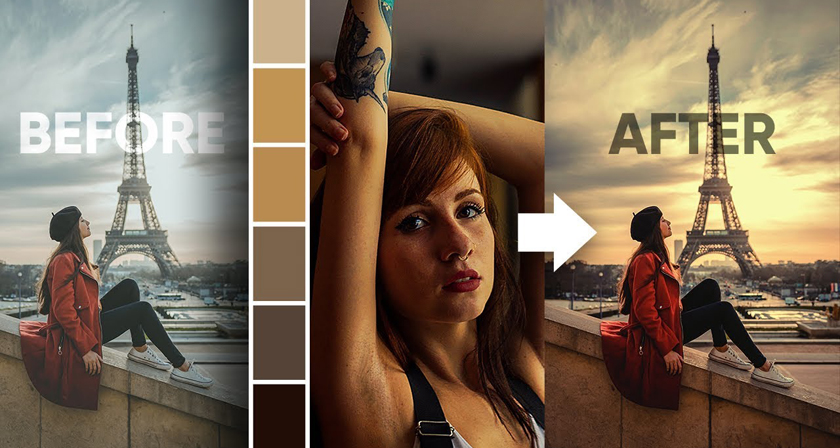
    How To Copy Colors From An Image And Apply Them On Another Image In Photoshop
  • hand-lettering-vector-image-trace-illustrator
    How To Convert Your Hand Lettering From Paper To Digital In Adobe Illustrator
  • scribble-color-picker-pen-stylus
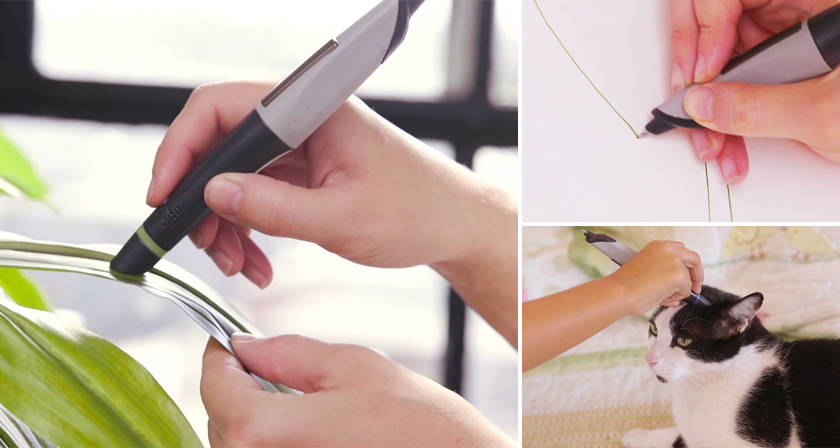
    This Incredible Drawing Pen Lets You Scan And Pick Colors From Objects Around You
  • grandma-creates-beautiful-artwork-in-ms-paint
    These Stunning Artworks Were Created In MS Paint By A 92-Year-Old Grandma From Spain
  • picular-google-image-search-colors
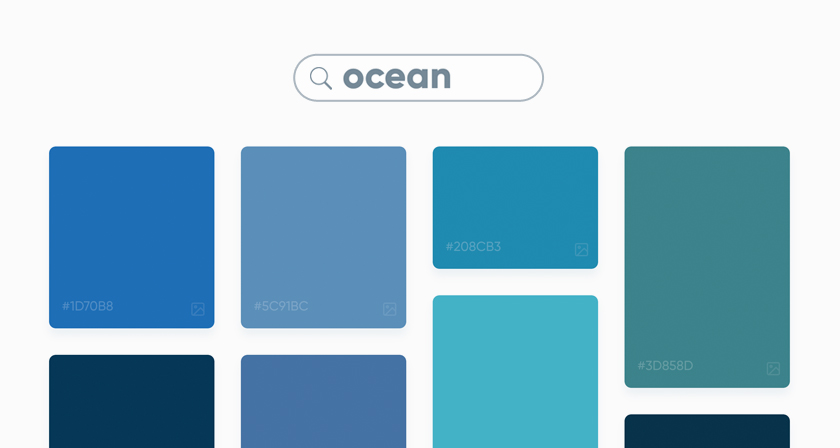
    This Brilliant Free Tool Is Like Google Search For Colors
  • adobe-good-bones-vector-graphics-editing
    Adobe 'Good Bones' Lets You Change Vector Shapes Easily By Adding A Skeleton Structure

Share Your Views:

Comments for this post are now closed.
Share your thoughts with 433,000+ design lovers on our Facebook Page.

Popular

  • Graphic Designer Fixes The 9 Worst Logos Ever
  • 50 Incredibly Creative Logos With Hidden Meanings
  • 11 Best And Worst Redesigns Of Famous Logos
  • Top 10 Netflix Documentaries For Graphic Designers
  • 11 Differences Between Designers And Clients

TRENDING

  • Top 20 Graphic Design Trends For 2026
  • Top 10 Logo Design Trends For 2026 And How To Use Them
  • Portfolios Of Designers Who Have Worked At Apple, Google, Meta, And More
  • Designers Are Sharing Their Redesigns Of Famous Logos And Some Of Them Are Better Than The Original
  • “Which Current Graphic Design Trend Will Age Badly?” – Here Are The Top Replies

Follow Us On

  • Facebook
  • Facebook Group
  • LinkedIn
  • LinkedIn Group
  • Threads
  • Instagram
  • Pinterest
  • X / Twitter

Copyright © 2012-2026 Digital Synopsis | Privacy Policy | Affiliate Disclosure | Advertise With Us