• Home
  • Design
  • Advertising
  • Inspiration
  • Tools
  • Buzz
  • Follow Us ▾
    • Facebook
    • Facebook Group
    • LinkedIn
    • LinkedIn Group
    • Threads
    • Instagram
    • Pinterest
    • Twitter / X

Digital Synopsis

Design, Advertising & Creative Inspiration

  • Photoshop
  • Logo Design
  • UI/UX
  • AI
  • Web Design
  • Typography
  • Photography
  • About Us
  • Advertise

This Incredible Drawing Pen Lets You Scan And Pick Colors From Objects Around You

An artist’s tool is only as good as the artist. But a great tool can help an artist see things in a different light.

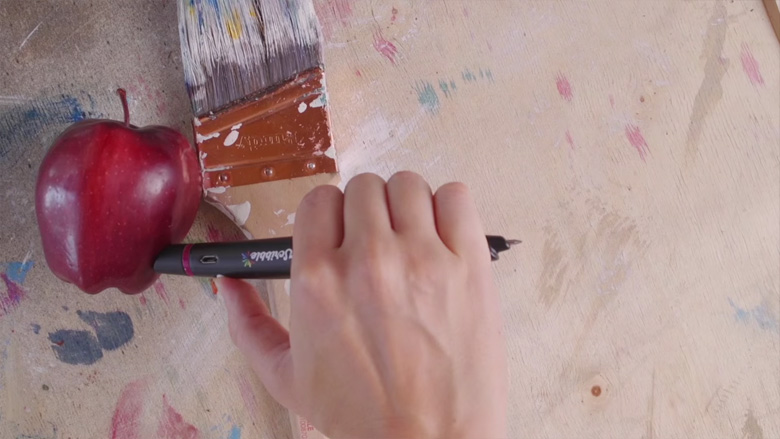
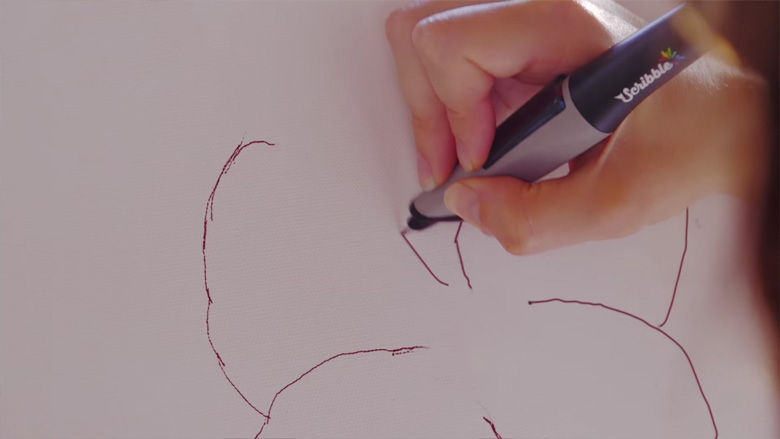
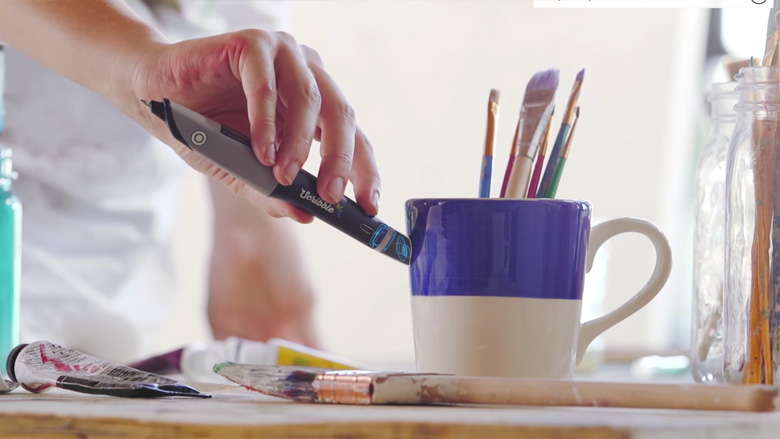
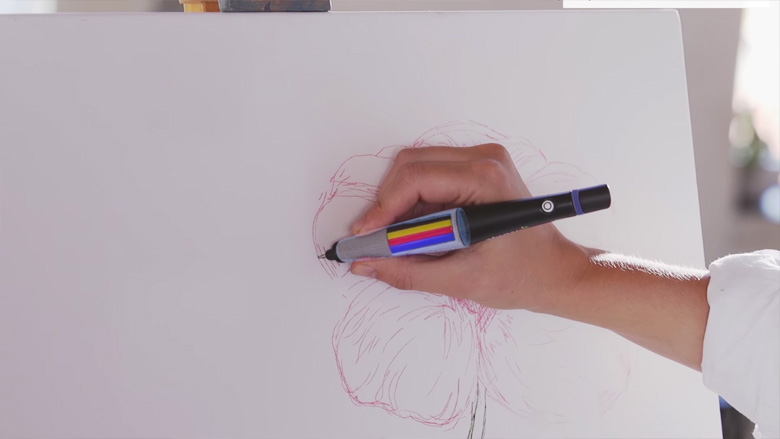
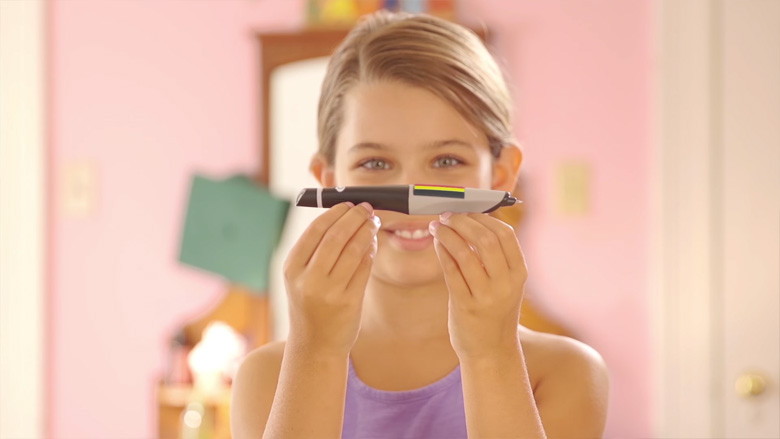
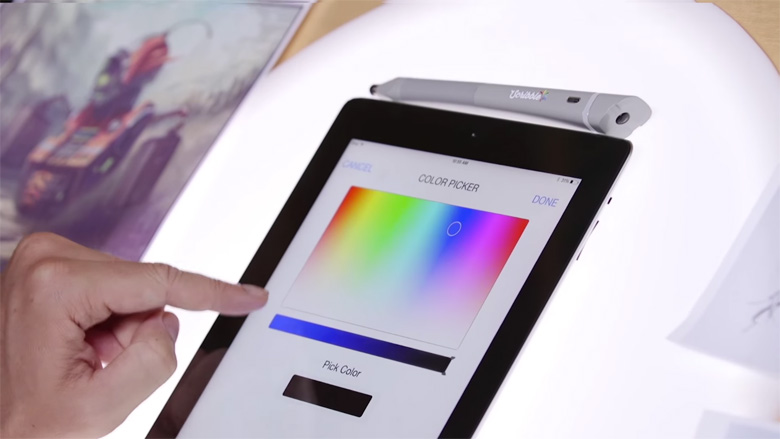
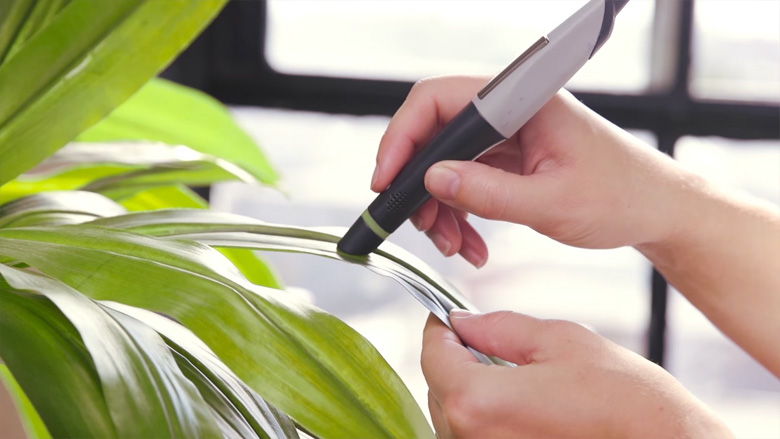
Introducing Scribble, a color picker pen and stylus that let’s you scan colors from any object and use them in your drawings. Check it out below.

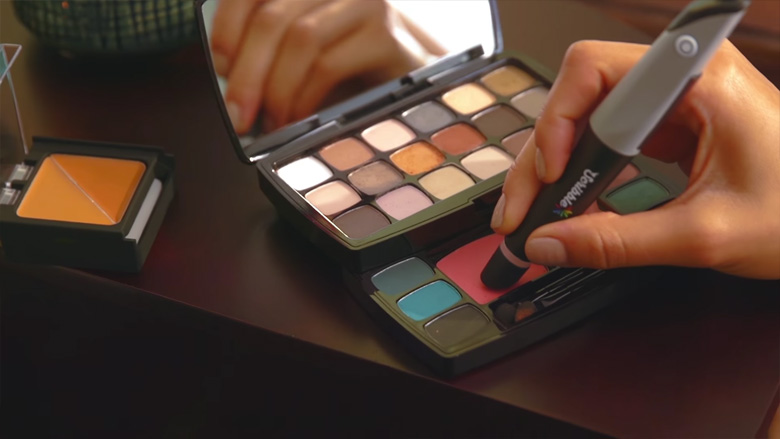
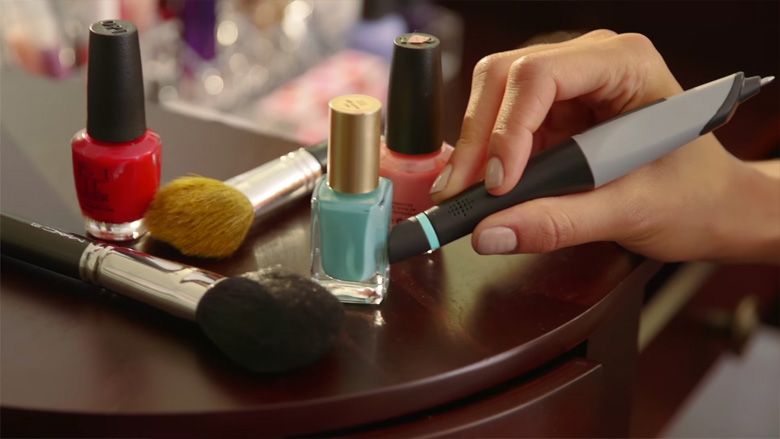
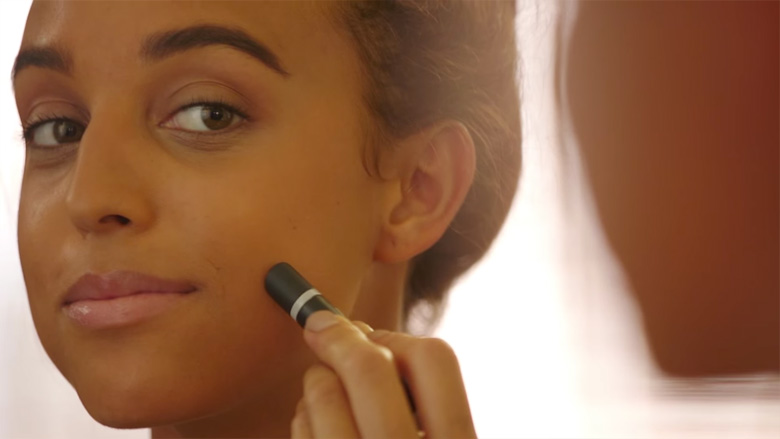
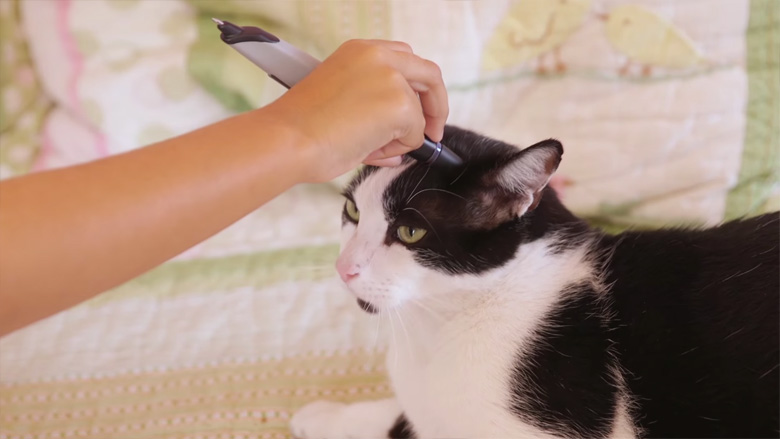
Scan colors from any object around you

Scribble Color Picker Pen & Stylus - 1

Scribble Color Picker Pen & Stylus - 2


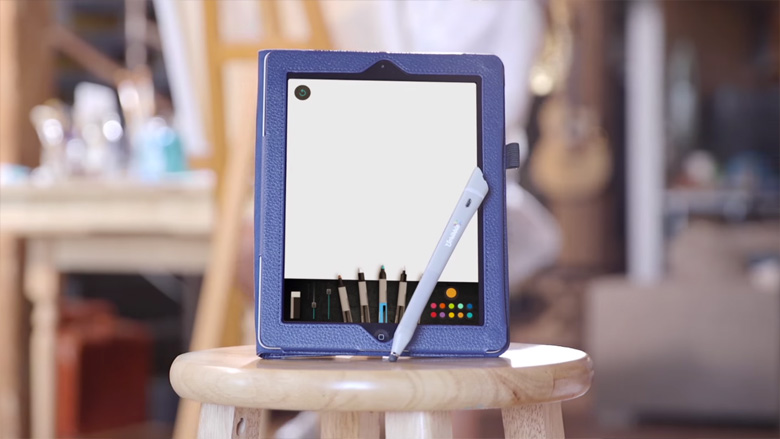
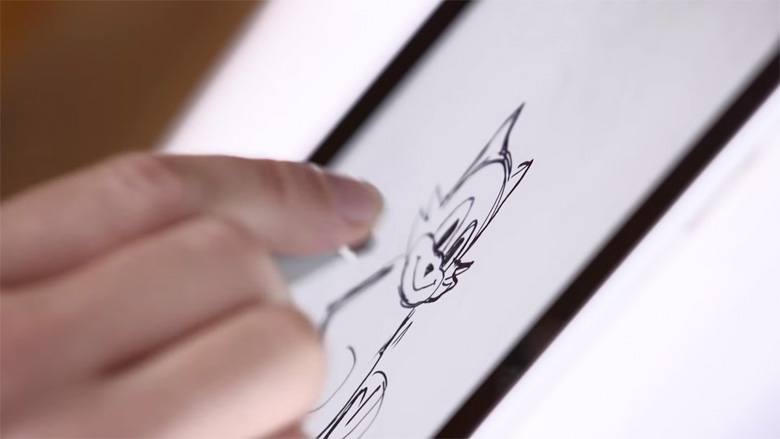
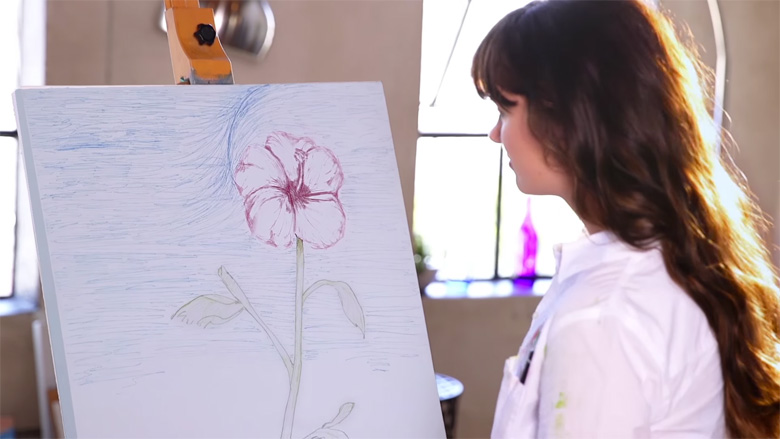
Use them in your drawings

Scribble Color Picker Pen & Stylus - 3


A special color sensor reads the colors you scan

Scribble Color Picker Pen & Stylus - 4


A smart pump mixes and dispenses the colored ink

Scribble Color Picker Pen & Stylus - 5


The Scribble Smart Stylus lets you sync the scanned colors with your devices via Bluetooth

Scribble Color Picker Pen & Stylus - 6


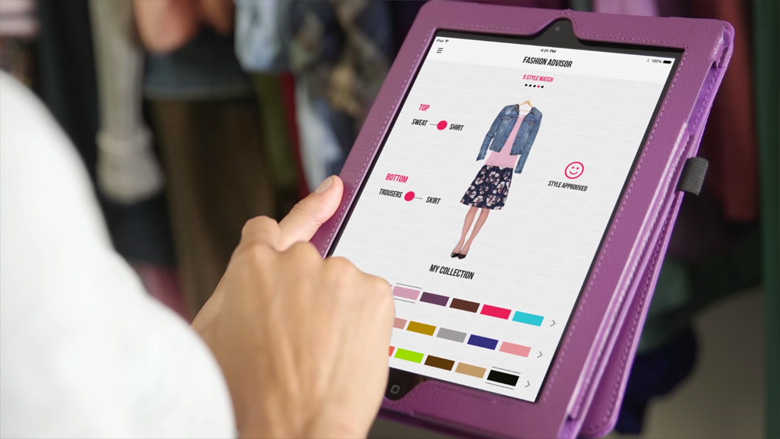
The app lets you know what colors you’ve scanned and saves them for later

Scribble Color Picker Pen & Stylus - 7

Scribble Color Picker Pen & Stylus - 8

Scribble Color Picker Pen & Stylus - 9

Scribble Color Picker Pen & Stylus - 10

Scribble Color Picker Pen & Stylus - 11


Ink cartridges are refillable and last upto 30 miles of drawing

Scribble Color Picker Pen & Stylus - 12


Scanning is simple and fast

Scribble Color Picker Pen & Stylus - 13


The Smart Stylus lets you apply your colors to Photoshop and other devices

Scribble Color Picker Pen & Stylus - 14


The app lets you access your colors from anywhere

Scribble Color Picker Pen & Stylus - 15

Scribble Color Picker Pen & Stylus - 16


Check it out in action below

The Color Pick Ink Pen (Pro) is available for $225. The Color Pick Stylus comes in two variants – $115 (Kids) and $125 (Artist). Check out their Instagram page for more info.

Share this post with a designer friend and voice your views in the comments below.
Don't Miss:

  • creative-sketches-drawings-using-everyday-objects
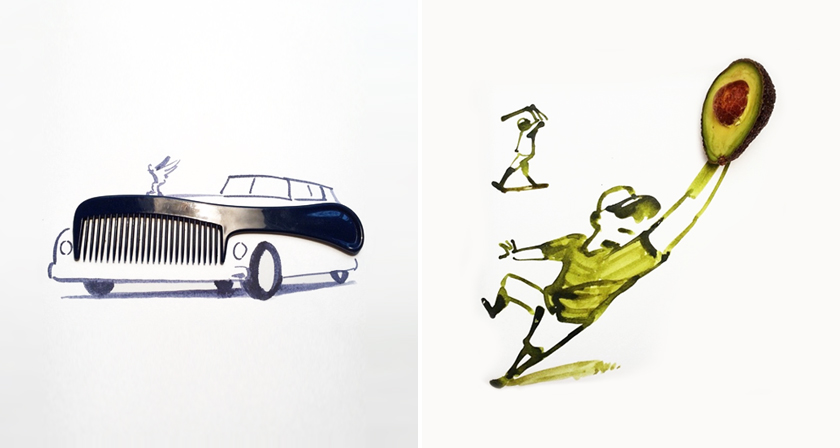
    Artist Uses Everyday Objects To Complete His Sketches
  • picular-google-image-search-colors
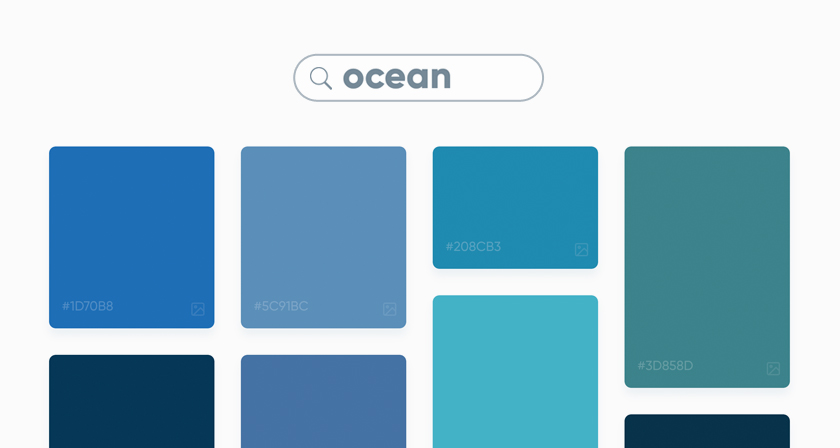
    This Brilliant Free Tool Is Like Google Search For Colors
  • Funny reinterpretation of US flag colors with humorous meanings
    Honest Meanings Of Flag Colors Of 15 Countries
  • colors-of-countries
    Beautiful Color Palettes Of Countries From Around The World
  • color-psychology-meanings-usage
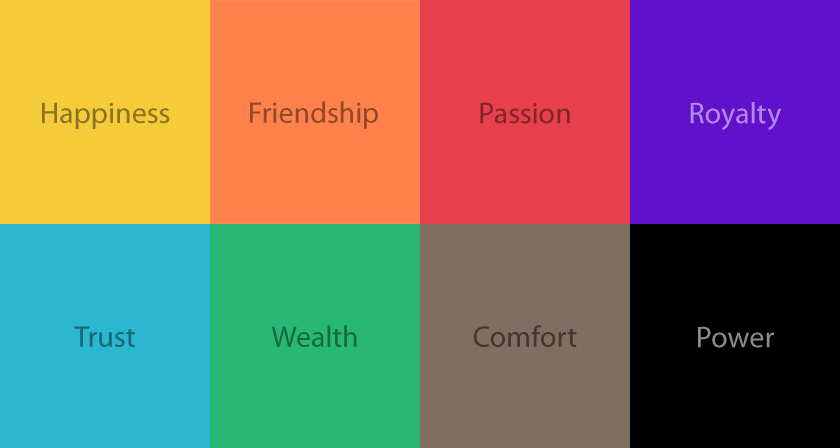
    What Different Colors Mean And How To Use Them
  • differences-between-designers-and-non-designers
    22 Differences Between Designers And Non-Designers

Share Your Views:

Comments for this post are now closed.
Share your thoughts with 433,000+ design lovers on our Facebook Page.

Popular

  • Graphic Designer Fixes The 9 Worst Logos Ever
  • 50 Incredibly Creative Logos With Hidden Meanings
  • 11 Best And Worst Redesigns Of Famous Logos
  • Top 10 Netflix Documentaries For Graphic Designers
  • 11 Differences Between Designers And Clients

TRENDING

  • Top 20 Graphic Design Trends For 2026
  • Top 10 Logo Design Trends For 2026 And How To Use Them
  • Portfolios Of Designers Who Have Worked At Apple, Google, Meta, And More
  • Designers Are Sharing Their Redesigns Of Famous Logos And Some Of Them Are Better Than The Original
  • “Which Current Graphic Design Trend Will Age Badly?” – Here Are The Top Replies

Follow Us On

  • Facebook
  • Facebook Group
  • LinkedIn
  • LinkedIn Group
  • Threads
  • Instagram
  • Pinterest
  • X / Twitter

Copyright © 2012-2026 Digital Synopsis | Privacy Policy | Affiliate Disclosure | Advertise With Us