5 Simple Cold Email Software Solutions for Beginners
Cold email may be a marketing staple, but don’t mistake that for outdated. When it’s done right, it’s still one of the most reliable ways to build relationships within your industry, attract clients, and grow your revenue. For beginners, the challenge is learning that you need more than just a compelling message. You also need software tools in place that can make sure you’re solid in terms of deliverability, personalization, timing, and follow-ups.
The right software solution can make all the difference in whether your message gets opened or ignored. You need a tool that doesn’t just send messages, but also ensures they end up in inboxes and helps you automate the time-consuming and repetitive parts of the outreach process. This will leave you with the time left in the day to focus on the parts that matter.
5 Beginner-Friendly Cold Email Tools
Our five choices for beginners were picked because they give you the simplicity of an intuitive interface, along with effective options to help you on your cold email journey by focusing on deliverability, replies, tracking, and automation
1. Instantly
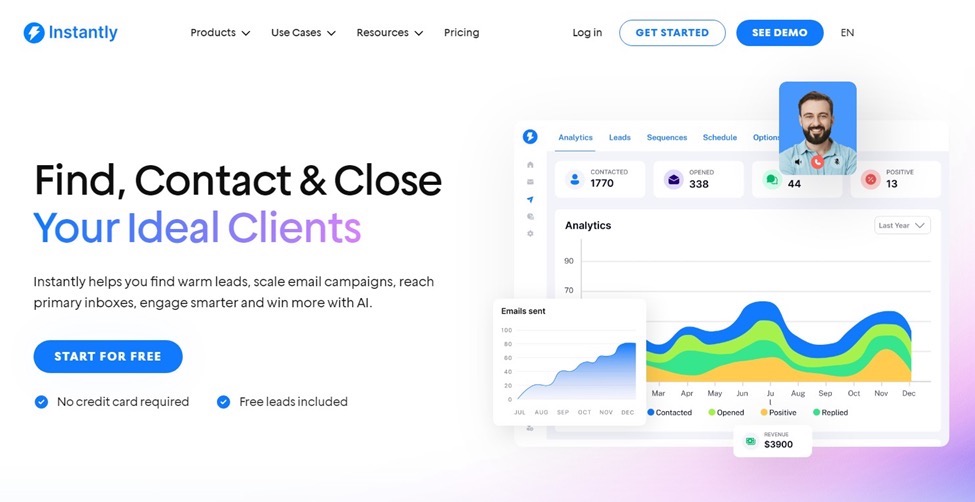
Instantly is our clear top pick for beginners, because it’s designed to help you through every step of your campaign. It’s usable without a technical background, and doesn’t require hours of setup or training to start using.
As a beginner, one of the non-negotiable features you should always be looking for is domain warm-up for deliverability. Instantly offers this by safely and gradually warming up your account. This improves your reputation and keeps your messages out of spam folders.
You also get AI-powered personalization. It can be easy to feel stuck when trying to write a compelling message. You want to convey all of the information you want the potential client or customer to have, but not sound robotic about it. AI suggestions can help you sound natural while also aiding in volume by being able to send hundreds of emails in a short amount of time.
Key Features
Automated email warmup to boost deliverability
AI-powered personalization for natural, scalable outreach
Built-in templates for quick campaign setup
Inbox rotation to manage high-volume sending
Scalable campaigns (start small and grow easily)
Clean, beginner-friendly interface
2. Mailshake
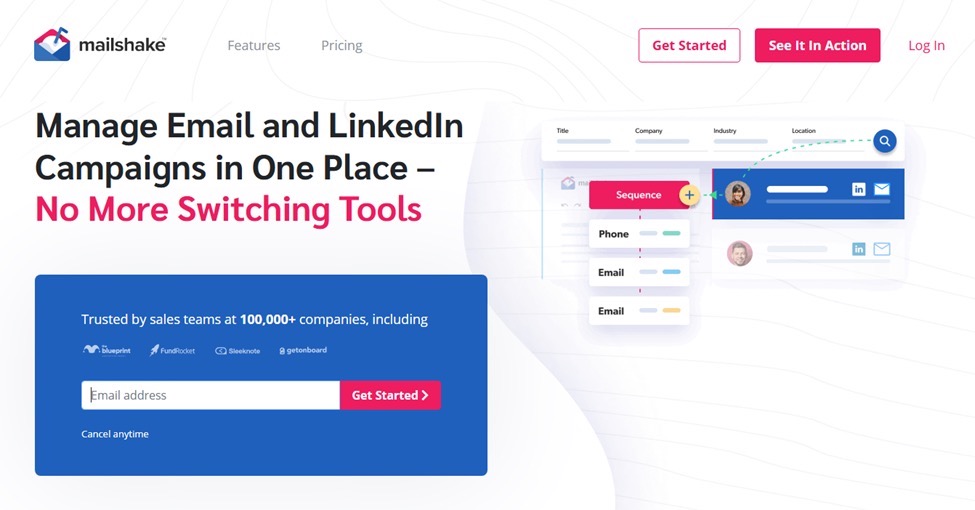
If straightforward, easy-to-use approaches are important to you, Mailshake is another good option. This software solution gives you a step-by-step guided approach to campaign building. It uses a clean layout to take you through every level of creating, sending, and tracking emails.
You even get ready-to-use templates that include scenarios like sales prospecting, link building, content promotion, and follow-ups. These are great to help you until you grow more comfortable in your outreach and want to experiment with customizations of your own.
Key Features
Pre-built outreach templates (sales, link building, promotion)
Step-by-step campaign builder for beginners
Analytics dashboard with open, click, and reply tracking
Automated follow-up sequences
Integrations with popular CRMs and productivity tools
Simple and intuitive user experience
3. GMass
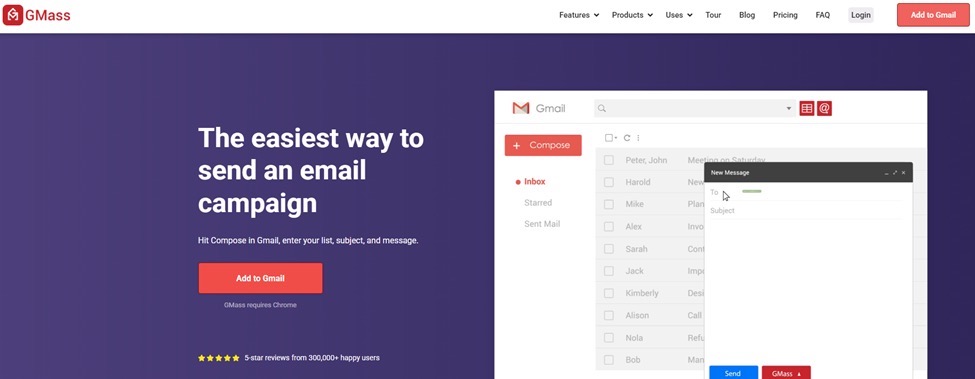
If Gmail is your comfort mailing platform, GMass is the logical fit. It also happens to be one of the easiest ways to get into cold emailing, thanks to the Chrome extension you can install that runs directly beside your Gmail inbox. This means no new interfaces to deal with.
GMass supports mail merge campaigns and allows you to pull information from bulk emails, company information, or spreadsheets. You can also take advantage of automatic follow-ups, without exerting manual effort. This is not the software to go with if you want a lot of bells and whistles, but for anyone who finds simplicity a selling point, it’s the natural – and practical – choice.
Key Features
Works directly inside Gmail (no separate dashboard)
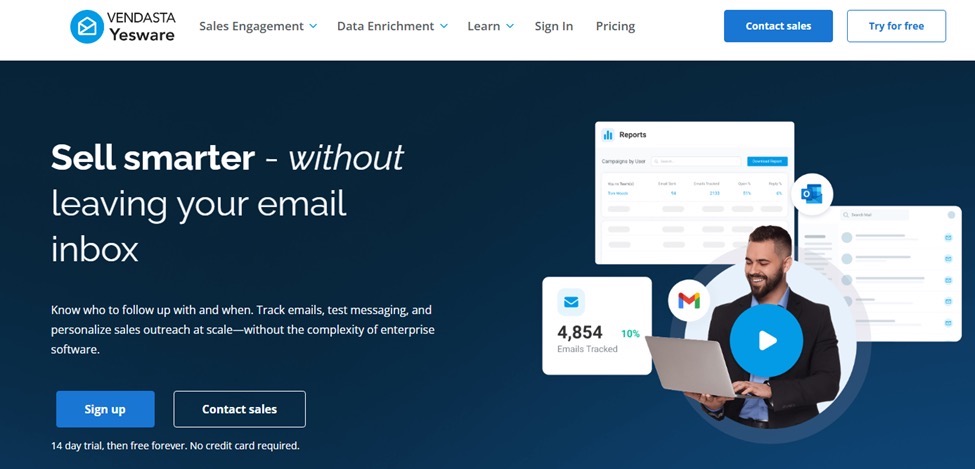
Yesware is great if you’re a beginner and want a tool that will integrate into your existing workflow. It works with both Gmail and Outlook, but also offers more sales-focused features than its competition, GMass.
You do get the basic features like templates, tracking, and scheduling, but the added benefit of Yesware comes in the form of engagement data. The analytics tell you who opened your emails, when, and what kind of interaction they had with them. As a beginner, this information is vital to work out the best sending times and patterns.
Key Features
Gmail and Outlook integration (no new platform to learn)
Email templates and scheduling
Real-time tracking for opens, clicks, and replies
Engagement insights for better timing on follow-ups
Multi-touch campaign creation as you grow
Team collaboration tools for sales teams
5. Reply.io
Reply.io is the most feature-rich and complex software on our list, but it still remains approachable for beginners through onboarding and tutorials. With Reply.io, you can make multichannel campaigns that encompass email, LinkedIn, and even phone touches. This is ideal for a beginner who wants to keep their future expansion options open.
This is also a good option for anyone who needs a tool that will integrate with popular CRMs. Everything can stay organized and working smoothly even when taking on a larger sales process.
Key Features
Multichannel outreach (email, LinkedIn, calls)
Step-by-step onboarding for beginners
Automated sequences and follow-ups
CRM integration for streamlined sales workflows
Built-in analytics and reporting tools
Room to scale into advanced campaigns
Final Thoughts
If you’re a beginner, it can be hard to know what to look for. Some software promises you the moon, but in reality comes with a lot of needlessly complex tools that aren’t even relevant to your business. To start off on the right foot, find a tool that removes bloated features you won’t use while giving you the practical features that make all the difference.
While every tool on this list makes cold outreach accessible for beginners, we feel like Instantly is the clear winner. Ease of use, automation, personalization, scalability – Instantly has it all.