• Home
  • Design
  • Advertising
  • Inspiration
  • Tools
  • Buzz
  • Follow Us ▾
    • Facebook
    • Facebook Group
    • LinkedIn
    • LinkedIn Group
    • Threads
    • Instagram
    • Pinterest
    • Twitter / X

Digital Synopsis

Design, Advertising & Creative Inspiration

  • Photoshop
  • Logo Design
  • UI/UX
  • AI
  • Web Design
  • Typography
  • Photography
  • About Us
  • Advertise

Photoshop’s New ‘Object Selection Tool’ Is A Dream Come True For Designers

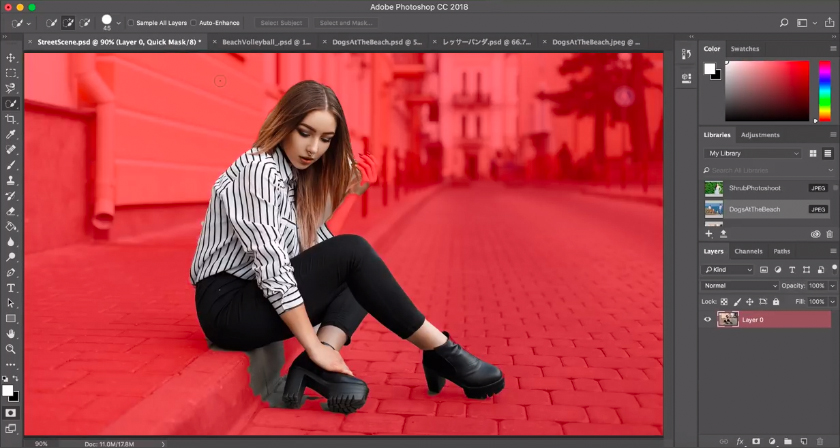
Adobe Photoshop has a new tool called ‘Object Selection Tool’ that is designed to accelerate your selection workflow. It is available from Photoshop version 21.0 onwards, and is placed above the Quick Selection and Magic Wand tools in the tool bar.

To use, just select the tool and click and drag over the object in your photo. Using Adobe Sensei machine learning, the tool will shrink wrap the object with the selection. You can also select parts of an object, or use the lasso marquee to select discontinuous objects.

The Object Selection Tool is also placed in the Select and Mask workspace so you can refine your selection using different tool options and sliders.

Watch the tool in action below

00:15 – Selecting objects
00:30 – Selecting part of the object
00:41 – Example 2
01:04 – Adding to a selection
01:16 – Using Lasso to select discontinuous items
01:28 – Example 3
01:35 – Example 4: Select and Mask
Learn More Photoshop …

Share this post with a designer friend and voice your views in the comments below.

Don't Miss:

  • adobe-photoshop-select-subject-tool
    Photoshop's New 'Select Subject' Tool Lets You Select People And Objects In Just One Click
  • how-to-use-object-selection-tool-in-photoshop
    How To Use Photoshop's Object Selection Tool To Make The Most Accurate Selections
  • adobe-fast-mask-any-moving-object-in-video
    Adobe ‘Fast Mask’ Lets You Quickly Select And Mask Any Moving Object In A Video
  • how-to-remove-object-from-image-in-photoshop
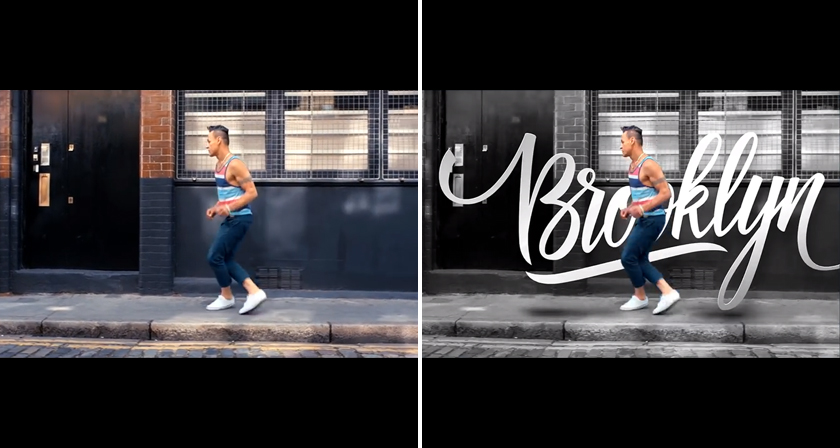
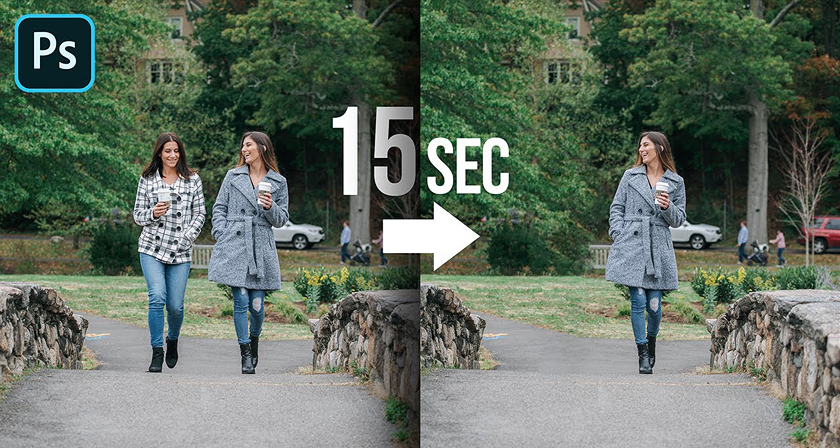
    Learn In 15 Seconds How To Remove Any Object From Your Image In Photoshop
  • adobe-photoshop-select-subject-feature
    Testing Photoshop's New 'Select Subject' Tool That Lets You Select Objects In Just One Click
  • photoshop-remove-unwanted-objects-content-aware-fill
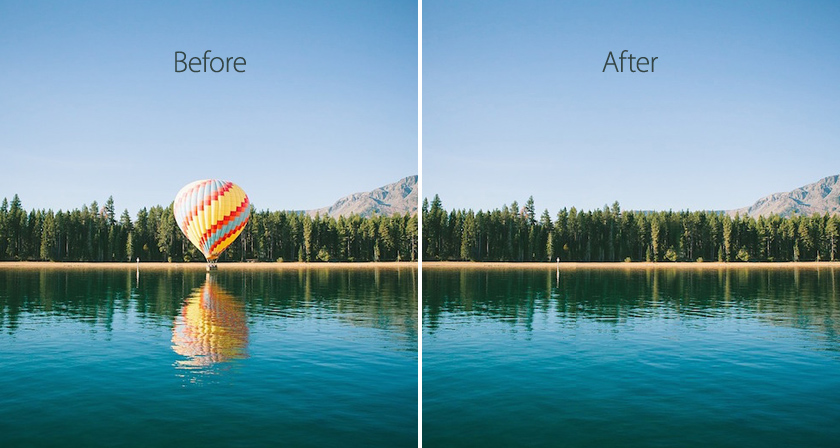
    This Powerful Photoshop Trick Lets You Remove Unwanted Objects In Just 3 Simple Steps

Share Your Views:

Comments for this post are now closed.
Share your thoughts with 433,000+ design lovers on our Facebook Page.

Popular

  • Graphic Designer Fixes The 9 Worst Logos Ever
  • 50 Incredibly Creative Logos With Hidden Meanings
  • 11 Best And Worst Redesigns Of Famous Logos
  • Top 10 Netflix Documentaries For Graphic Designers
  • 11 Differences Between Designers And Clients

TRENDING

  • Top 20 Graphic Design Trends For 2026
  • Top 10 Logo Design Trends For 2026 And How To Use Them
  • Portfolios Of Designers Who Have Worked At Apple, Google, Meta, And More
  • Designers Are Sharing Their Redesigns Of Famous Logos And Some Of Them Are Better Than The Original
  • “Which Current Graphic Design Trend Will Age Badly?” – Here Are The Top Replies

Follow Us On

  • Facebook
  • Facebook Group
  • LinkedIn
  • LinkedIn Group
  • Threads
  • Instagram
  • Pinterest
  • X / Twitter

Copyright © 2012-2026 Digital Synopsis | Privacy Policy | Affiliate Disclosure | Advertise With Us