• Home
  • Design
  • Advertising
  • Inspiration
  • Tools
  • Buzz
  • Follow Us ▾
    • Facebook
    • Facebook Group
    • LinkedIn
    • LinkedIn Group
    • Threads
    • Instagram
    • Pinterest
    • Twitter / X

Digital Synopsis

Design, Advertising & Creative Inspiration

  • Photoshop
  • Logo Design
  • UI/UX
  • AI
  • Web Design
  • Typography
  • Photography
  • About Us
  • Advertise

This Powerful Photoshop Trick Lets You Remove Unwanted Objects In Just 3 Simple Steps

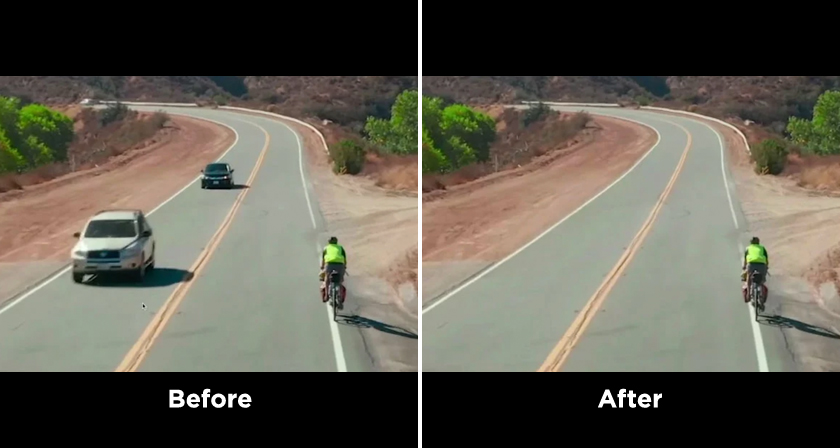
To remove unwanted objects from an image, we usually use the Clone Stamp Tool to duplicate elements from the surrounding area. But here’s a Photoshop hack that makes it even simpler.

Sample image
Sample image

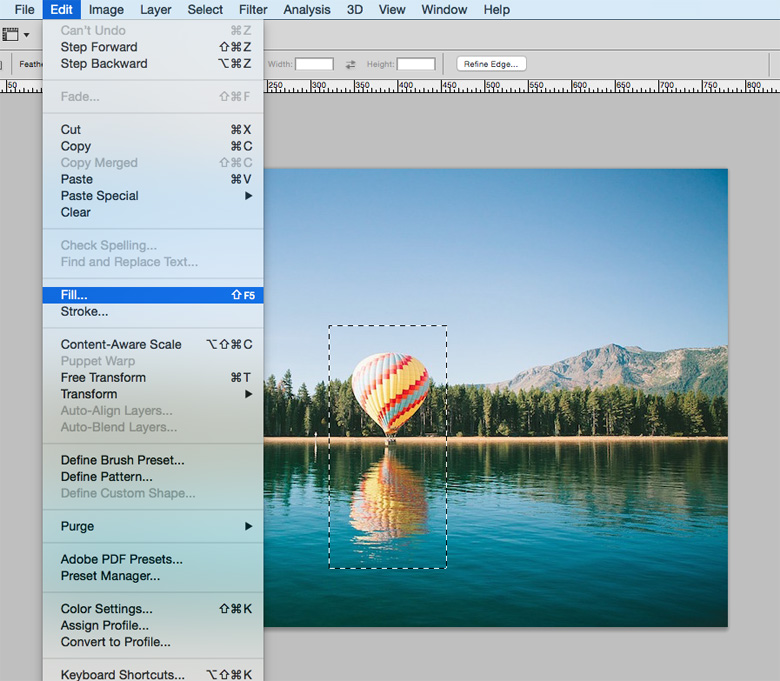
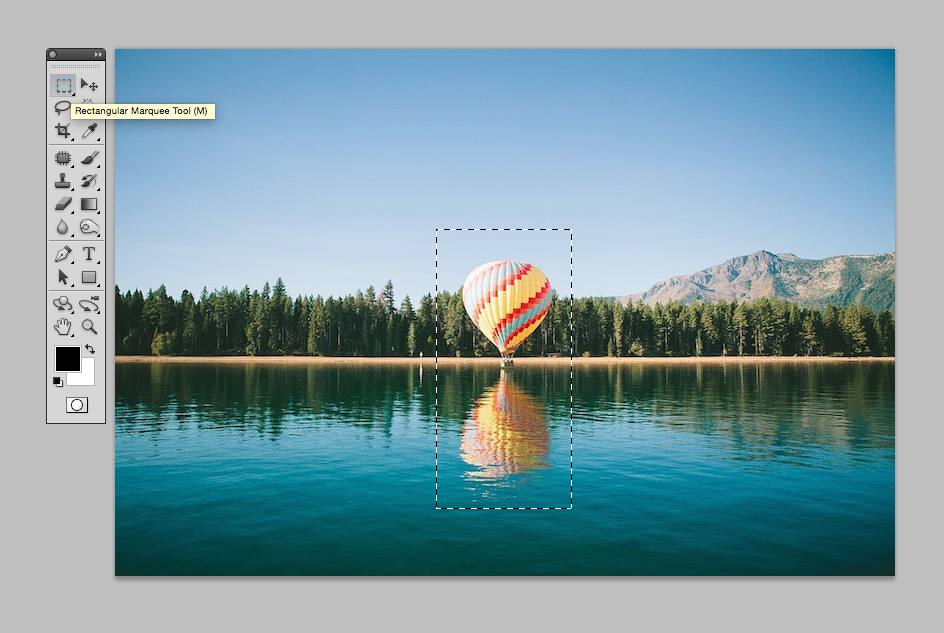
1. Use the Marquee or Lasso tool to select the object you wish to remove

Use the Marquee or Lasso tool to select the object you wish to remove


2. Click Edit and select Fill

Click Edit and select Fill


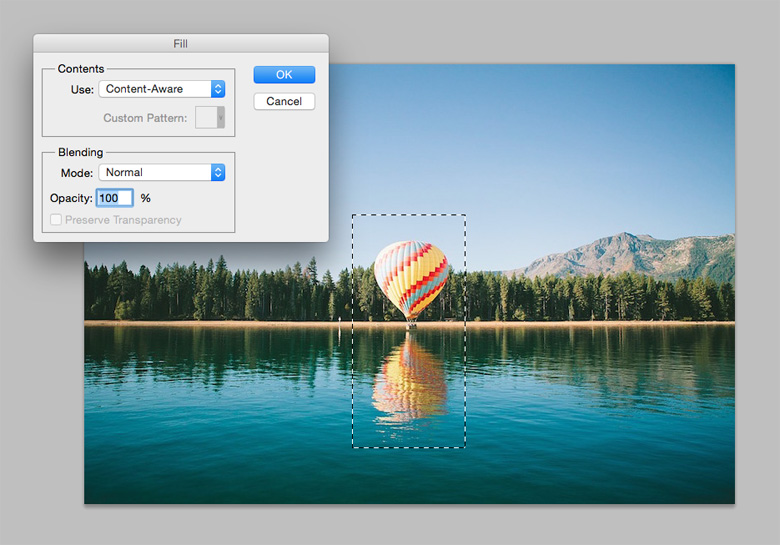
3. Select ‘Content-Aware’ and click OK

Select 'Content-Aware' and click OK


The result
The result

If you had a “How did I not know this?” moment, you are not alone. You’ll probably need to fine tune some areas depending upon your image, but this is a useful trick to know nonetheless. Share this post with a designer friend and voice your views in the comments below.

Don't Miss:

  • how-to-remove-object-from-image-in-photoshop
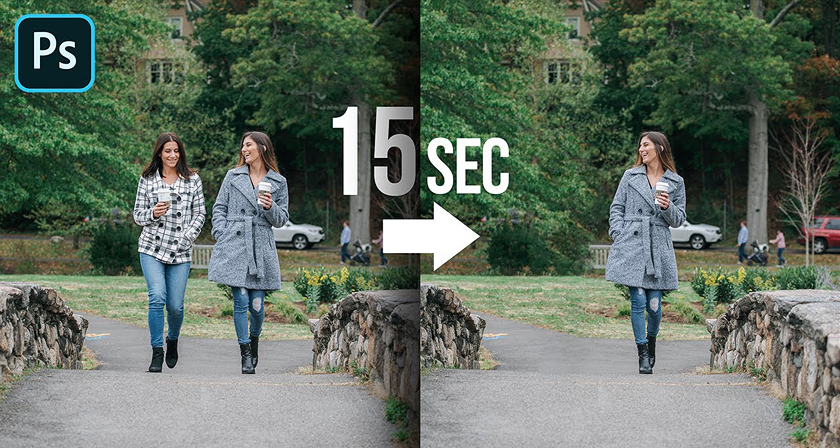
    Learn In 15 Seconds How To Remove Any Object From Your Image In Photoshop
  • adobe-photoshop-select-subject-tool
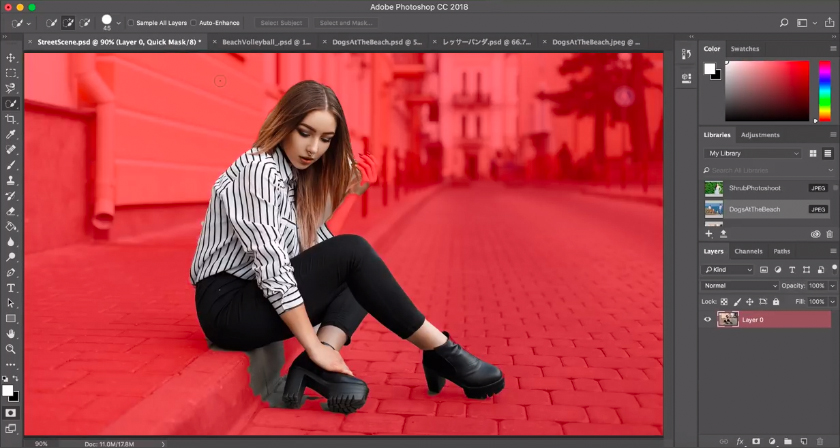
    Photoshop's New 'Select Subject' Tool Lets You Select People And Objects In Just One Click
  • photoshop-object-selection-tool
    Photoshop's New 'Object Selection Tool' Is A Dream Come True For Designers
  • adobe-after-effects-content-aware-fill-for-video
    Adobe After Effects Has A Powerful Tool That Can Remove Any Object From Your Video
  • adobe-photoshop-select-subject-feature
    Testing Photoshop's New 'Select Subject' Tool That Lets You Select Objects In Just One Click
  • photoshop-tutorial-remove-unwanted-objects-people
    How To Remove Your Ex-Boyfriend Or Girlfriend From A Photo Using Photoshop

Share Your Views:

Comments for this post are now closed.
Share your thoughts with 433,000+ design lovers on our Facebook Page.

Popular

  • Graphic Designer Fixes The 9 Worst Logos Ever
  • 50 Incredibly Creative Logos With Hidden Meanings
  • 11 Best And Worst Redesigns Of Famous Logos
  • Top 10 Netflix Documentaries For Graphic Designers
  • 11 Differences Between Designers And Clients

TRENDING

  • Top 20 Graphic Design Trends For 2026
  • Top 10 Logo Design Trends For 2026 And How To Use Them
  • Portfolios Of Designers Who Have Worked At Apple, Google, Meta, And More
  • Designers Are Sharing Their Redesigns Of Famous Logos And Some Of Them Are Better Than The Original
  • “Which Current Graphic Design Trend Will Age Badly?” – Here Are The Top Replies

Follow Us On

  • Facebook
  • Facebook Group
  • LinkedIn
  • LinkedIn Group
  • Threads
  • Instagram
  • Pinterest
  • X / Twitter

Copyright © 2012-2026 Digital Synopsis | Privacy Policy | Affiliate Disclosure | Advertise With Us