5 Ways How CapCut PC Helps Businesses And Marketers Edit Videos In Less Time
At this moment, marketing and businesses are done using the CapCut Desktop Video Editor thanks to its user-friendly features partitioned towards burgeoning levels of productivity. Whether it is social ads, promotional videos, or corporate presentations, editing them becomes smooth with an infrastructure that saves time and boosts productivity.
With regards to a world driven by social and online interactions, marketers and businesses require tools that can create videos in record time without sacrificing quality. Moreover, the CapCut Desktop Video Editor stands out as a reliable video editing software that caters to professionals and beginners alike. Its intuitive design ensures that even those without prior experience can navigate its features with ease.
Now that I have your attention, let’s discuss how the CapCut Desktop Video Editor helps businesses and marketers save time while editing videos.
1. Instant Enhancements Using AI Editing Tools
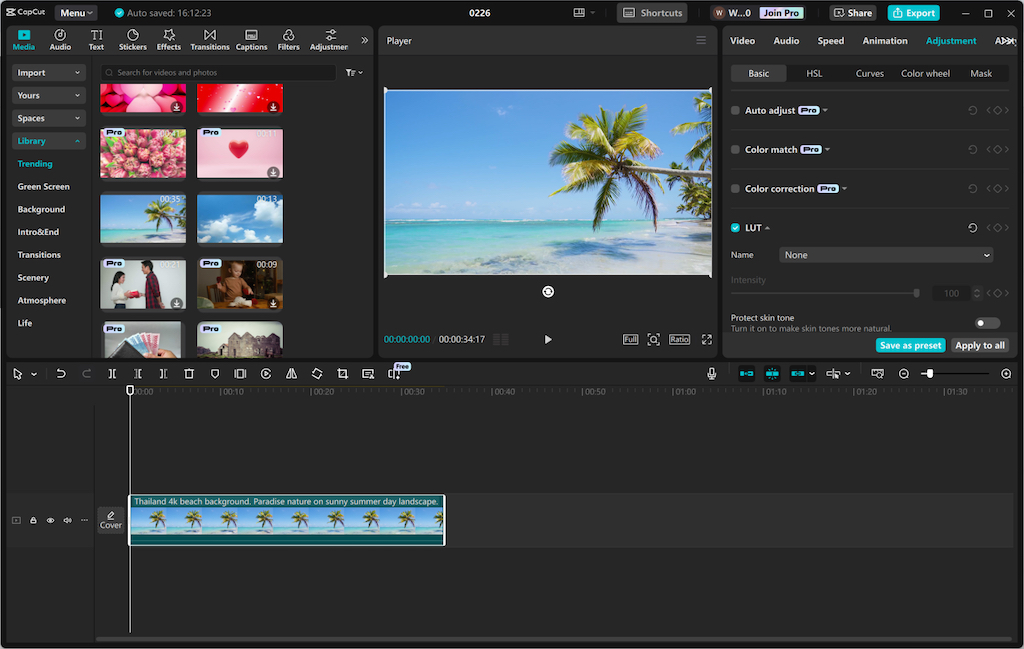
Manual processes can become time-consuming, and this is a particular area where the CapCut Desktop Video Editor excels. Instead of having to adjust brightness, remove backgrounds, and edit the quality of the videos manually, the CapCut Desktop Video Editor makes the process easier with features that include the following:
Supercharge your content creations by removing the background without requiring a green screen.
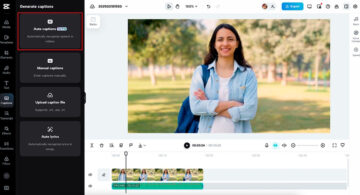
Transcriptions can be time-consuming, this is why Supercharge your edits by instantly generating accurate subtitles instead.
Smart color grading enhances your video edits with AI based on the lighting.
With these features, users can focus on what matters most while the app takes care of how much time is saved during the editing process. Additionally, CapCut’s AI caption generator makes it easier to create engaging content with automatically generated captions, ensuring better audience retention and accessibility.
2. Effortless Edits with Drag-and-Drop Features
CapCut’s unique drag-and-drop feature empowers marketers, even those with little editing proficiency, to create top-notch videos within minutes. Whereas in editing professional and complicated software, you have to go through extensive tutorials first, CapCut makes the user experience more seamless through its editing features such as:
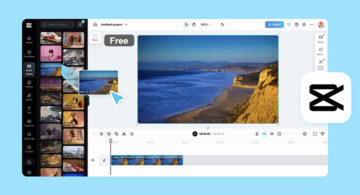
Drag and drop media files to the app without complications
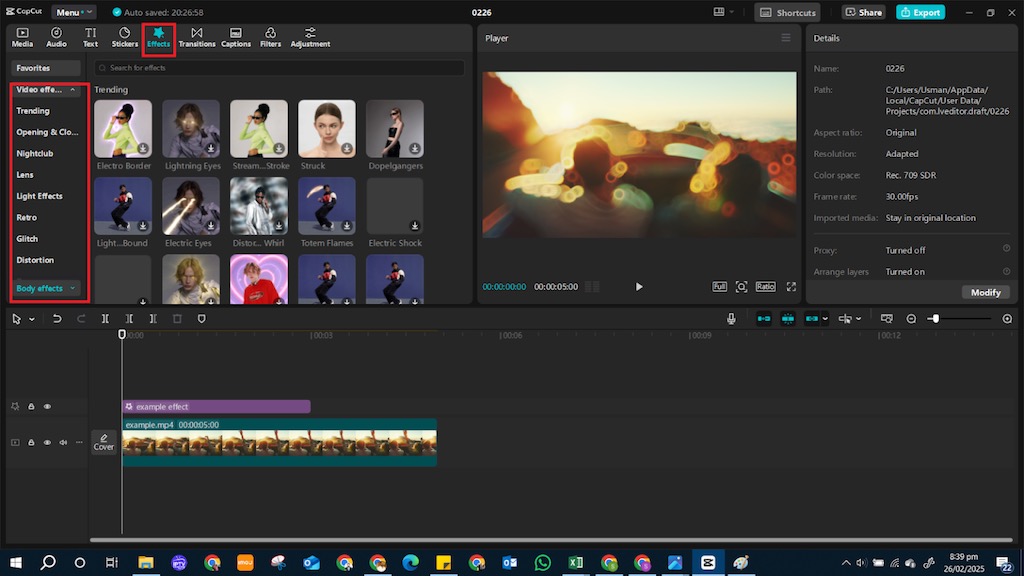
Transitions, effects, and animations can all be added at the click of a button
Clips can easily be trimmed, cut, and rearranged on the timeline.
Cinematic filters and LUTs for professional color grading.
Smooth transitions and animations for a smoother use experience.
Visual effects to enhance video interface and user experience.
This function to easily edit ensures professionals and brands alike are able to produce top-quality videos without having a full-time video editor on the team.
3. Custom Templates for Rapid Content Generation
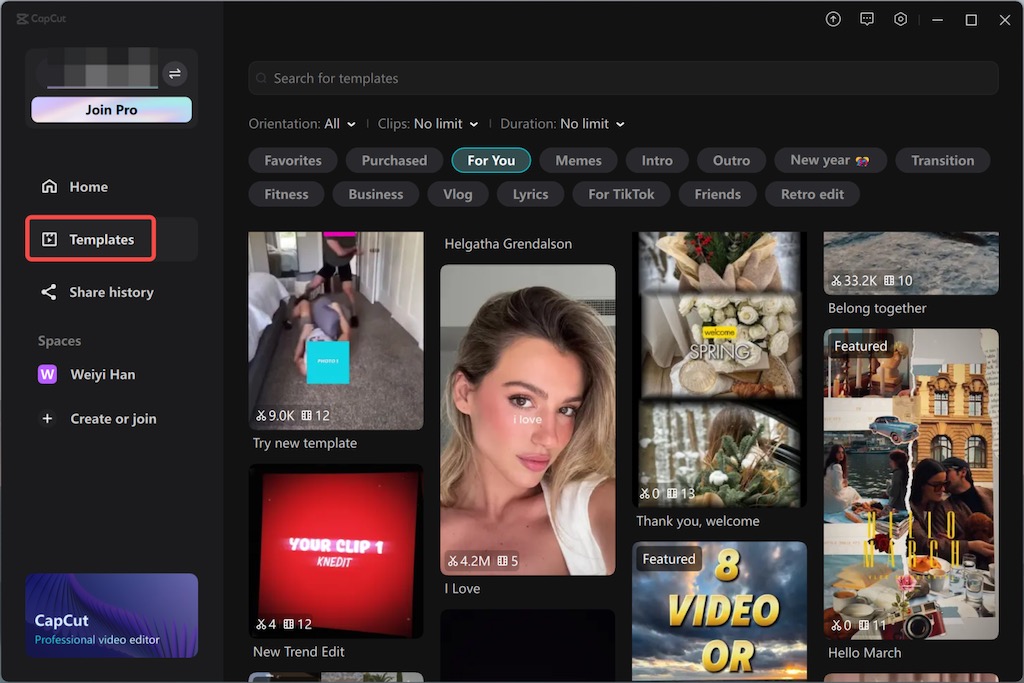
For businesses looking to create bulk high-quality content, Capcut has various custom templates. These templates provide added functionality for:
Social Media Ads: Set Up interesting advertisements on Instagram, TikTok, and Facebook in a matter of minutes
YouTube Intros & Outros: Mass production of YouTube content provides a boost
Corporate Presentations: Quickly create and assemble product demos, explainer videos, or training videos
Marketers with customizable templates are able to cut down on editing time while also ensuring brand continuity.
4. Use text-to-speech features
CapCut’s powerful text-to-speech feature empowers businesses to effortlessly transform scripts into realistic voiceovers without needing third-party tools or additional software. This built-in functionality not only saves time by eliminating manual file transfers but also enhances productivity by streamlining the entire workflow.
With a wide range of voice options—each customizable for pitch, tone, and accent—teams can create voiceovers that match their desired tone and style with exceptional clarity. Whether for marketing videos, tutorials, or product demos, this feature ensures high-quality audio that integrates seamlessly into your project.
Simply click “Text” > “Text to Speech” and instantly turn your written content into professional-grade voiceovers, reducing the complexity of video production while maintaining a polished final result.
5. Optimizing and Exporting in One Click
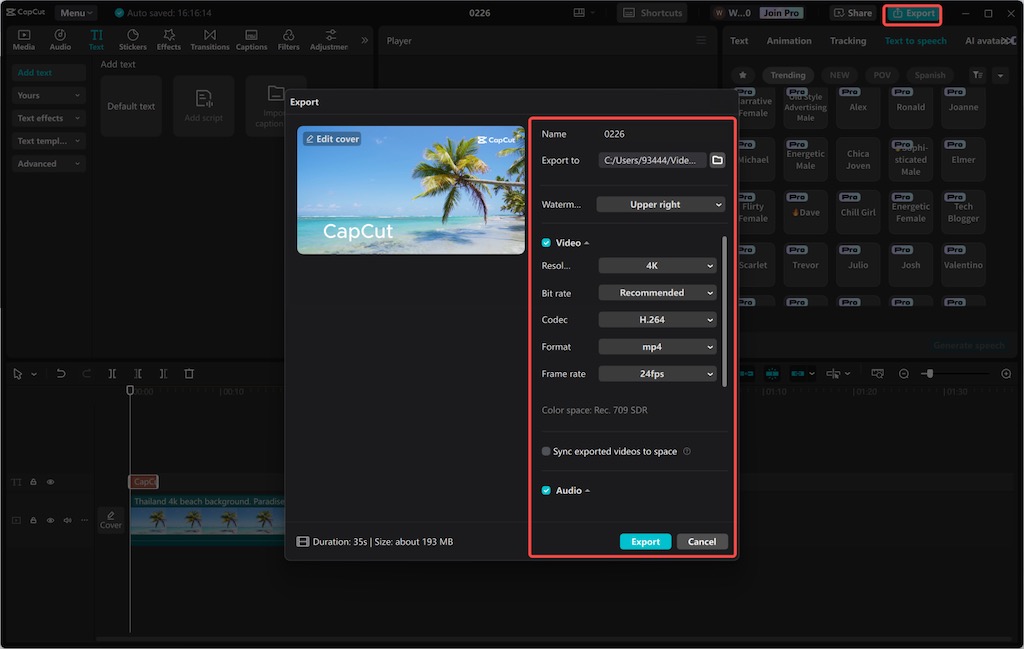
Publishing the video is one thing, but making sure it is in the right format for different platforms is the tedious part. CapCut provides an easy way to do this with:
One Click Export: Instantly export videos in designed resolutions and formats. CapCut provides this solution economically and professionally.
Social Media Pre-Set Export Option: Videos can also be tailored for TikTok, and YouTube without manual tweaking. You don’t need to export it individually to every platform as CapCut understands its users’ needs.
Speed Rendering: Fast, stress-free processing for high-quality videos.
This prevents users from having to go through complicated post-production export settings, which makes uploading much faster. CapCut offers its own rendering solutions for this purpose.
Final Thoughts:
CapCut Desktop offers a range of powerful features that make video editing more convenient than ever and more efficient for businesses, marketers, content creators, and other professionals. The above explained were some of its best features.