• Home
  • Design
  • Advertising
  • Inspiration
  • Tools
  • Buzz
  • Follow Us ▾
    • Facebook
    • Facebook Group
    • LinkedIn
    • LinkedIn Group
    • Threads
    • Instagram
    • Pinterest
    • Twitter / X

Digital Synopsis

Design, Advertising & Creative Inspiration

  • Photoshop
  • Logo Design
  • UI/UX
  • AI
  • Web Design
  • Typography
  • Photography
  • About Us
  • Advertise

Graphic Design Just Changed Forever With Adobe’s New Stardust Tool

Imagine if you could move, edit, and replace individual objects in a flat JPEG photo as if it were layered? And when you move an object, the background gets generated automatically.

Adobe’s Project Stardust is a revolutionary object-aware editing engine that was showcased at the company’s Max Creativity Conference this year. Stardust uses artificial intelligence and generative AI to speed up image editing workflow by automating time-consuming tasks.

You can move any object in your photo and the AI will automatically generate the background behind the object you moved. It will also adjust the lighting, color, and shadows accordingly.

You can add, replace, and transform any object in your photo at the click of a button. Stardust literally works like magic and makes the image editing process intuitive, seamless, and time efficient. It’s like you could reach into the photo and edit it in real life.

Watch Stardust in action below

01:08 – Intro
01:40 – Moving objects
02:24 – Removing objects
03:04 – Adding objects
04:02 – Replacing objects
04:45 – Example 2
05:10 – Automatic background generation
06:20 – Outro

Share this post with a designer friend and voice your views in the comments below.

Don't Miss:

  • adobe-project-fast-fill
    Incredible New Tool From Adobe Lets You Add Or Remove Objects In VIDEOS Using The Power Of…
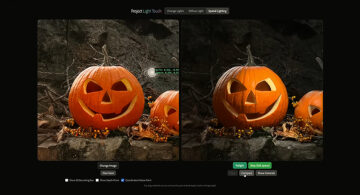
  • Side-by-side comparison showing Adobe’s Project Light Touch relighting a carved pumpkin photo with AI-generated lighting.
    Imagine If You Could Control The Lighting Of A Photo After You’ve Taken It — Adobe Just Made…
  • adobe-fast-mask-any-moving-object-in-video
    Adobe ‘Fast Mask’ Lets You Quickly Select And Mask Any Moving Object In A Video
  • photoshop-object-selection-tool
    Photoshop's New 'Object Selection Tool' Is A Dream Come True For Designers
  • blend-images-in-photoshop
    Incredible New Feature In Photoshop Lets You Blend Images Perfectly With Just One Click
  • mit-ai-assisted-image-editing
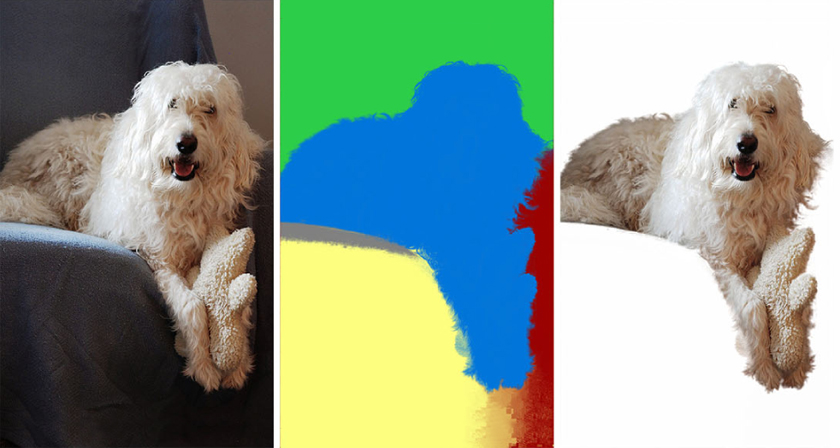
    MIT Creates AI That Can Cut-Out Any Object In An Image And Replace Backgrounds With Ease

Share Your Views:

Comments for this post are now closed.
Share your thoughts with 433,000+ design lovers on our Facebook Page.

Popular

  • Graphic Designer Fixes The 9 Worst Logos Ever
  • 50 Incredibly Creative Logos With Hidden Meanings
  • 11 Best And Worst Redesigns Of Famous Logos
  • Top 10 Netflix Documentaries For Graphic Designers
  • 11 Differences Between Designers And Clients

TRENDING

  • Top 20 Graphic Design Trends For 2026
  • Top 10 Logo Design Trends For 2026 And How To Use Them
  • Portfolios Of Designers Who Have Worked At Apple, Google, Meta, And More
  • Designers Are Sharing Their Redesigns Of Famous Logos And Some Of Them Are Better Than The Original
  • “Which Current Graphic Design Trend Will Age Badly?” – Here Are The Top Replies

Follow Us On

  • Facebook
  • Facebook Group
  • LinkedIn
  • LinkedIn Group
  • Threads
  • Instagram
  • Pinterest
  • X / Twitter

Copyright © 2012-2026 Digital Synopsis | Privacy Policy | Affiliate Disclosure | Advertise With Us