Top 3 Free AI Image Enhancers For Stunning Photo Quality And Resolution
We’ve all been there, right? You find an old favorite photo, but it’s disappointingly blurry. Or maybe an important graphic has become a bit blocky and lost its clarity. Perhaps it’s a scanned picture that’s faded over time, and you’re hoping to bring some life back to it. For ages, trying to improve these kinds of images often meant a real struggle with complicated editing software. If you weren’t a tech expert, making those pictures look significantly better could feel like a near-impossible task.
Well, the good news is, things have changed. You no longer need to be a Photoshop expert or shell out for expensive software to improve them. An AI photo enhancer uses clever technology to analyze your pictures. These smart tools can automatically sharpen up details, help boost resolution, cut down noise, and bring clarity back to your images, often in seconds. Now, it’s true AI can’t perform miracles on every photo (especially if it’s extremely pixelated or very badly damaged), but for many common issues, it can do a surprisingly good job.
So, in this article, we’re going to explore five AI image enhancers that we think are some of the best available. Most of them offer free credits or a trial period, which is a great way to see what they can do for your specific images before you decide on anything further.
Artguru AI Image Enhancer
Image source: Artguru
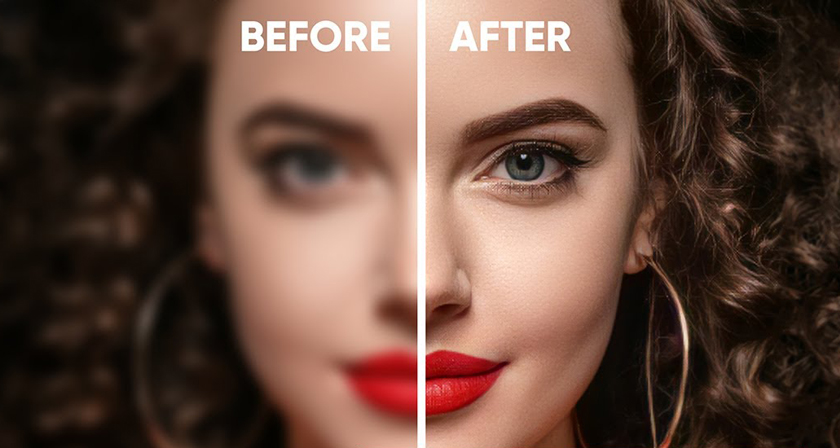
First on our list is Artguru, a really versatile tool that’s great for improving a wide variety of photos. Whether you’re trying to spruce up portraits, make product shots look more professional, or sharpen up scanned documents, Artguru’s image enhancer can improve their quality right away.
If you’ve got photos that are frustratingly blurry, Artguru can help unblur images to make them clearer. It’s also quite good at tackling common annoyances like digital noise (that grainy look) or pixelation, giving your images a cleaner, smoother appearance. A big plus is its upscaling capability. Artguru can take your lower-resolution images and enhance them, potentially improving them to HD quality or even 4K resolution, which is fantastic if you need larger images for printing or clear display on big screens.
One of Artguru’s standout features, especially if you find yourself needing to enhance multiple images regularly, is its batch processing. You can upload up to 50 photos at once and you can download all your improved photos in one go, neatly packaged. And here’s a thoughtful touch that many users will appreciate: Artguru keeps your original file names intact.
Another useful feature is that Artguru provides a handy before-and-after comparison tool to help you see the improvements clearly. You can zoom in as much as you like to see the difference.
Getting started with Artguru is easy too. You can use their online enhancer directly in your web browser, and it’s designed to work smoothly whether you’re on a desktop computer or using your mobile phone. If you’re an iPhone user, they also offer a dedicated iOS app.
Perhaps one of the best parts for new users is that Artguru gives you 4 free enhancements every day. This is a great way to really test out its features on your own photos and see if it’s the right fit for you, all without needing to sign up or commit to anything upfront for those initial tries.
Picsart Photo Enhancer
Image source: Picsart
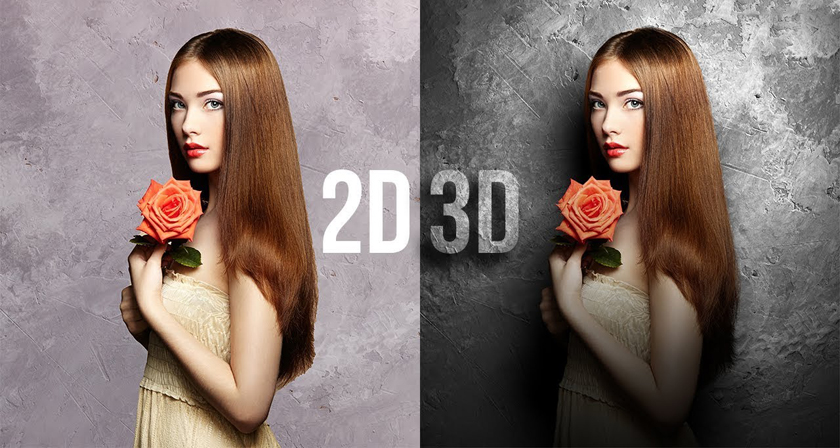
Next up is Picsart, a well-known name that’s recognized as a powerful photo editor. While it offers a comprehensive suite of editing tools, we’ll first look at its handy AI Photo Enhancer.
This enhancer tool also solves common image problems, like noise, blurriness, and low resolution, among others. It can even improve images that suffer from low contrast, making them more vibrant.
An attractive feature here is the free access to its enhancer. You can improve your images with a 2x resolution boost and download them completely free, without any watermarks. This is perfect for when you need a quick improvement for sharing online or for smaller projects. If you need much higher resolutions, like 4K quality, you’ll typically need one of Picsart’s subscription plans.
While Picsart’s photo enhancer doesn’t support batch processing, you’ll work on your images one at a time. However, if you are a technical user or represent a business, Picsart does offer an API for its photo enhancer for broader application.
At Picsart, once you’ve enhanced your photo, you’re not at a dead end. You can take that improved image directly into Picsart’s online photo editor. Inside the editor, you can easily resize your image for any platform, or use various design elements like stylish templates, text, and stickers to personalize your images.
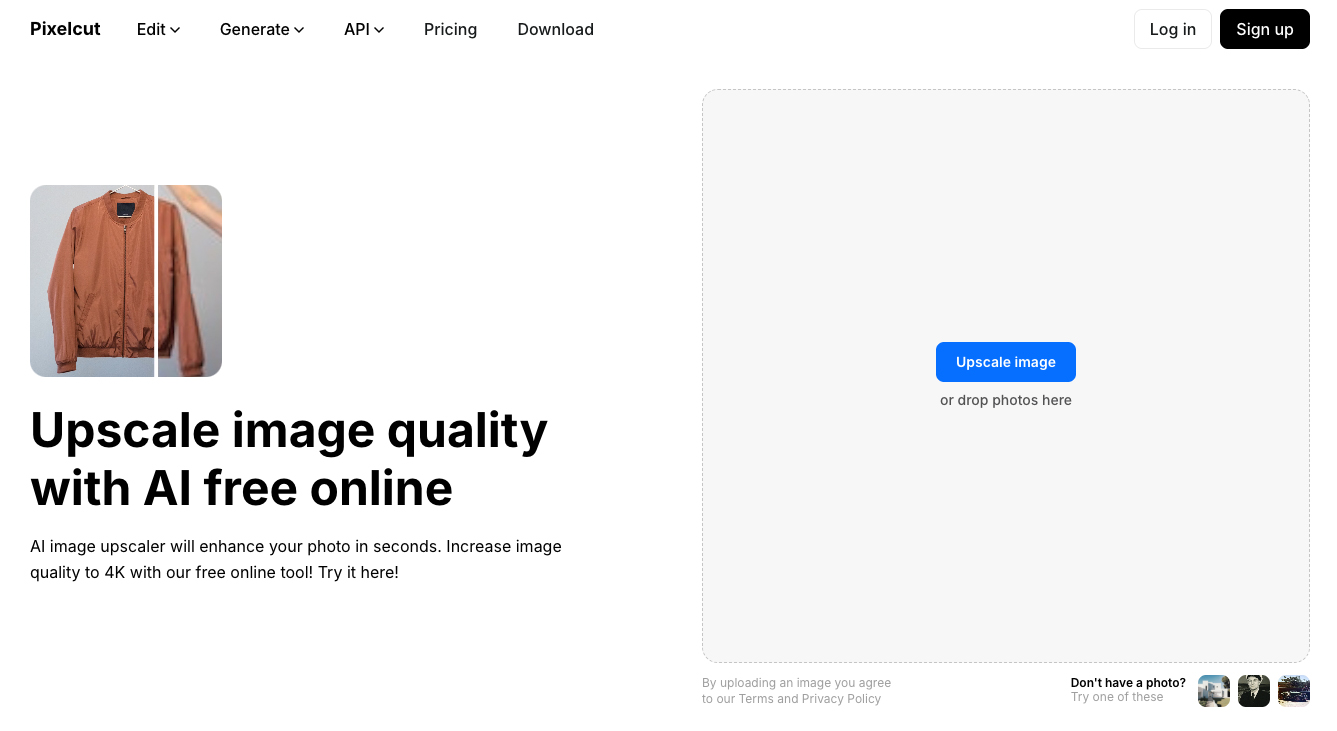
Pixelcut Image Upscaler
Image source: Pixelcut
Last on our list is Pixelcut. If your main goal is to boost your image resolution, Pixelcut’s image upscaler can be a top choice. This tool also effectively fixes common issues like blurriness and pixelation. However, it’s good to know that for color adjustments, such as contrast, this tool doesn’t typically make those kinds of changes.
When it comes to making your images bigger and better, Pixelcut gives you a couple of smart ways to do it. For pure speed, its ‘Fast Upscale’ mode can automatically increase an image’s resolution, often doubling its size (2x), in less than ten seconds. You can usually opt for an even larger 4x size increase with this straightforward approach too. If you want more control over the final look, Pixelcut also offers a ‘Creative Upscale’ mode. This option is quite interesting because it provides ‘resemblance’ and ‘creativity’ sliders, giving you finer control over how the picture is enlarged and how details are really brought out. Because this method involves more complex processing to enhance those details, it naturally takes a bit longer, maybe a minute or more. (It’s also worth noting that with Creative Upscale, there’s an upper limit on the final image size it can produce, so very large starting photos will be scaled accordingly to give you the best possible large, detailed result.)
A practical feature in Pixelcut is that it clearly displays the ‘before’ and ‘after’ pixel dimensions (the width and height in pixels) of your image. This way, you can instantly see the exact change in resolution you’ve achieved, which is great for knowing if it meets your needs.
Setting it apart from traditional photo editors like Picsart, Pixelcut offers a focused set of AI-powered tools rather than a broad range of manual editing options. Beyond upscaling, you’ll find other clever AI functions such as AI background removal and replacement, an AI image generator (to create new visuals from text prompts), and an ‘image expand’ feature to intelligently extend the borders of your pictures.
As for trying it out, Pixelcut offers a free version that lets you access some of its basic upscaling features. For more advanced capabilities, like the Creative Upscale mode, a Pro subscription is generally required.
Choosing the Right AI Image Enhancer & Final Thoughts
So, we’ve explored 3 different AI image enhancers, each with its own strengths. But how do you pick the one that’s truly best for you? It really depends on what you need to do most often with your images.
If you need to improve image quality and resolution across various types of photos, and especially if you often work with many images at once, Artguru is an excellent choice. Its versatile enhancement capabilities combined with efficient batch processing make it a standout for these kinds of tasks.
On the other hand, if your primary focus is on increasing image resolution, perhaps to enlarge photos for clearer, more detailed displays or for printing, Pixelcut with its specialized upscaling modes could be just what you need.
And if you’re looking to generally enhance your images without necessarily needing extreme high-resolution results, and you need to continue editing images, Picsart is very suitable.
Ultimately, the best way to find your favorite is to try it yourself. Each of the tools we’ve discussed offers free credits. Experimenting with your own photos is the surest way to see which tool impresses you the most.