Only Designers With A Pixel-Perfect Eye Can Answer All 12 Questions Correctly In This Quiz
Good design is often about things people don’t consciously notice. A small change in spacing, a slight shift in contrast, or even a tiny tweak in typography can change how something feels, even if you can’t quite put your finger on it.
For designers, this isn’t something you’re taught once and done with. It builds over time. The more you work with layouts, interfaces, and type, the more you start trusting instinct alongside logic. You begin to notice things that others usually miss.
This is where experienced eyes stand out. What looks almost identical at first glance starts to show small differences. And those differences are what make design feel right or off.
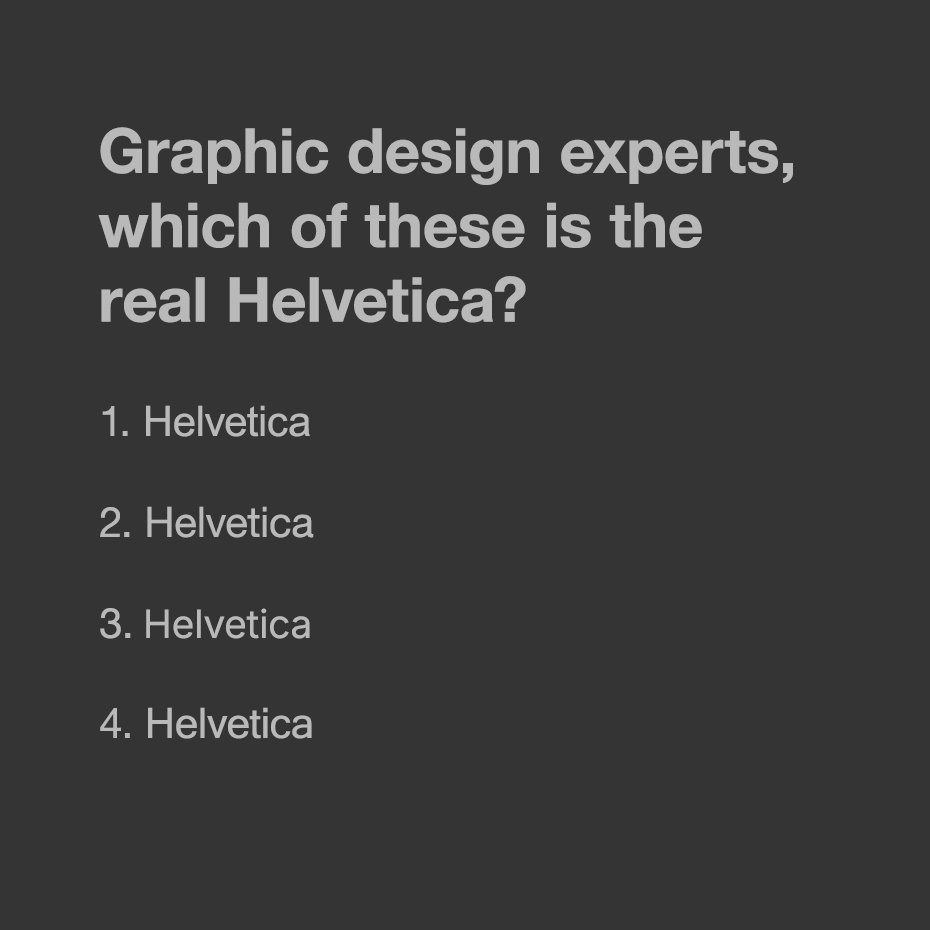
The correct answer is 3. 1 = Arial / 2 = Neue Haas Grotesk / 4 = Microsoft Sans Serif
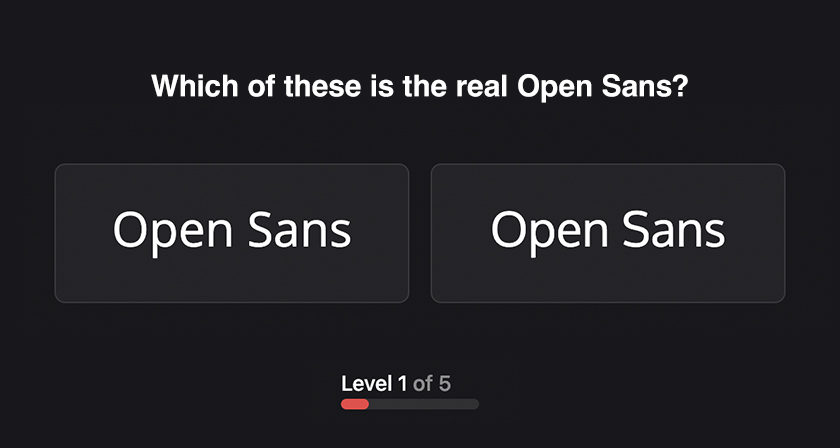
Video content creation platform Kapwing has created an interactive quiz called Semblance that tests your ability to spot pixel-level differences in real-world design scenarios.
It goes beyond typography and challenges your eye on:
Color and contrast
Alignment and spacing
Motion and transitions
Accessibility choices
What makes exercises like this valuable is how closely they mirror real design decisions. In practice, you’re constantly evaluating small variations and choosing what feels right, not just what looks correct.
If you got it right on the first try, you’re already thinking like a detail-oriented designer. If not, it’s a good reminder of how nuanced visual perception can be, and how much of design lives in the margins.
Share this with a designer friend and drop your score in the comments below.