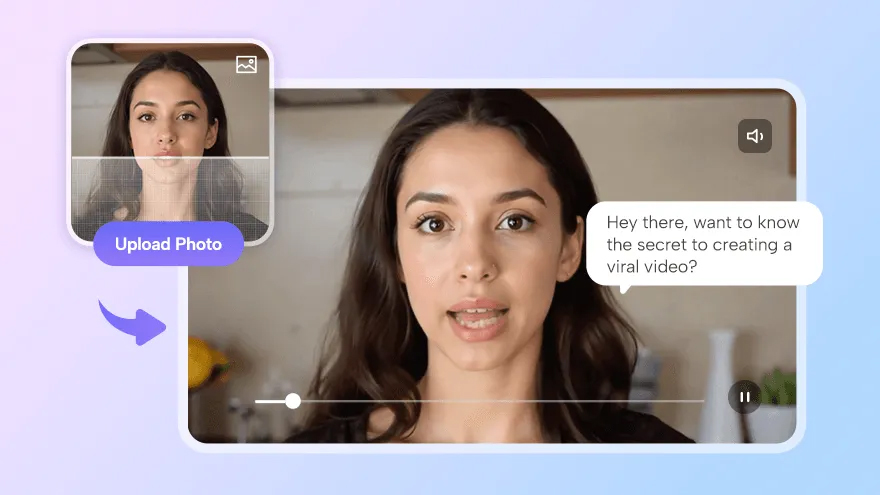
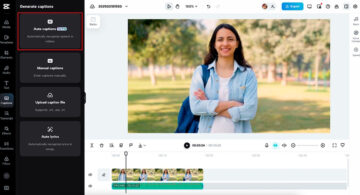
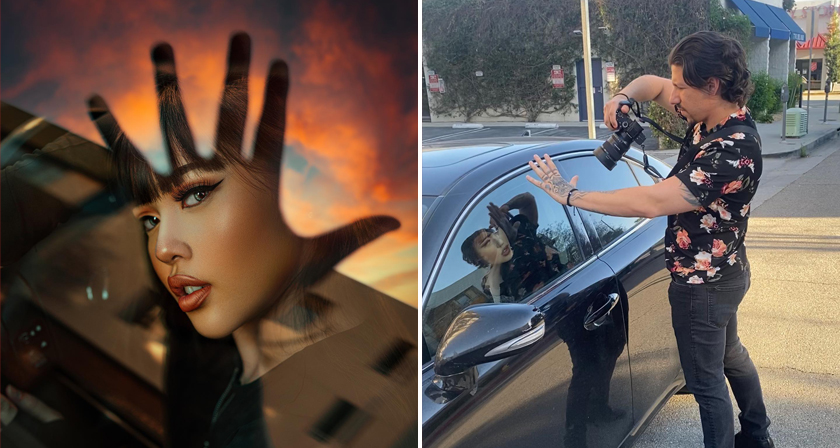
In 2025, the ability to make a still photo talk is no longer a gimmick—it’s a game-changing creative tool used by content creators, educators, marketers, and social media influencers worldwide. With just an image and a few clicks, AI-powered platforms can animate photos with realistic lip-sync, facial expressions, and voiceovers in multiple languages.
These innovations are transforming how we create content, allowing for more dynamic, engaging, and personalized storytelling. Let’s take a look at the top five AI talking photo tools you should try.
Why Talking Photo Tools Are Popular in 2025
The surge in AI-generated content, combined with growing demand for personalization and accessibility, has made talking photo tools a must-have. They simplify the video creation process, reduce costs, and make it easier to connect with a global audience. Whether you’re turning a headshot into a video spokesperson or creating an avatar-driven explainer, these tools help you bring photos to life—quickly and convincingly.
Top 5 Talking Photo Software You Should Try
1. D-ID
D-ID allows users to animate still images with high-fidelity facial motion and lip-sync, using either text-to-speech or audio input. It offers an API for developers and a studio for creators, making it suitable for both technical and non-technical users.
Key Features: D-ID supports realistic facial animation, expression control, and multiple voice options. It also integrates easily into third-party tools via API.
Pros: Accurate lip-sync, quality visual results, developer-friendly.
Cons: Some learning curve; premium features behind paywall.
Best For: Businesses and creators who want realistic talking heads for professional use.
2. JoggAI
JoggAI is a next-generation AI talking photo tool that make your pictures speak effortlessly. It stands out for its balance of realism, ease of use, and multilingual capabilities.
Key Features:
Ultra-Realistic AI Lip Sync
JoggAI uses advanced facial tracking to deliver near-perfect lip movements synced to voice or text input. Whether you’re using an AI-generated voice or your own audio, the tool adjusts mouth shapes and timing naturally—no robotic stutters or awkward pauses.
Natural and Expressive Animation
Beyond lip-sync, JoggAI animates facial expressions, eye movement, and head motion to make your talking photo feel alive. You can apply different animation styles based on tone—formal, casual, cheerful—and even tweak the background and framing to match your video’s context.
50+ Languages & 10,000 AI Voices
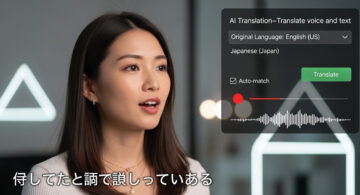
Supporting over 50 languages and 10,000+ AI voices, JoggAI makes global storytelling effortless. Choose from male, female, or character voices across a wide range of accents and styles, making it ideal for creators who need multilingual support.
Pros: Lifelike animation, huge voice library, beginner-friendly UI, mobile optimized.
Cons: High-quality templates may require premium plan
Best For: Educators, social media creators, marketers, and anyone needing fast, high-quality multilingual content.
3. HeyGen
HeyGen brings personality to photo-based avatars with its unique focus on storytelling and expressive animation. It transforms still images into dynamic video scenes complete with gestures, voiceovers, and background effects.
Key Features: You can build scenes using multiple characters, add gestures or reactions, and choose from avatar styles that range from photorealistic to cartoon-like. It also supports text-to-speech and voice input.
Pros: Great for creative storytelling, group animations, and social media videos.
Cons: Slightly less realistic in lip-sync; some avatar styles are stylized over realistic.
Best For: Short-form video creators, influencers, and anyone looking to add emotion and humor to talking photos.
4. Synthesia
Synthesia is a professional-grade AI video platform used by global enterprises. Though best known for avatar presentations, it also allows users to animate photos with high accuracy and multilingual support.
Key Features: Synthesia supports 120+ languages, closed captions, and script control. Its avatar engine is tuned for formal presentations, corporate training, and educational content.
Pros: Highly scalable, top-tier voice clarity, collaborative team features.
Cons: Expensive for individuals, tailored more to business use than creative experimentation.
Best For: Businesses, educators, and teams creating consistent video content at scale.
5. Deep Nostalgia
Deep Nostalgia focuses on bringing old photos to life through subtle, respectful animation. It’s less about speech and more about evoking emotion, using small facial gestures to animate portraits—especially historical or vintage ones.
Key Features: The tool offers pre-set animation types like blinking, smiling, or slight head turns. Though it doesn’t support voice, it’s widely used to enhance genealogical storytelling.
Pros: Simple, emotionally engaging, great for family history.
Cons: No audio or speech functionality; limited to basic gestures.
Best For: Family historians, memorial content, or users interested in reviving old memories.
Conclusion
Talking photo tools have revolutionized the way we create and engage with digital content. Whether for education, marketing, or personal storytelling, these platforms make it easier to turn static images into captivating videos. With advancements in AI technology, the process is now faster, more accessible, and more realistic than ever before.
As these tools continue to evolve, they offer endless possibilities for creators to connect with their audiences in meaningful and innovative ways. Embrace the power of AI and explore the future of visual storytelling—where photos speak as loud as words.