Dogs Explain What Different HTTP Status Codes Mean
Every time you load a web page, your browser and a server have a tiny conversation you never see. The server’s reply comes with an HTTP status code, a three digit number that decides whether you get your page or a blank screen with an apology on it.
The language of the web. These codes are sorted into five groups. The 100s are informational, the 200s mean success, the 300s handle redirects, the 400s point to a problem with the request, and the 500s mean something went wrong on the server. 404 Not Found is the famous one, the page you hit when a link is dead or a post has been deleted. Web developers and SEO teams track these response codes closely, since broken links and server errors can hurt both user experience and search rankings. The rest of us mostly just stare at them, hit refresh, and hope.
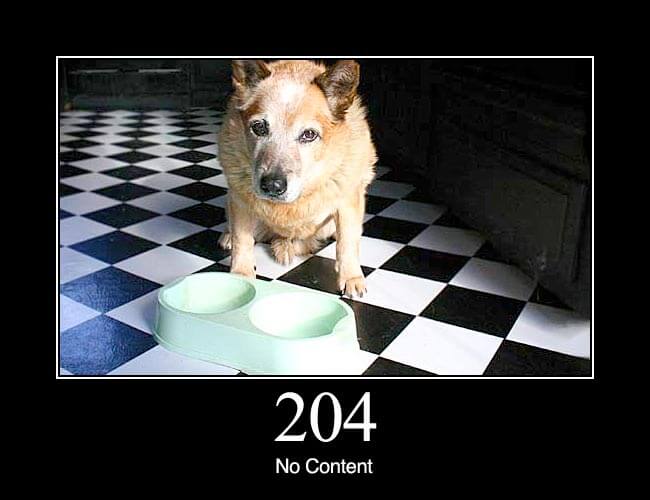
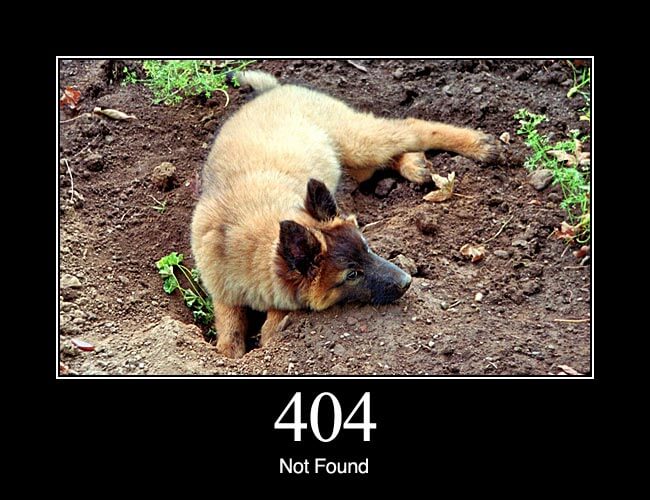
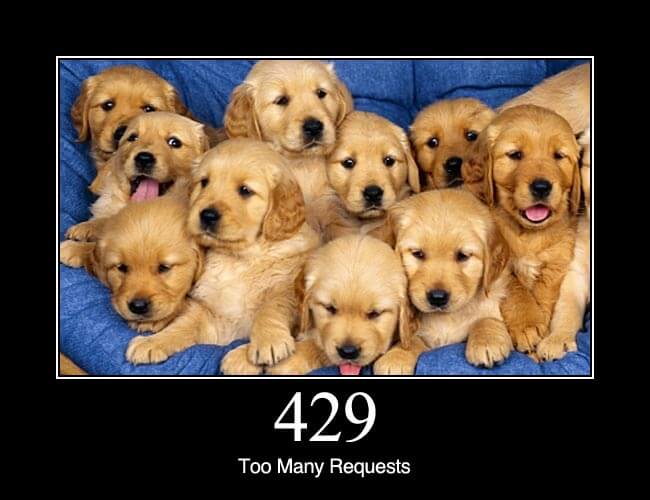
Enter the dogs. Mike Lee, a software programmer in San Francisco, built a site called HTTP Status Dogs that matches each code with a dog photo. And honestly, some of them are spot on. For 204 No Content, there’s a dog sitting next to an empty food bowl, looking up at you like you owe him dinner. The 404 is a puppy with its whole face in a hole, clearly searching for something that isn’t there. Our favorite is 429 Too Many Requests, which is just a pile of golden retriever puppies.
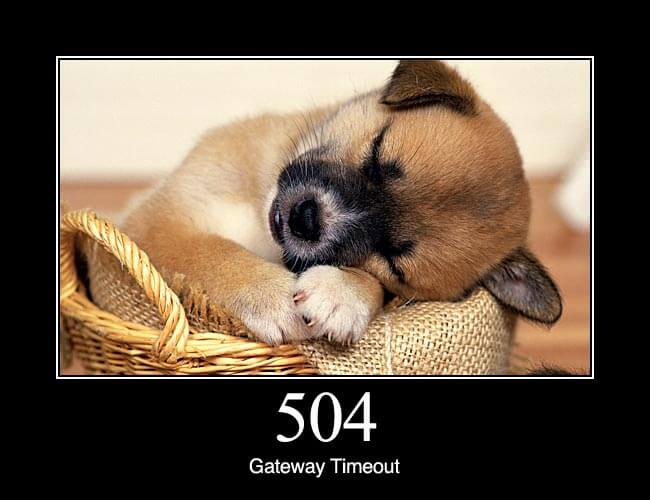
Why it works. We’ve read plenty of technical guides on HTTP status codes over the years, and most of them blur together. This one doesn’t. Pairing each code with a clear visual makes concepts like redirects, timeouts, and gateway errors much easier to remember. It’s hard to forget what 504 Gateway Timeout means once you’ve seen a puppy passed out in a basket next to it.
Worth bookmarking. Send it to the developer on your team, a student learning web design, or anyone who’s ever yelled at a 403 Forbidden page. Below you’ll find 15 of the most common HTTP status codes, each with its meaning and the dog that explains it best.
1.
204 No Content: The server successfully processed the request, but is not returning any content.
2.
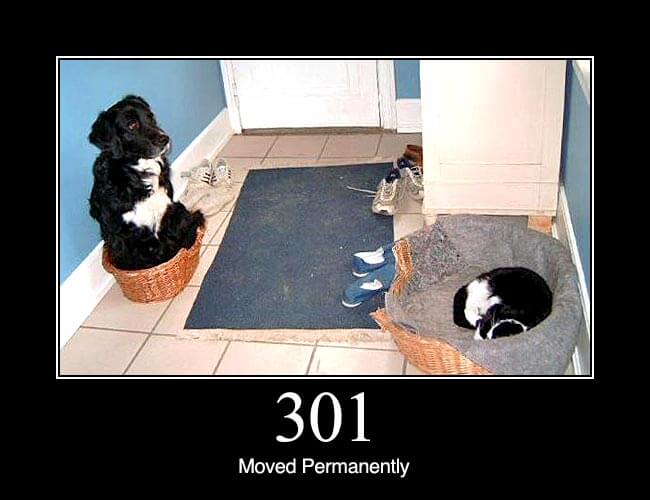
301 Moved Permanently: This and all future requests should be directed to the given URI.
3.
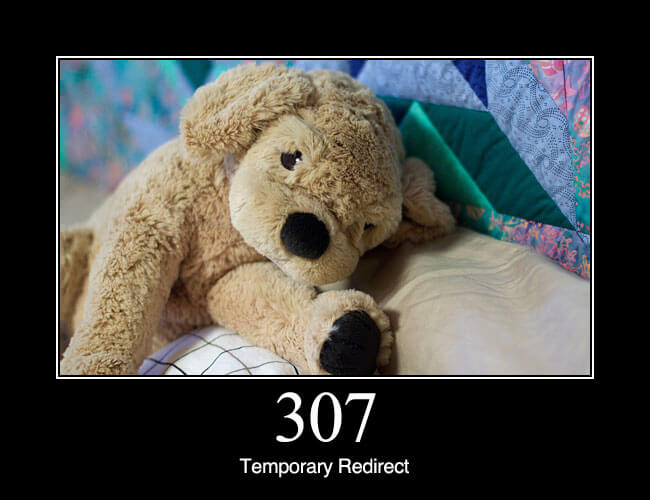
307 Temporary Redirect: In this case, the request should be repeated with another URI; however, future requests should still use the original URI. In contrast to how 302 was historically implemented, the request method is not allowed to be changed when reissuing the original request. For instance, a POST request repeated using another POST request.
4.
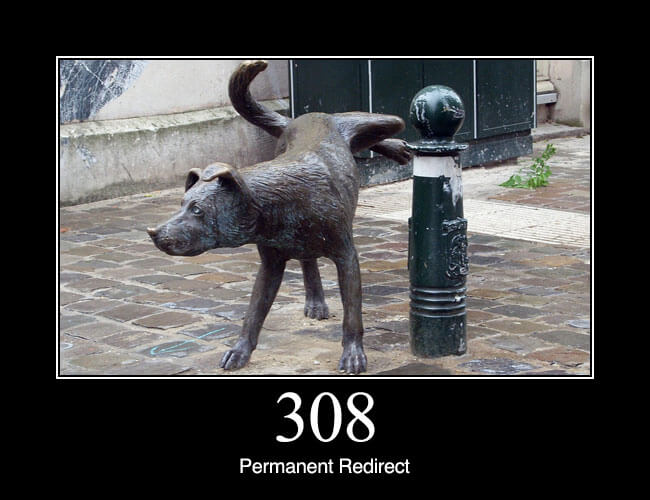
308 Permanent Redirect: The request, and all future requests should be repeated using another URI. 307 and 308 (as proposed) parallel the behaviours of 302 and 301, but do not allow the HTTP method to change. So, for example, submitting a form to a permanently redirected resource may continue smoothly.
5.
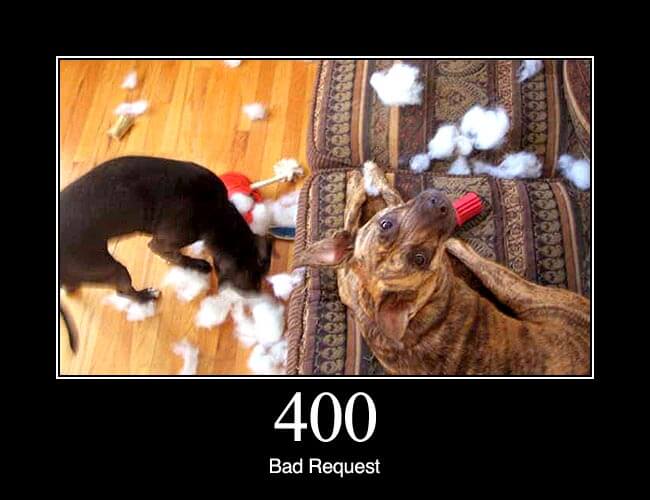
400 Bad Request: The request cannot be fulfilled due to bad syntax.
6.
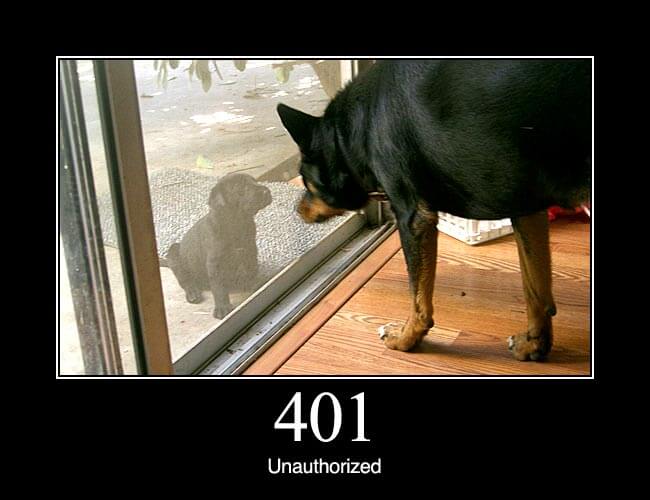
401 Unauthorized: Similar to 403 Forbidden, but specifically for use when authentication is possible but has failed or not yet been provided. The response must include a WWW-Authenticate header field containing a challenge applicable to the requested resource. See Basic access authentication and Digest access authentication.
7.
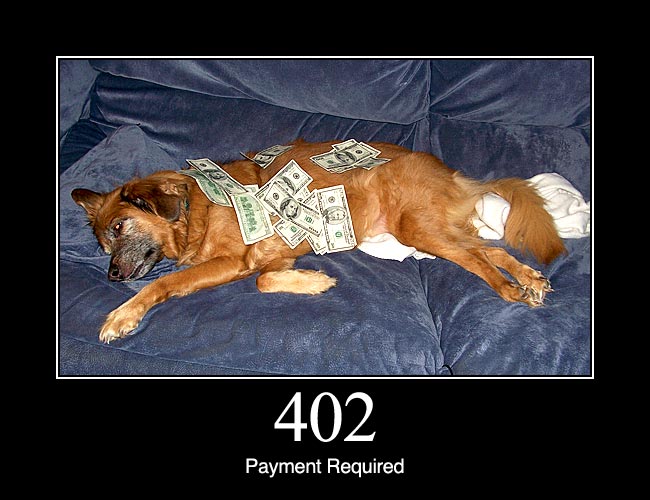
402 Payment Required: Reserved for future use. The original intention was that this code might be used as part of some form of digital cash or micropayment scheme, but that has not happened, and this code is not usually used. As an example of its use, however, Apple’s MobileMe service generates a 402 error (“httpStatusCode:402” in the Mac OS X Console log) if the MobileMe account is delinquent.
8.
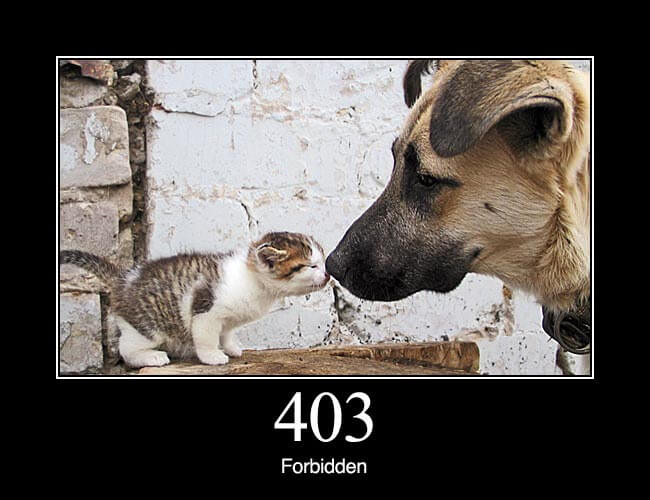
403 Forbidden: The request was a legal request, but the server is refusing to respond to it. Unlike a 401 Unauthorized response, authenticating will make no difference.
9.
404 Not Found: The requested resource could not be found but may be available again in the future. Subsequent requests by the client are permissible.
10.
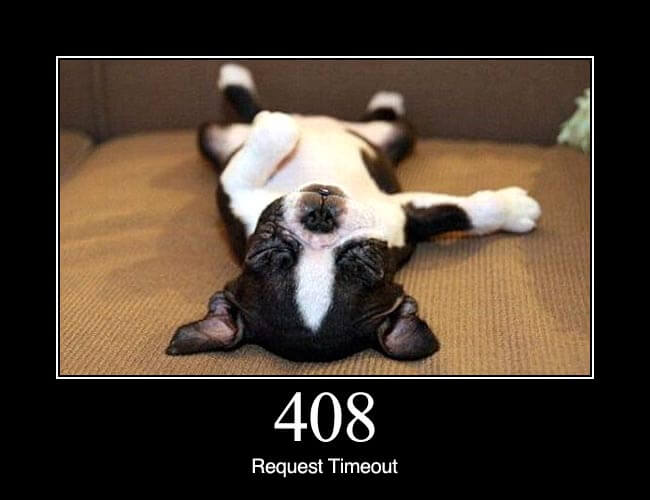
408 Request Timeout: The server timed out waiting for the request. According to W3 HTTP specifications: “The client did not produce a request within the time that the server was prepared to wait. The client MAY repeat the request without modifications at any later time.”
11.
429 Too Many Requests: The user has sent too many requests in a given amount of time. Intended for use with rate limiting schemes. Proposed in an Internet-Draft.
12.
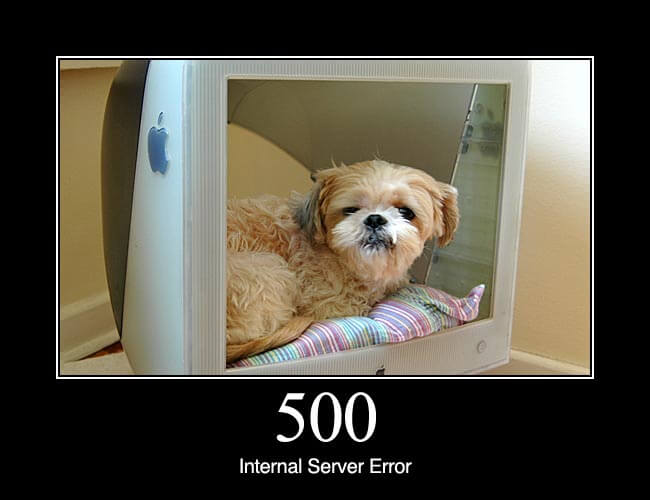
500 Internal Server Error: A generic error message, given when no more specific message is suitable.
13.
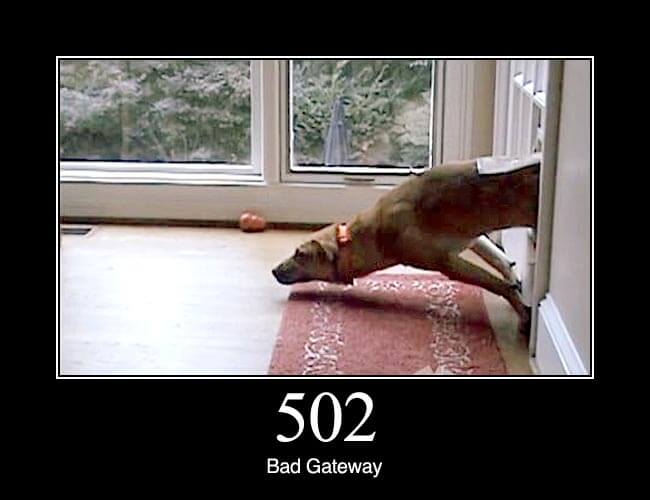
502 Bad Gateway: The server was acting as a gateway or proxy and received an invalid response from the upstream server. This can occur when proxy servers fail to receive a valid response from the destination server.
14.
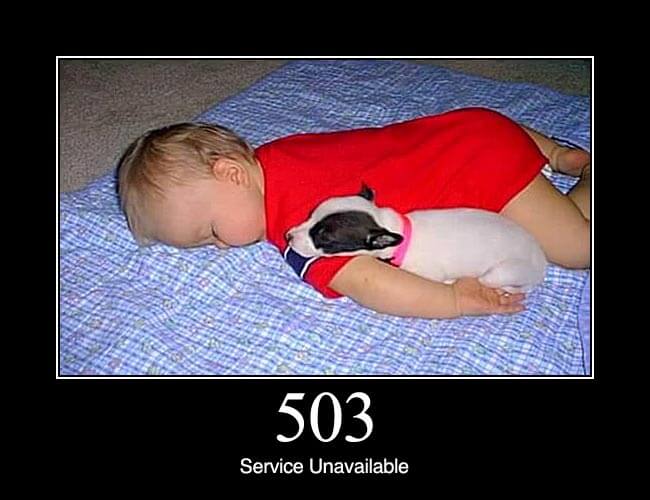
503 Service Unavailable: The server is currently unavailable (because it is overloaded or down for maintenance). Generally, this is a temporary state.
15.
504 Gateway Timeout: The server was acting as a gateway or proxy and did not receive a timely response from the upstream server.