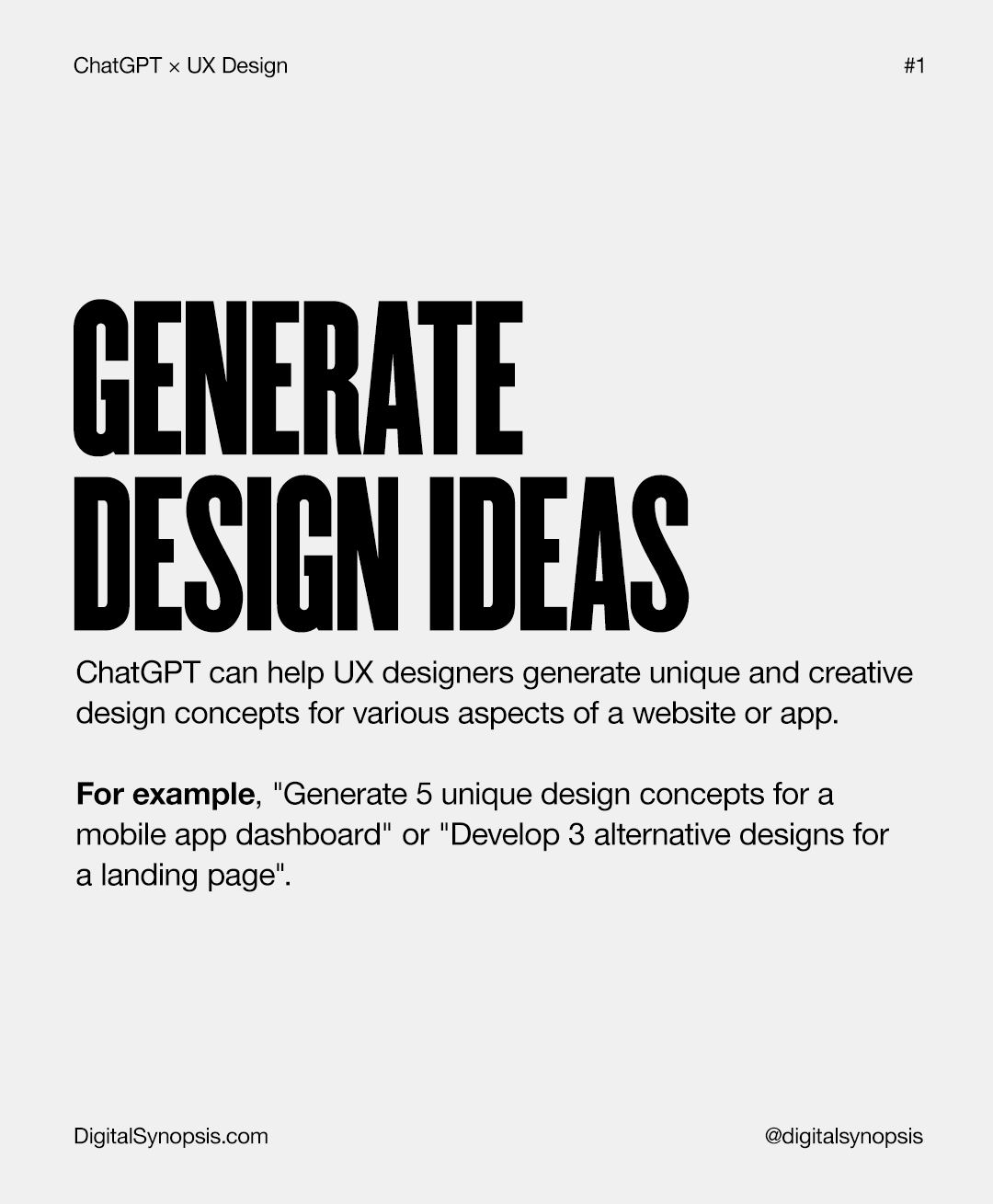
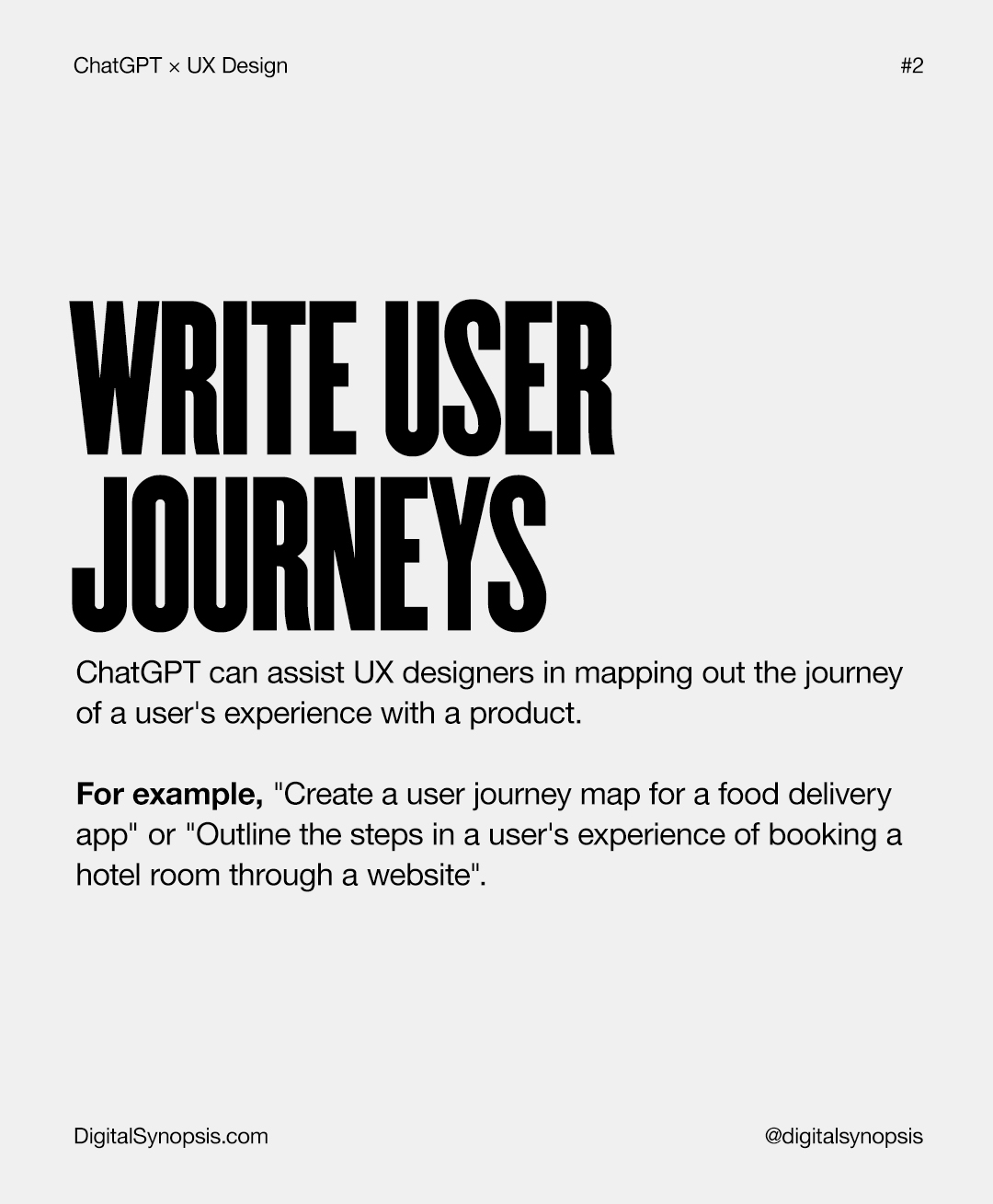
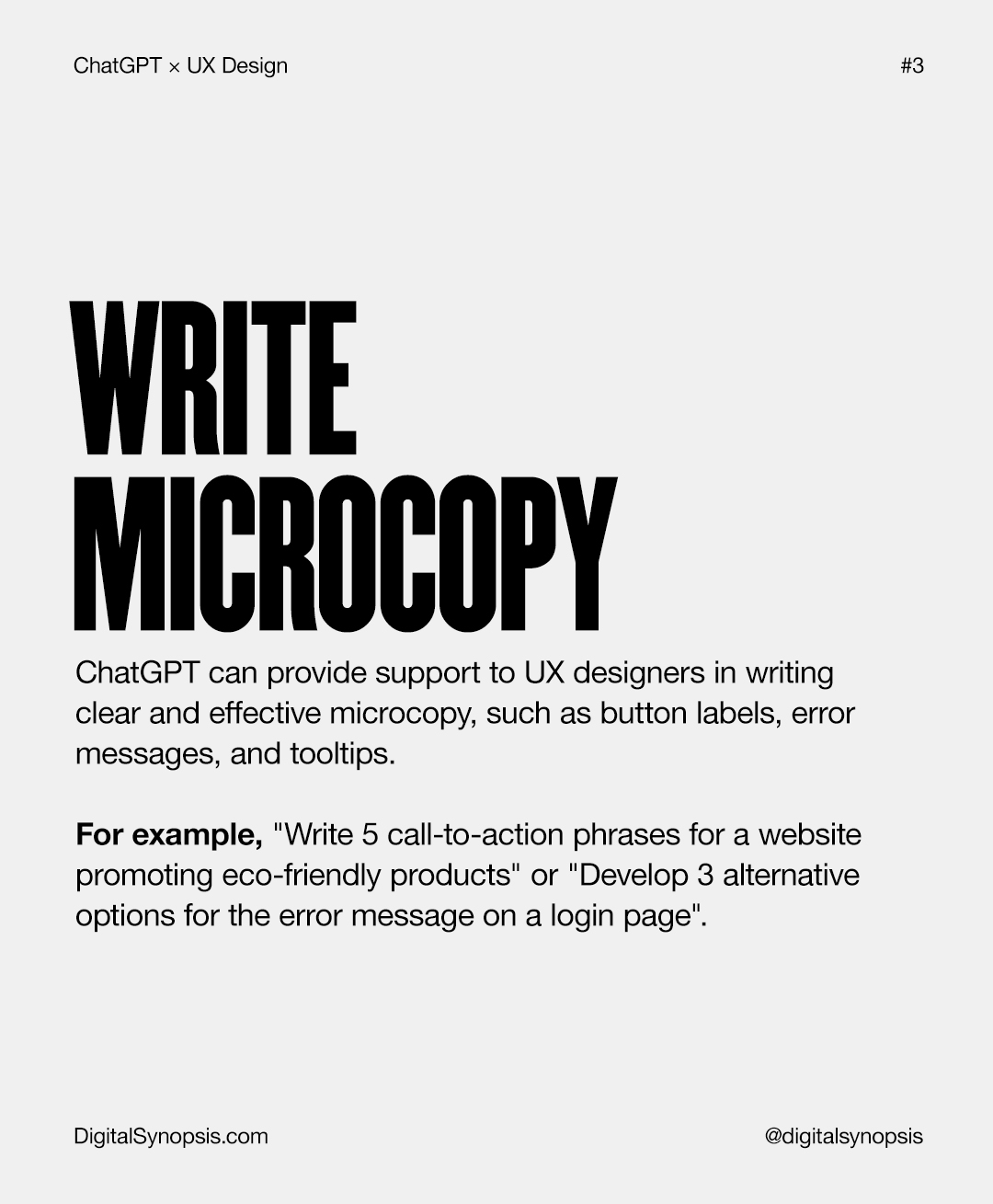
From brainstorming interface ideas to writing microcopy and mapping user journeys, ChatGPT is emerging as a powerful design companion, helping UX designers move faster, think broader, and iterate smarter.
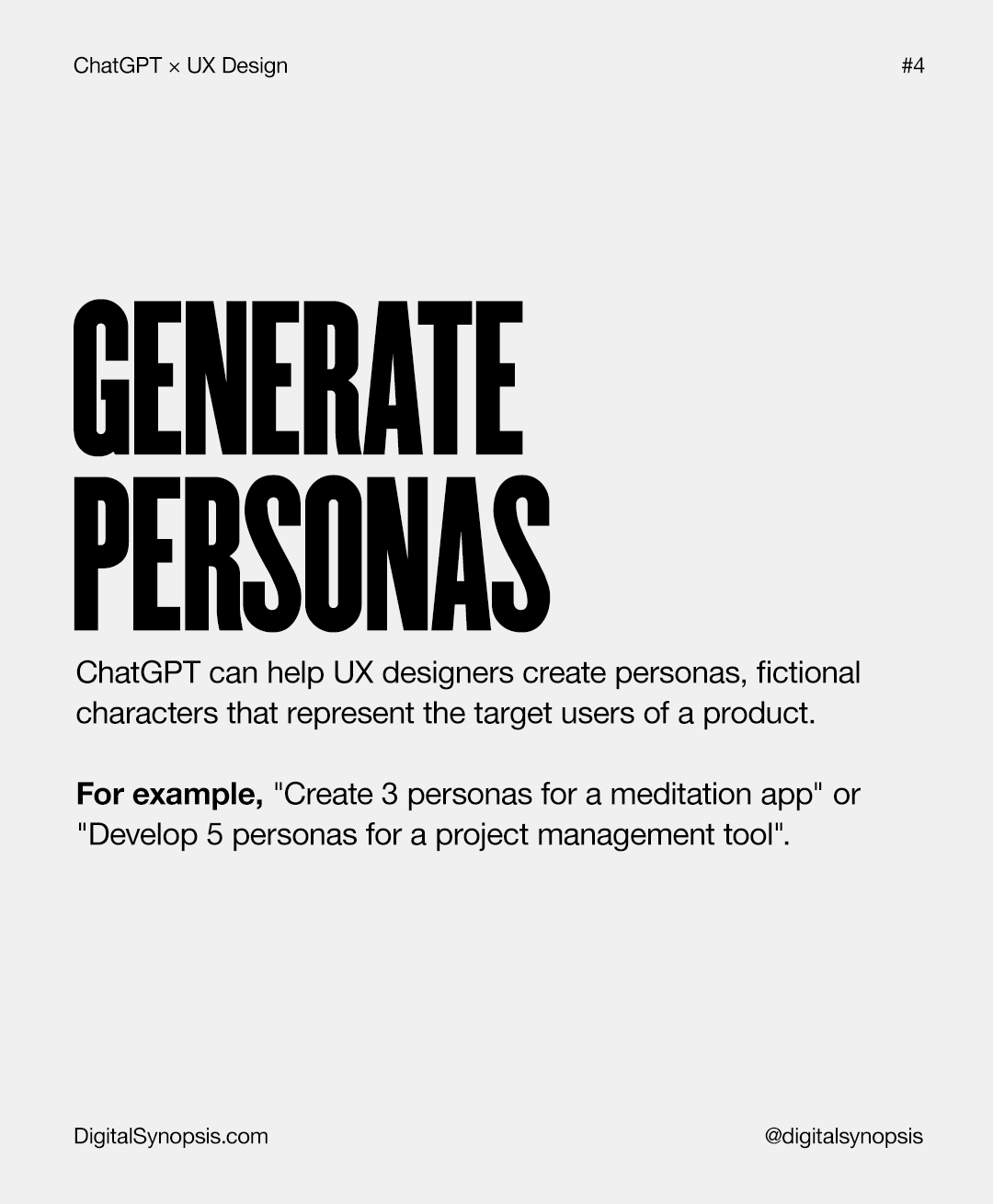
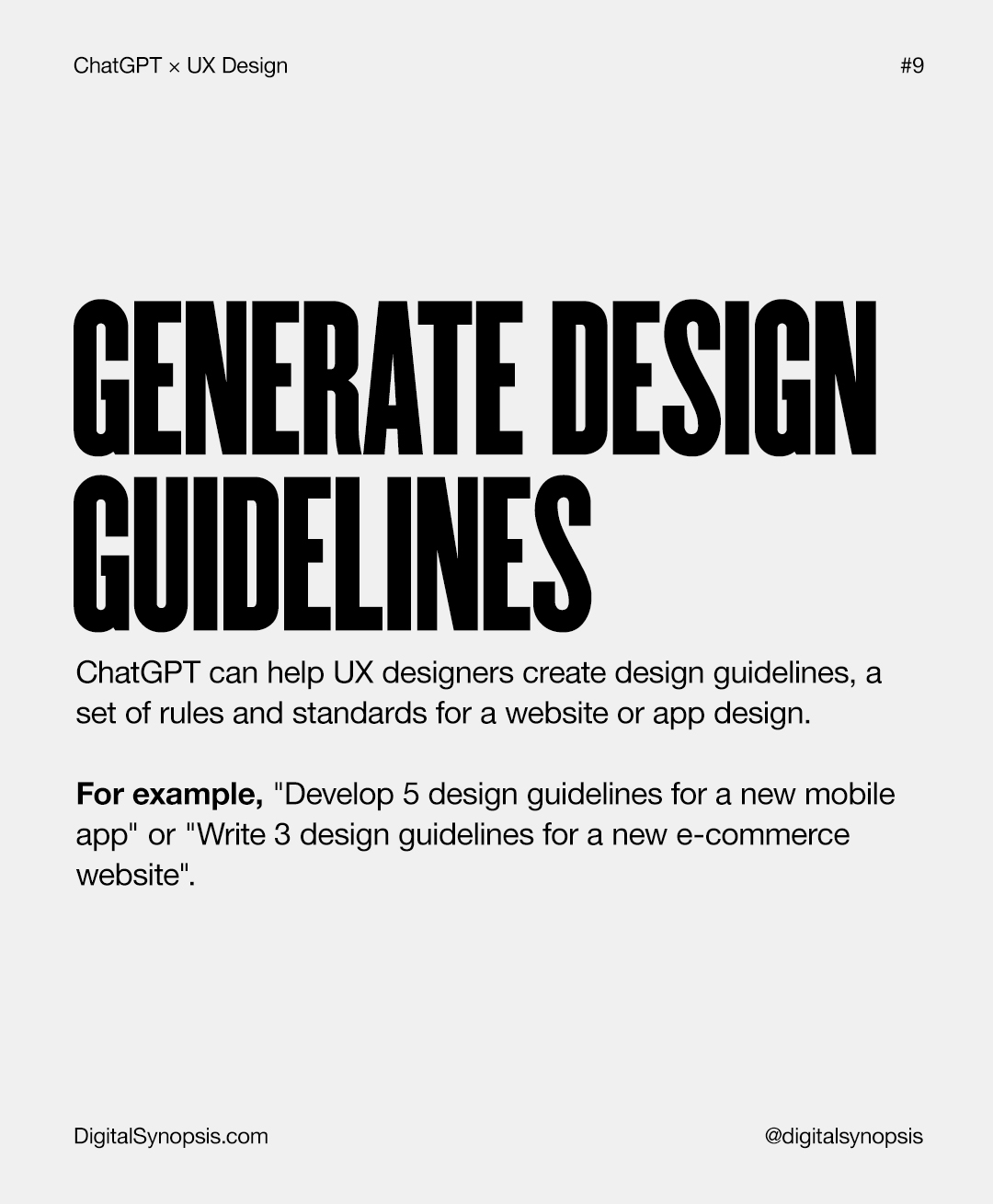
Whether you’re building wireframes, crafting personas, or refining landing page content, ChatGPT can support nearly every stage of the UX design process. Used right, it becomes more than a chatbot. It’s a creative partner for generating concepts, writing user stories, creating design guidelines, and even offering constructive design critiques.
In this guide, we’ll explore practical ways to use ChatGPT for UX design, with real examples and prompt ideas you can start applying today, from generating design concepts and personas to writing microcopy, requirements, and user journeys. Here’s how UX designers can turn AI into a meaningful part of their creative toolkit.
1.
2.
3.
4.
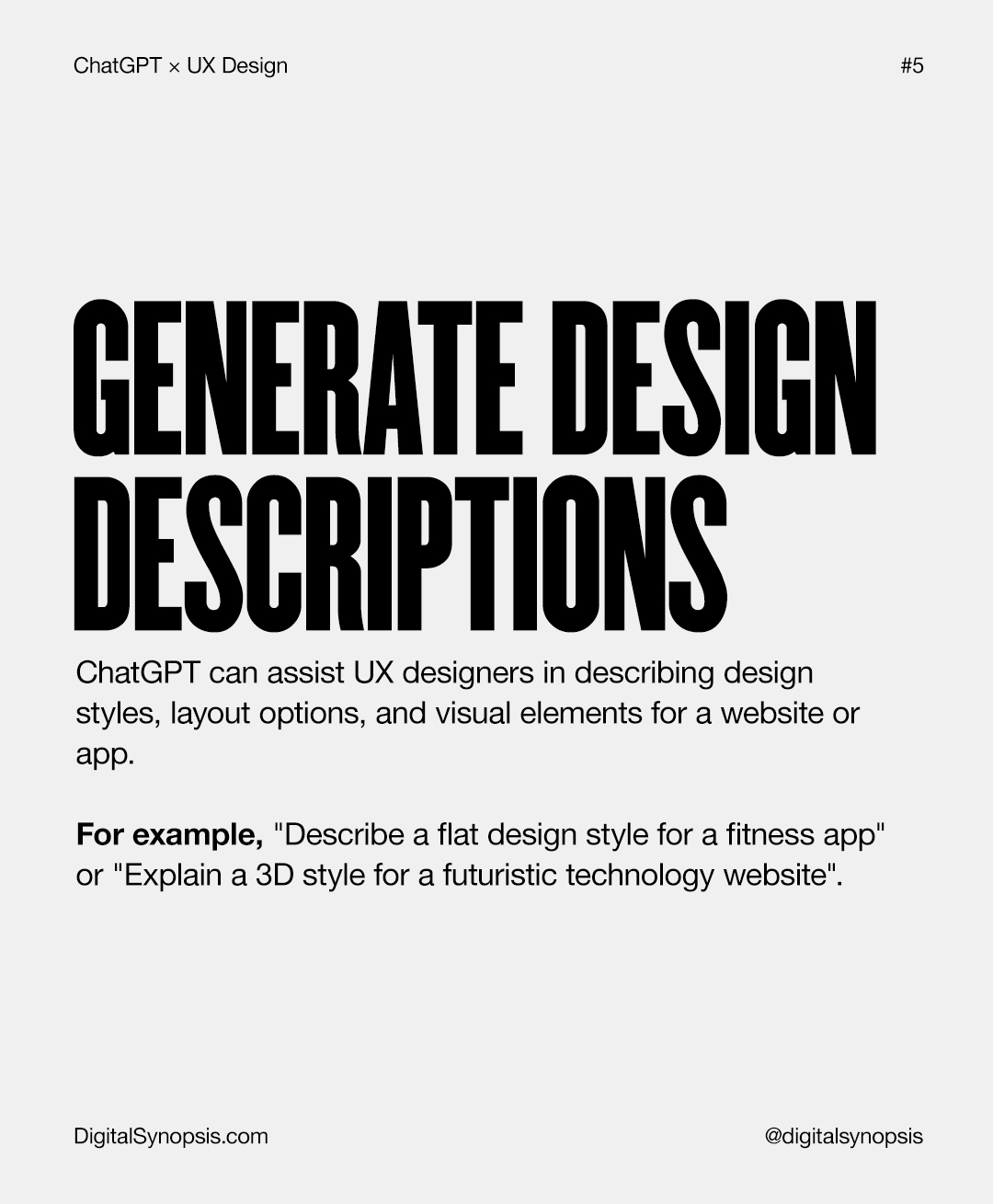
5.
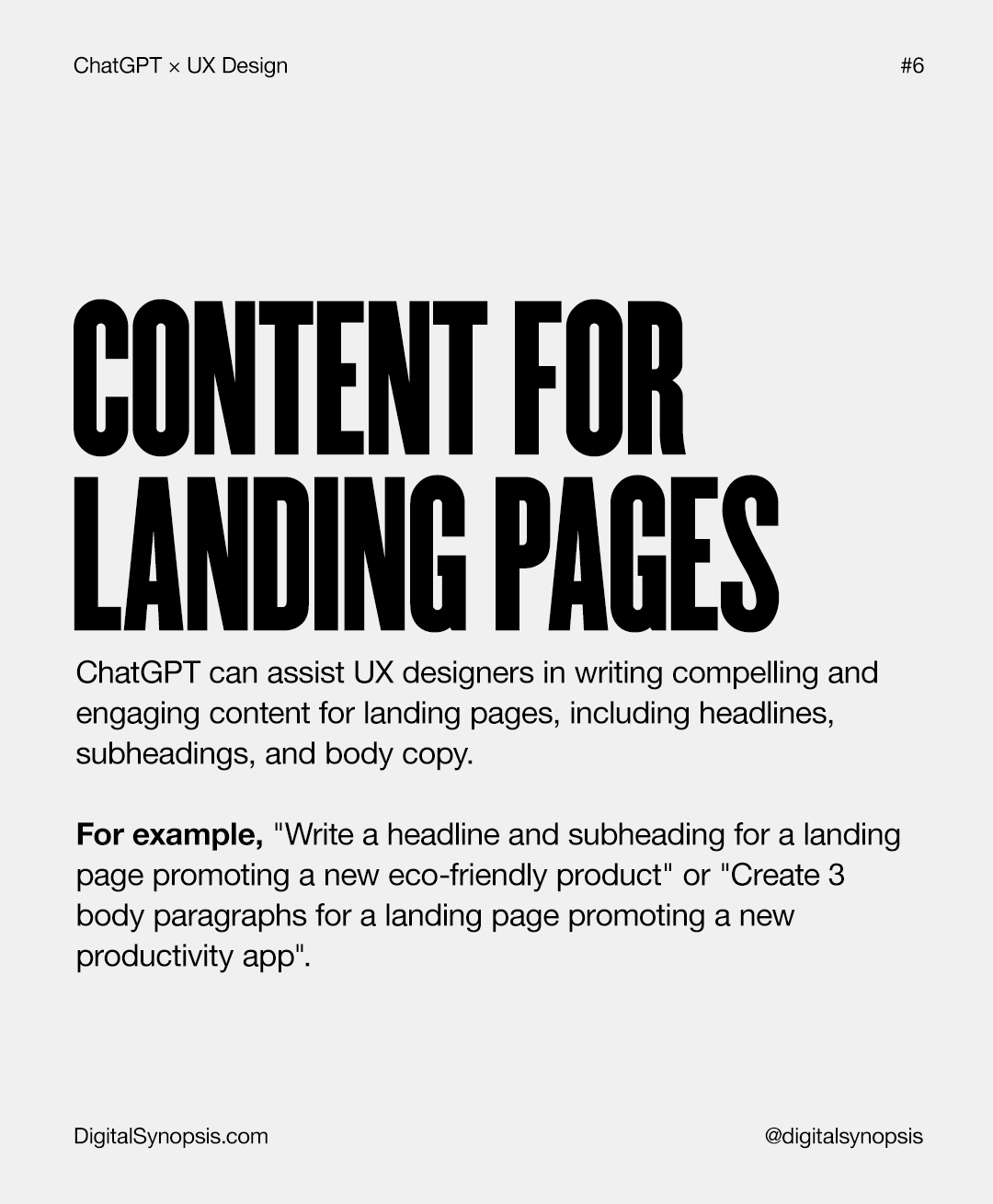
6.
ChatGPT can help UX designers generate landing page content, headlines, and marketing copy. However, AI-generated text often needs further refinement to sound natural and align with a brand’s voice. Designers can use an AI humanizer to refine machine-generated content before publishing it across digital channels.
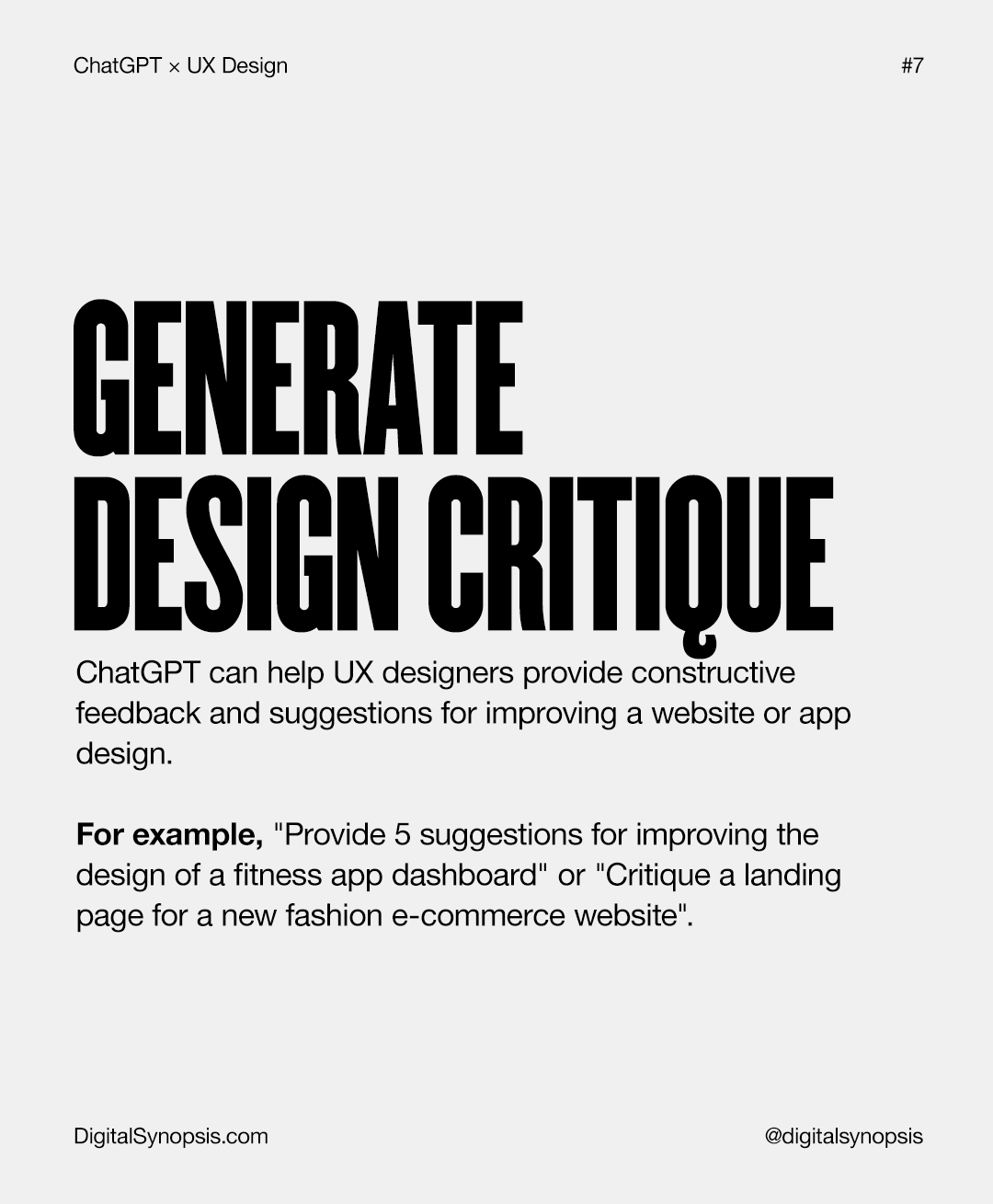
7.
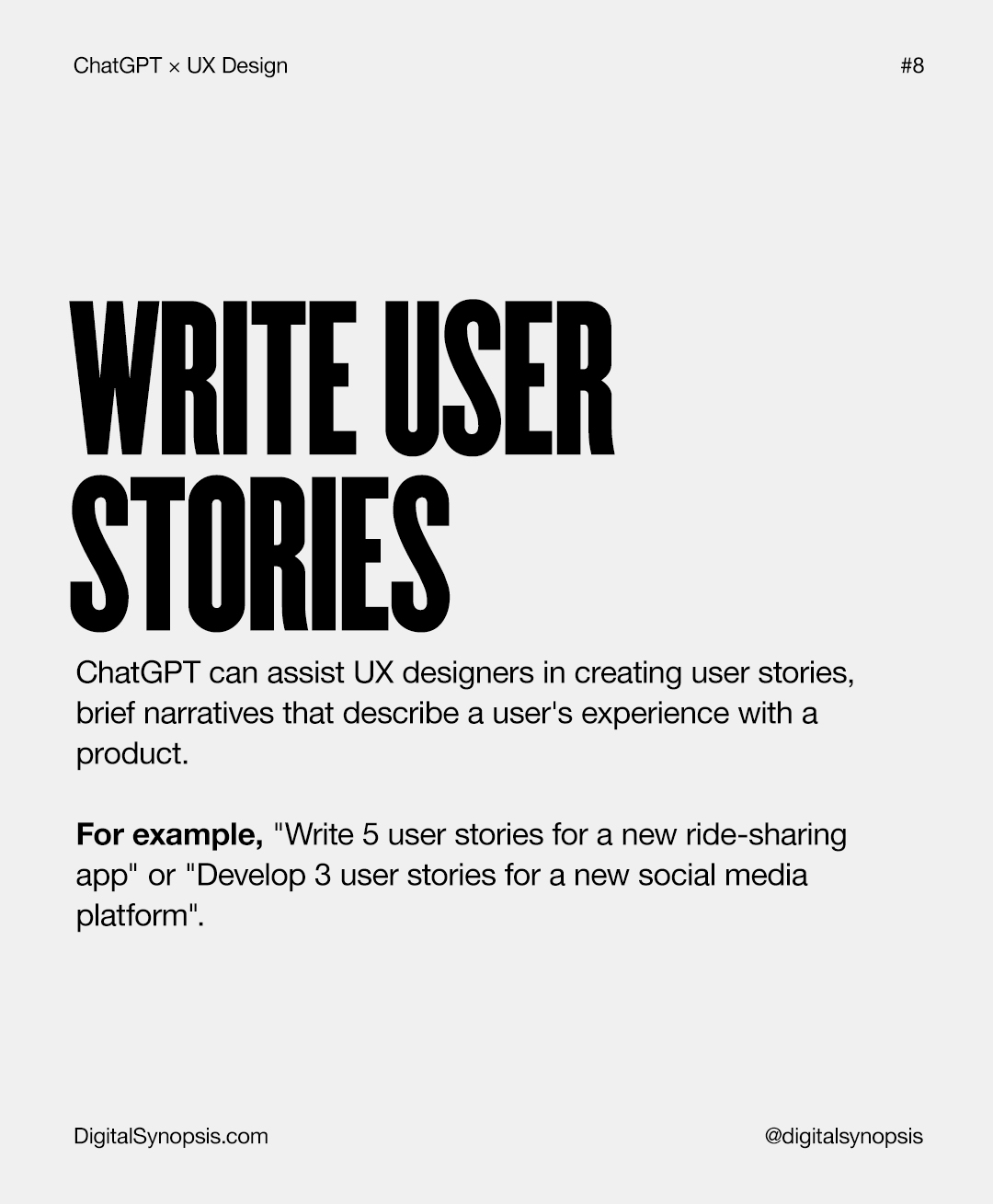
8.
9.
10.
Ultimately, ChatGPT is best viewed as a practical companion in the UX design process. It helps reduce friction in everyday tasks, supports faster ideation, and provides structure when turning abstract ideas into tangible design outcomes. Used thoughtfully, it allows designers to spend less time on repetitive work and more time focusing on strategy, creativity, and user experience.
Rather than replacing human judgment, ChatGPT complements it. By integrating it into research, planning, and content creation, UX designers can work more efficiently, explore concepts with greater speed, and bring ideas to life with clarity and purpose.
What other ways can ChatGPT be used for UI/UX and web design? Share this post with a designer friend and voice your views in the comments below.