• Home
  • Design
  • Advertising
  • Inspiration
  • Tools
  • Buzz
  • Follow Us ▾
    • Facebook
    • Facebook Group
    • LinkedIn
    • LinkedIn Group
    • Threads
    • Instagram
    • Pinterest
    • Twitter / X

Digital Synopsis

Design, Advertising & Creative Inspiration

  • Photoshop
  • Logo Design
  • UI/UX
  • AI
  • Web Design
  • Typography
  • Photography
  • About Us
  • Advertise

How To Remove Impossible Objects In Photoshop

So you’ve got an image with a highly detailed background and you want to remove an object or two from it. You try using the Clone Tool, Content-Aware, and the Healing Tool but none of them do the job. What do you do?

In this brilliant tutorial, Photoshop instructor Unmesh Dinda from PiXimperfect shows you how to remove complex objects from detailed backgrounds using spare photos and alignment. He takes you through the entire process which involves picking the right images, replacing objects, recovering missing details, and matching the color, lighting, and contrast. Watch below.

00:00 – Introduction to Magic!
00:41 – Will Content-Aware Fill Work?
01:35 – The Solution to Impossible Replacements
04:00 – Recover Missing Details
06:36 – The Hard Way vs. The Simple Way
08:10 – Recovering Edges and Hair
09:09 – Matching Color, Lighting, and Contrast
10:52 – Extremely Important Advice!
11:19 – Quick Recap
Download sample images shown in video.

Learn More Photoshop …

Share this post with a designer friend and voice your views in the comments below.

Don't Miss:

  • remove-objects-from-complex-perspectives-photoshop
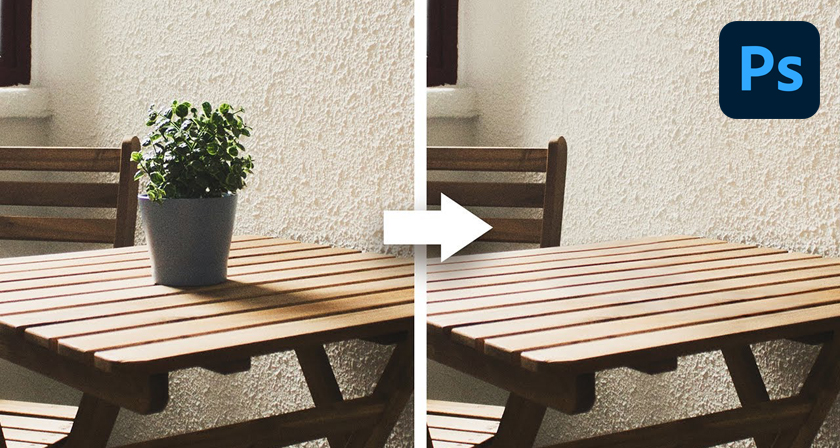
    How To Remove Anything From Complex Perspectives In Photoshop
  • photoshop-remove-tool
    Photoshop's Incredible New "Remove Tool" Is The Future Of Image Editing
  • how-to-remove-object-from-image-in-photoshop
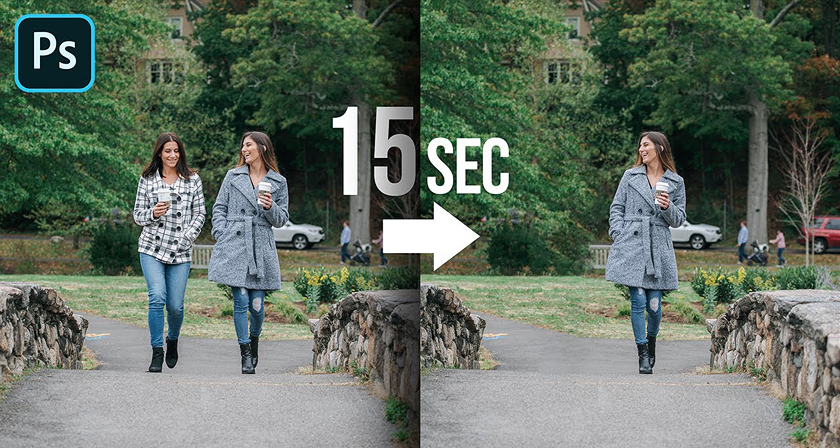
    Learn In 15 Seconds How To Remove Any Object From Your Image In Photoshop
  • photoshop-background-eraser-tool
    This Hidden Tool In Photoshop Lets You Remove Backgrounds With Ease
  • adobe-photoshop-select-subject-feature
    Testing Photoshop's New 'Select Subject' Tool That Lets You Select Objects In Just One Click
  • photoshop-remove-unwanted-objects-content-aware-fill
    This Powerful Photoshop Trick Lets You Remove Unwanted Objects In Just 3 Simple Steps

Share Your Views:

Comments for this post are now closed.
Share your thoughts with 433,000+ design lovers on our Facebook Page.

Popular

  • Graphic Designer Fixes The 9 Worst Logos Ever
  • 50 Incredibly Creative Logos With Hidden Meanings
  • 11 Best And Worst Redesigns Of Famous Logos
  • Top 10 Netflix Documentaries For Graphic Designers
  • 11 Differences Between Designers And Clients

TRENDING

  • Top 20 Graphic Design Trends For 2026
  • Top 10 Logo Design Trends For 2026 And How To Use Them
  • Portfolios Of Designers Who Have Worked At Apple, Google, Meta, And More
  • Designers Are Sharing Their Redesigns Of Famous Logos And Some Of Them Are Better Than The Original
  • “Which Current Graphic Design Trend Will Age Badly?” – Here Are The Top Replies

Follow Us On

  • Facebook
  • Facebook Group
  • LinkedIn
  • LinkedIn Group
  • Threads
  • Instagram
  • Pinterest
  • X / Twitter

Copyright © 2012-2026 Digital Synopsis | Privacy Policy | Affiliate Disclosure | Advertise With Us