• Home
  • Design
  • Advertising
  • Inspiration
  • Tools
  • Buzz
  • Follow Us ▾
    • Facebook
    • Facebook Group
    • LinkedIn
    • LinkedIn Group
    • Threads
    • Instagram
    • Pinterest
    • Twitter / X

Digital Synopsis

Design, Advertising & Creative Inspiration

  • Photoshop
  • Logo Design
  • UI/UX
  • AI
  • Web Design
  • Typography
  • Photography
  • About Us
  • Advertise

LOL: 13 Error Messages Every Designer Hates After A Long Day’s Work

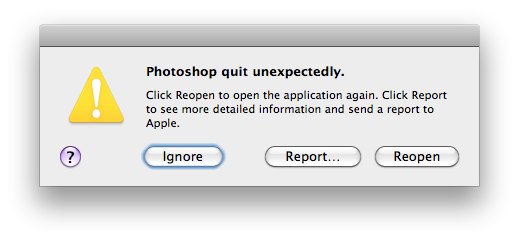
We’ve all been there. After a long night of editing 50+ layers in Photoshop, at 4 a.m., a three word message pops up on the screen: “Photoshop quit unexpectedly”. There are two possible outcomes after this.

1. If you had pressed Ctrl/Cmd+S a few minutes before the message, you’re kissing the keyboard, thanking the man upstairs, and feeling luckier than last month’s Powerball winner.

2. If you hadn’t saved your work, you’re a combination of Mike Tyson (in 1988), Bruce Banner (after he’s been slapped) and King Kong (when he sees Godzilla).

The cool folks at Creative Market have come up with a funny list of error messages every designer dreads after a long day at work. Check them out below.

1.

Photoshop quit unexpectedly

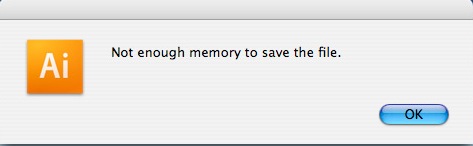
2.

Not enough memory to save file.

3.

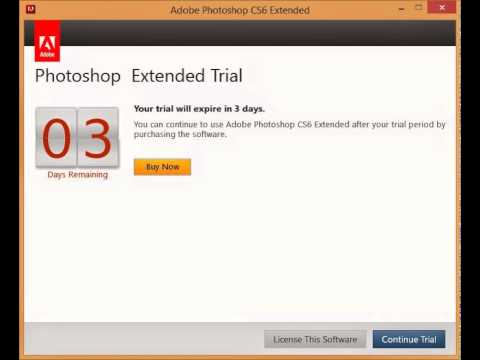
Your Photoshop trial will expire in ___ days.

4.

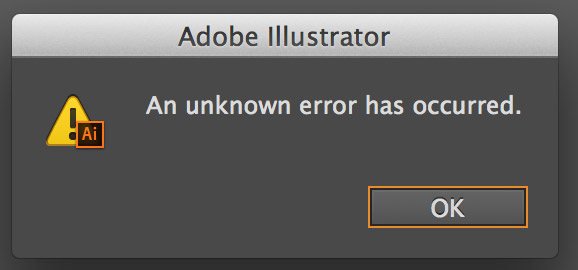
An unknown error has occured.

5.

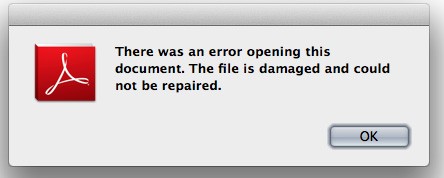
There was an error opening this document. The file is damaged and could not be repaired.

6.

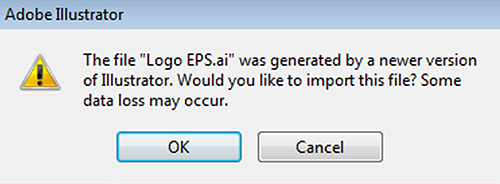
The file was generated by a newer version of Illustrator. Would you like to import this file? Some data loss may occur.

7.

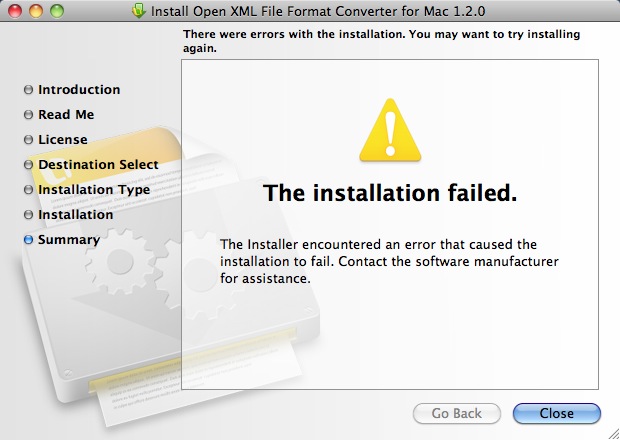
Installation failed.

8.

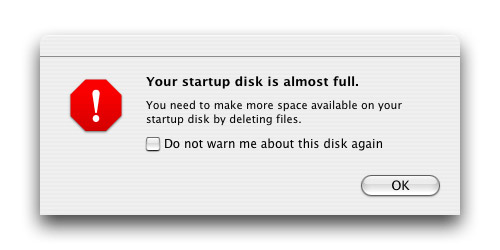
Your startup disk is almost full.

9.

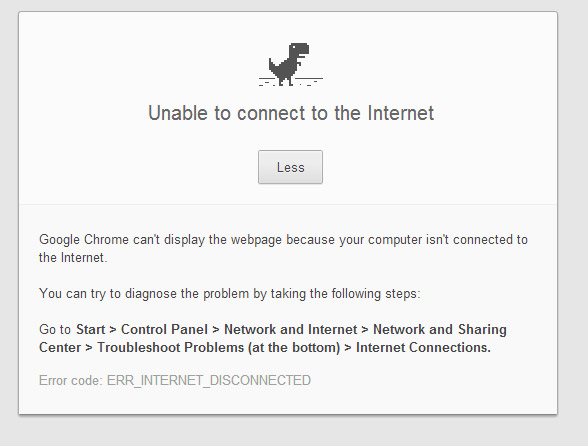
Unable to connect to the internet.

10.

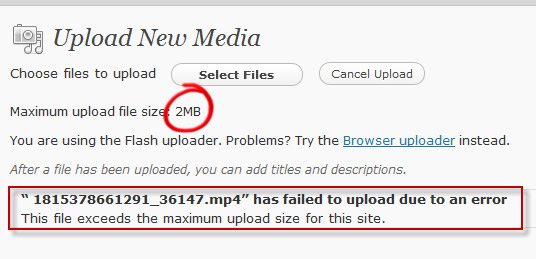
Failed to upload due to an error. File exceeds maximum upload size.

11.

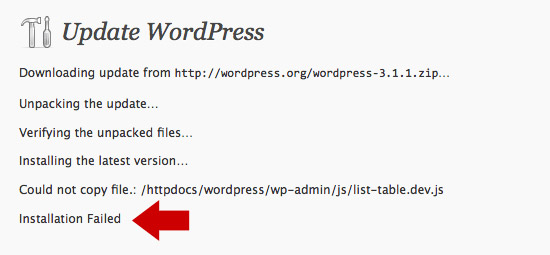
Update WordPress. Installation failed.

12.

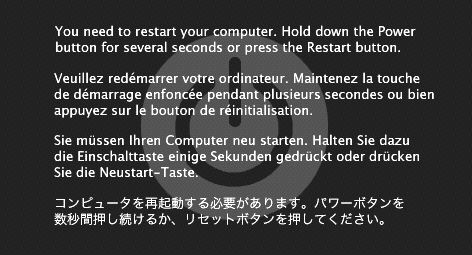
You need to restart your computer.

13.

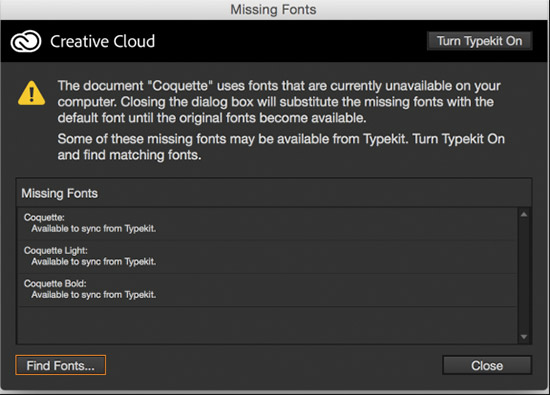
Document uses fonts that are currently unavailable.

Can you think of more? Share this post with a designer friend and voice your views in the comments below.
Don't Miss:

  • adobe-photoshop-tips-tricks-shortcuts
    8 Photoshop Tips And Tricks For Faster Work
  • photoshop-etiquette-commandments
    10 Photoshop Commandments Every Designer Should Follow
  • graphic-design-memes
    32 Epic Memes For Graphic Designers
  • illustrator-vs-photoshop-differences-minimalist-graphics
    9 Cool Posters That Show The Differences Between Adobe Illustrator And Photoshop
  • funny-gifs-only-graphic-designers-will-understand
    25 GIF Memes Only Graphic Designers Will Understand
  • photoshop-editing-retouching-digital-art
    Forget AI, This Guy’s Unreal Photoshop Skills Prove Nothing Beats A Human Touch

Share Your Views:

Comments for this post are now closed.
Share your thoughts with 433,000+ design lovers on our Facebook Page.

Popular

  • Graphic Designer Fixes The 9 Worst Logos Ever
  • 50 Incredibly Creative Logos With Hidden Meanings
  • 11 Best And Worst Redesigns Of Famous Logos
  • Top 10 Netflix Documentaries For Graphic Designers
  • 11 Differences Between Designers And Clients

TRENDING

  • Top 20 Graphic Design Trends For 2026
  • Top 10 Logo Design Trends For 2026 And How To Use Them
  • Portfolios Of Designers Who Have Worked At Apple, Google, Meta, And More
  • Designers Are Sharing Their Redesigns Of Famous Logos And Some Of Them Are Better Than The Original
  • “Which Current Graphic Design Trend Will Age Badly?” – Here Are The Top Replies

Follow Us On

  • Facebook
  • Facebook Group
  • LinkedIn
  • LinkedIn Group
  • Threads
  • Instagram
  • Pinterest
  • X / Twitter

Copyright © 2012-2026 Digital Synopsis | Privacy Policy | Affiliate Disclosure | Advertise With Us