• Home
  • Design
  • Advertising
  • Inspiration
  • Tools
  • Buzz
  • Follow Us ▾
    • Facebook
    • Facebook Group
    • LinkedIn
    • LinkedIn Group
    • Threads
    • Instagram
    • Pinterest
    • Twitter / X

Digital Synopsis

Design, Advertising & Creative Inspiration

  • Photoshop
  • Logo Design
  • UI/UX
  • AI
  • Web Design
  • Typography
  • Photography
  • About Us
  • Advertise

Adobe ‘Good Bones’ Lets You Change Vector Shapes Easily By Adding A Skeleton Structure

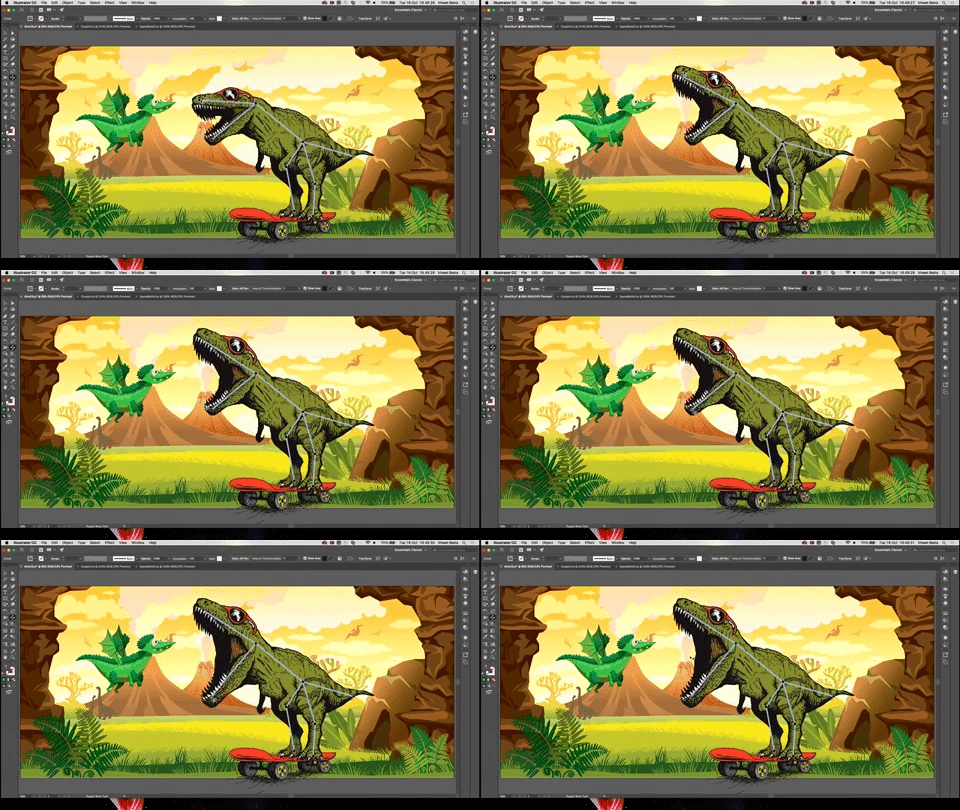
When you create artwork in Adobe Illustrator, the underlying geometry of the vector graphics can be quite complex. If you need to change the appearance of your vector figure, you’ll need to edit each anchor point individually, which can be quite a task. For example, if you want to open the mouth of a vector dinosaur that you’ve created, you’ll need to tweak each anchor point along the head to get the desired result.

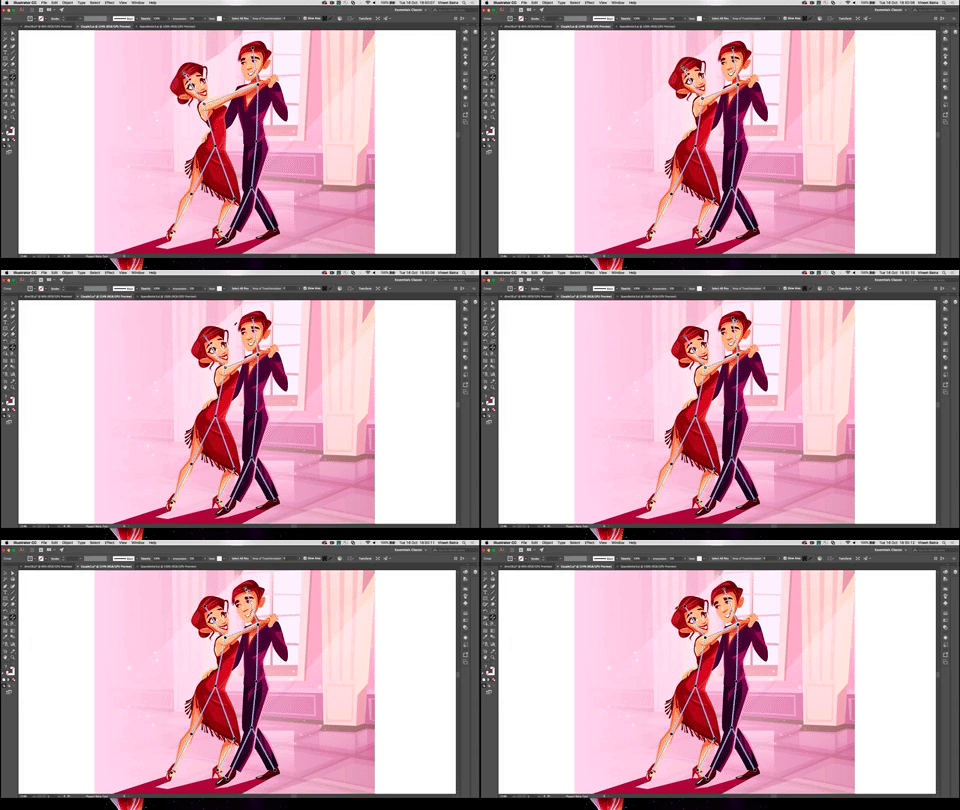
Well, Adobe is working on a brilliant new tool called ‘Good Bones’ that enables intuitive and shape-aware editing of complex vector graphics. It uses Adobe Sensei artificial intelligence to analyze the shape of a graphic and automatically adds segment handles and ‘bones’ to connect them to a skeleton-like structure. You can then move the handles around and the AI modifies all the underlying curves naturally. You can also create an animated GIF of your vector graphic by combining different poses.

Adobe Good Bones: Example 1

Adobe Good Bones: Example 2


Watch the tool in action below

00:22 – Working with complex vector graphics
00:54 – Good Bones – Demo 1
02:39 – Demo 2 – Human figures
04:01 – Demo 3 – Multiple characters
05:07 – Creating animation

Like us on Facebook to be notified when ‘Good Bones’ is available for download.

Share this post with a designer friend and voice your views in the comments below.
Don't Miss:

  • how-to-create-vector-icons-in-adobe-illustrator
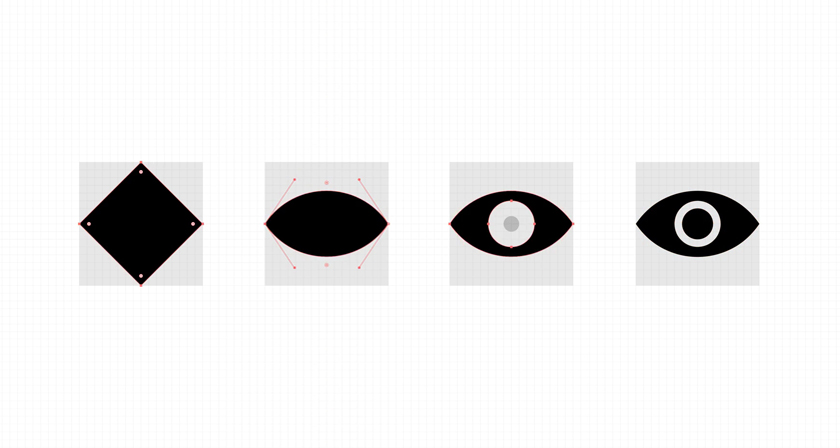
    Short, Useful Animations To Help You Create Icons Easily In Adobe Illustrator
  • illustrator-recolor-artwork-color-theme-picker
    New Feature In Illustrator Can Extract Colors From An Image And Apply Them To Your Vector Artwork
  • from-sketch-to-vector-illustration
    Designer Shares Side-By-Side Comparisons Of His Sketches And Final Vector Illustrations
  • illustrator-vs-photoshop-differences-minimalist-graphics
    9 Cool Posters That Show The Differences Between Adobe Illustrator And Photoshop
  • illustrator-pen-tool-trace-vectorize-hand-lettering
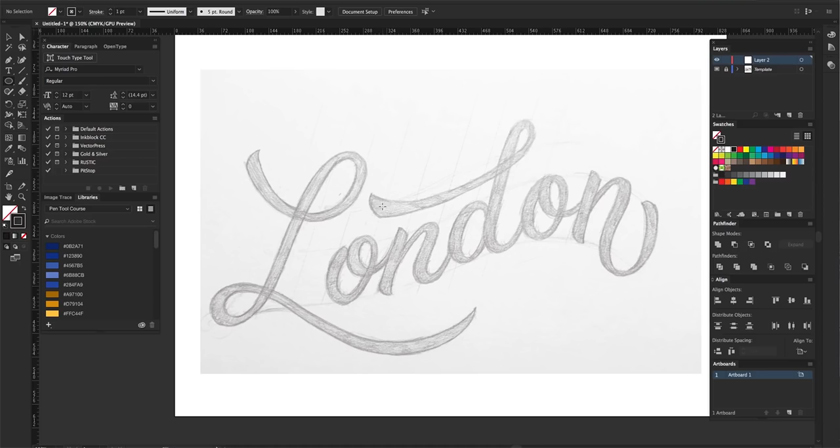
    This Clever Pen Tool Technique Shows You How To Place Anchor Points And Curves In Illustrator
  • adobe-illustrator-pen-tool-tips
    Adobe Illustrator ‘Pen Tool’ Cheat Sheet For Designers

Share Your Views:

Comments for this post are now closed.
Share your thoughts with 433,000+ design lovers on our Facebook Page.

Popular

  • Graphic Designer Fixes The 9 Worst Logos Ever
  • 50 Incredibly Creative Logos With Hidden Meanings
  • 11 Best And Worst Redesigns Of Famous Logos
  • Top 10 Netflix Documentaries For Graphic Designers
  • 11 Differences Between Designers And Clients

TRENDING

  • Top 20 Graphic Design Trends For 2026
  • Top 10 Logo Design Trends For 2026 And How To Use Them
  • Portfolios Of Designers Who Have Worked At Apple, Google, Meta, And More
  • Designers Are Sharing Their Redesigns Of Famous Logos And Some Of Them Are Better Than The Original
  • “Which Current Graphic Design Trend Will Age Badly?” – Here Are The Top Replies

Follow Us On

  • Facebook
  • Facebook Group
  • LinkedIn
  • LinkedIn Group
  • Threads
  • Instagram
  • Pinterest
  • X / Twitter

Copyright © 2012-2026 Digital Synopsis | Privacy Policy | Affiliate Disclosure | Advertise With Us