Some of the sharpest design training online isn’t a course or a tutorial. It’s a handful of free games for graphic designers that quietly expose how good your eye really is.
They turn real skill into play. Kerning, color theory, the pen tool, pixel precision. The fundamentals you learned years ago get tested, and the score is usually more humbling than you expect. These free online games for designers put your muscle memory on a scoreboard, and the number is hard to walk away from.
The range is wider than you might expect. Between them, these games cover color, fonts, typography, UI design, logo recognition, and the visual decisions you make in Photoshop and Illustrator every day. One will drill your kerning, the next will test whether you can tell Helvetica from Arial, another will see how closely you can estimate a pixel dimension by eye. Whatever corner of the craft you think you have mastered, one of them is built to prove otherwise.
Best of all, every game is free and runs in your browser. Nothing to download, no app to install, no account to create. You click, you play, and you find out where your instincts are sharp and where they have quietly gone soft.
We have gathered the ones worth your time. No filler, no clones, no throwaways. Just 20 free games for graphic designers that will test your eye, sharpen your skills, find your weak spots, and probably cost you the rest of your afternoon.
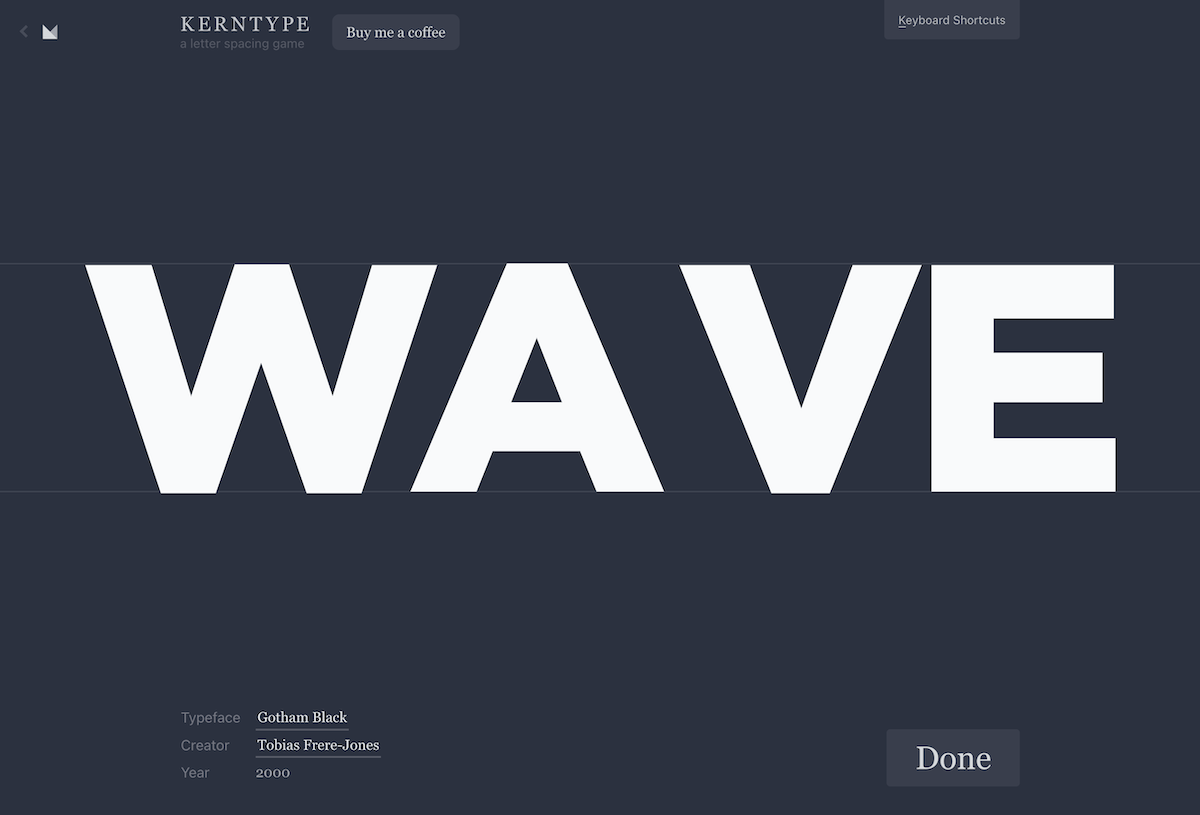
1. Kerntype
Master the art of spacing between letters.

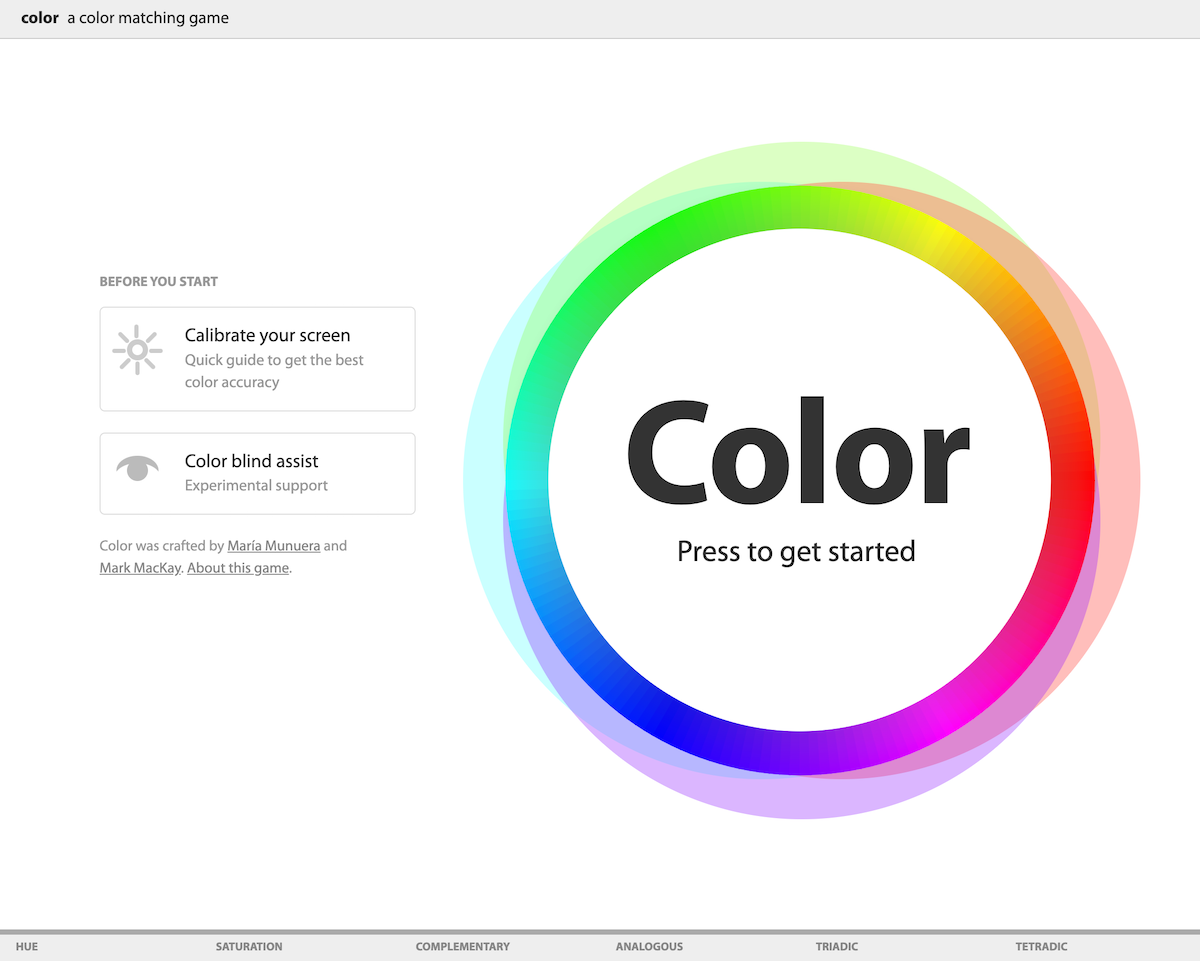
2. Color Game
A color-matching game that tests your knowledge and ability to work with colors.

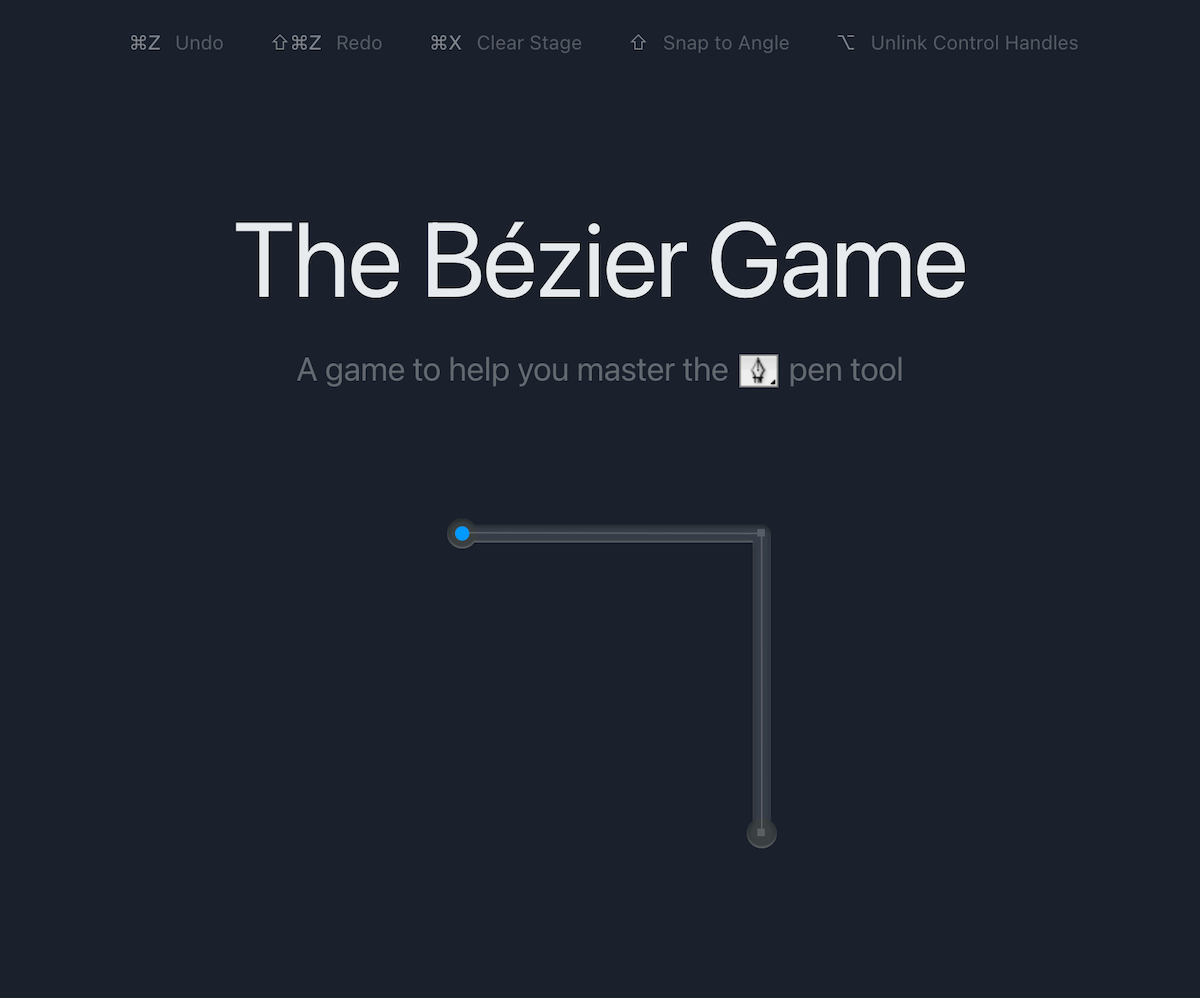
3. The Bezier Game
A game to help you master the Pen Tool.

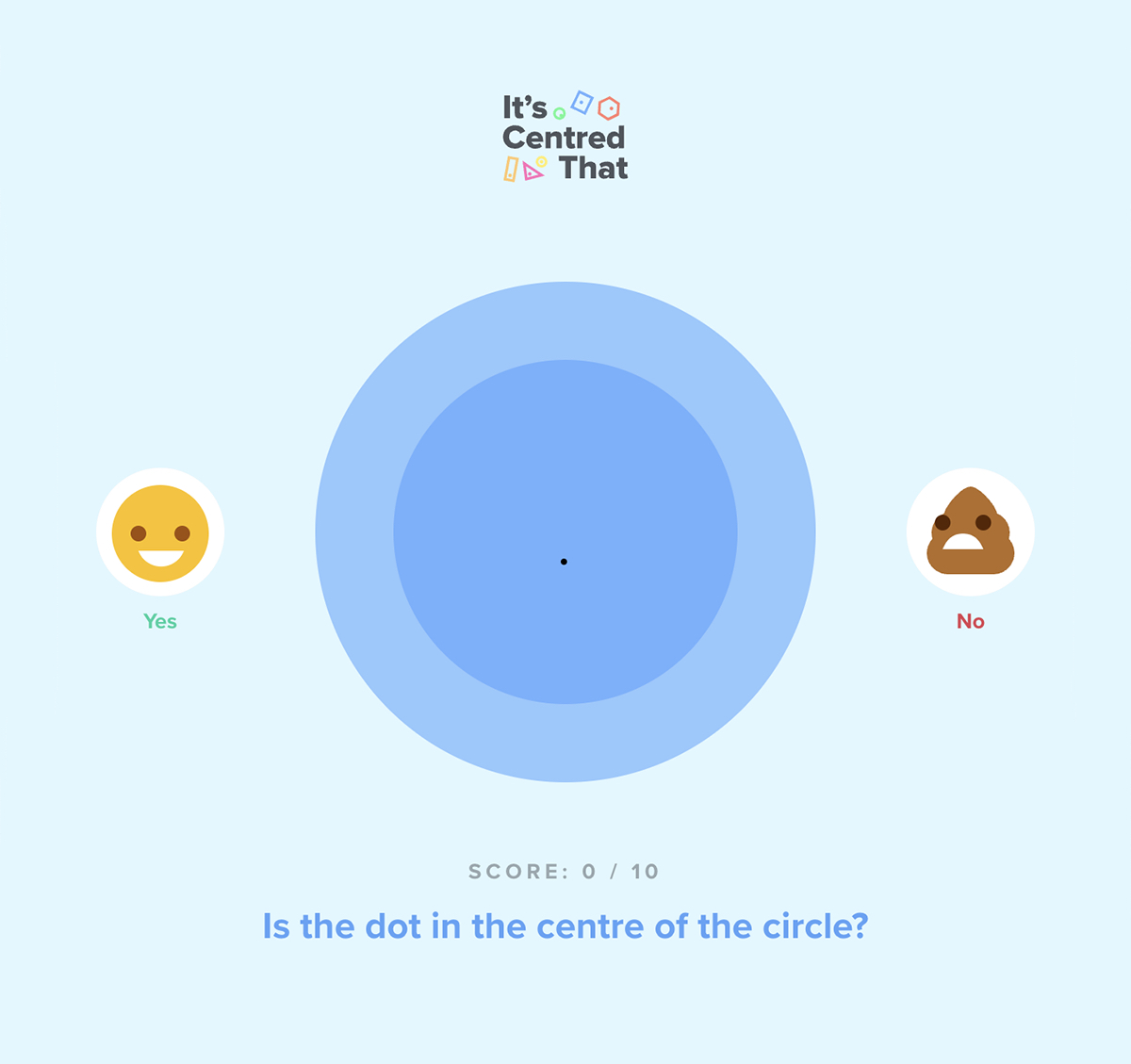
4. It’s Centred That
Test your design skills and judge whether the dots are in the middle of the given shapes.

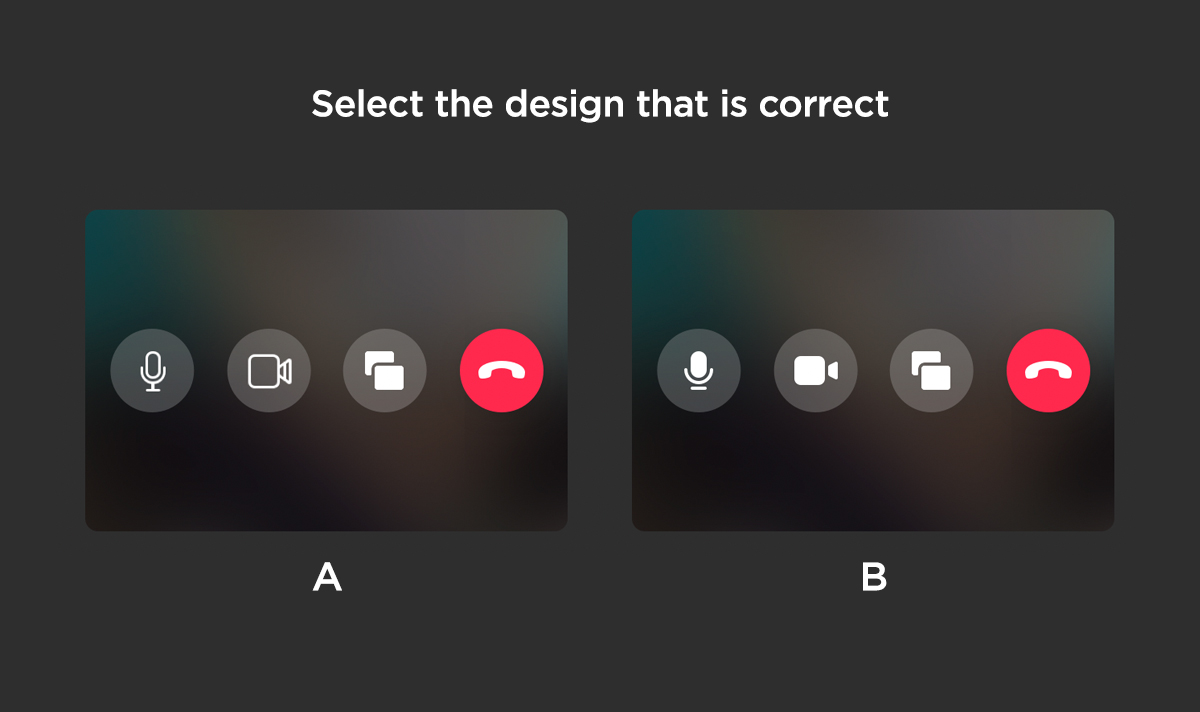
5. Can’t Unsee
Test your attention to UI details by picking the design that is most correct.

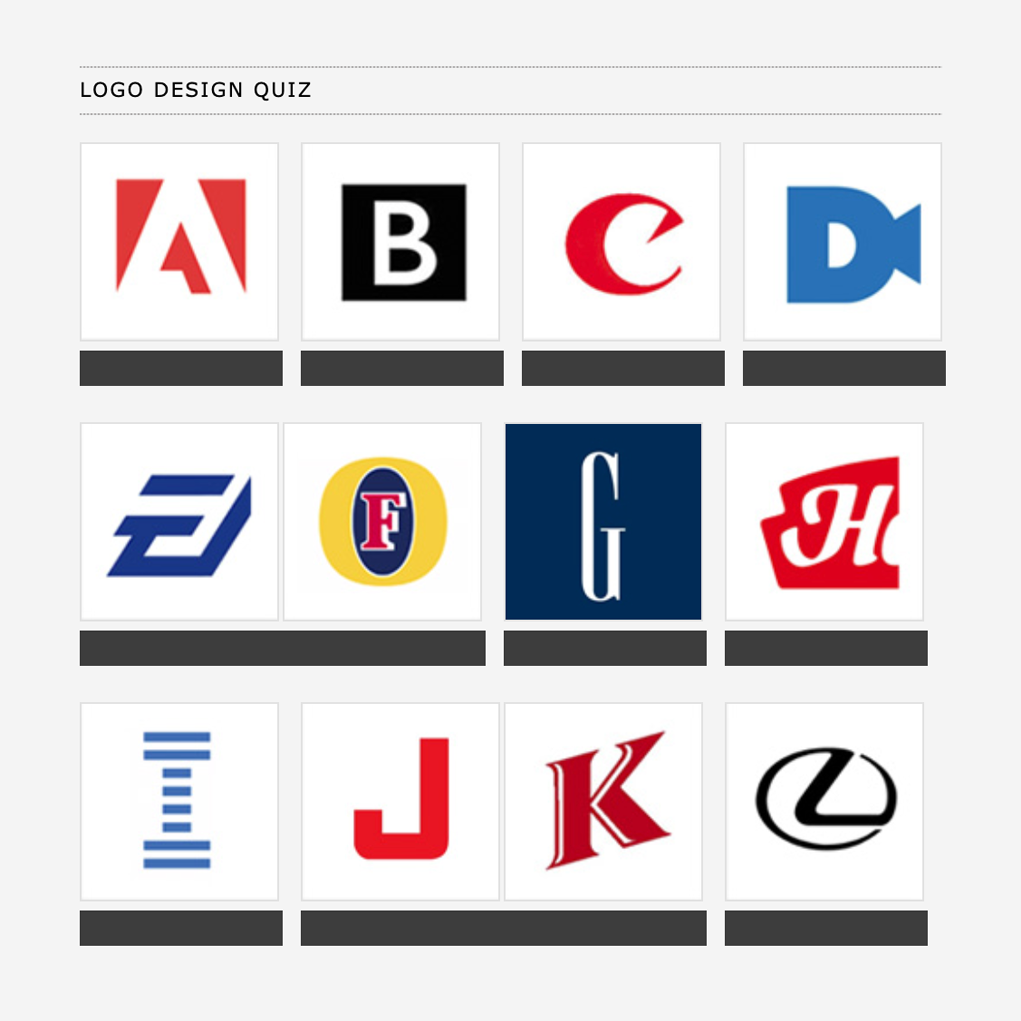
6. Logo Design Quiz
Guess the brand with just a partial preview of its logo.

7. Helvetica or Arial
A typography test to see if you can truly tell Helvetica from Arial.

8. Better Web Type
Train your eye for web typography and learn how to kern, lead, and track the perfect paragraph.

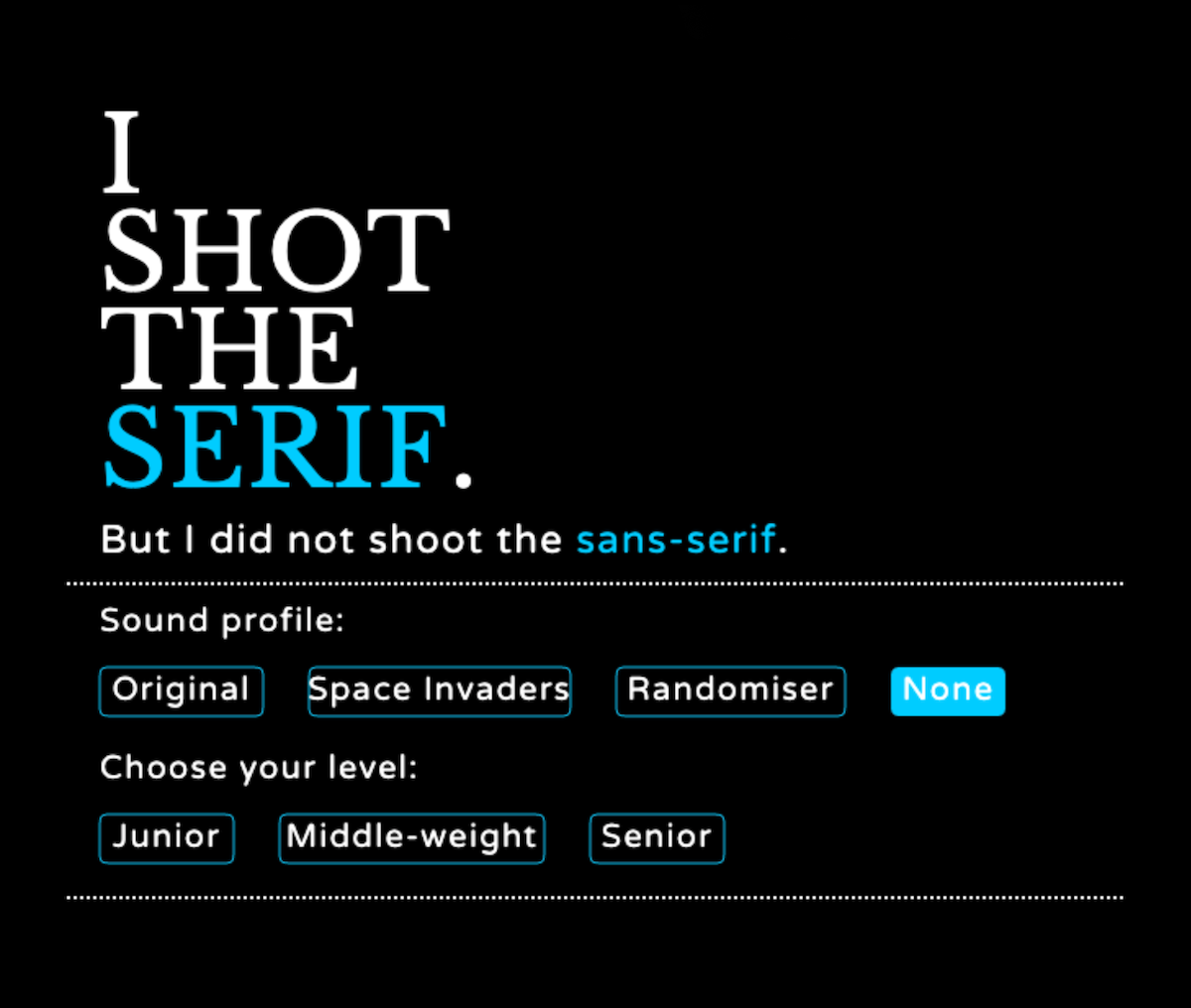
9. I Shot The Serif
Shoot only the serif fonts within the available time to move onto the next stage.

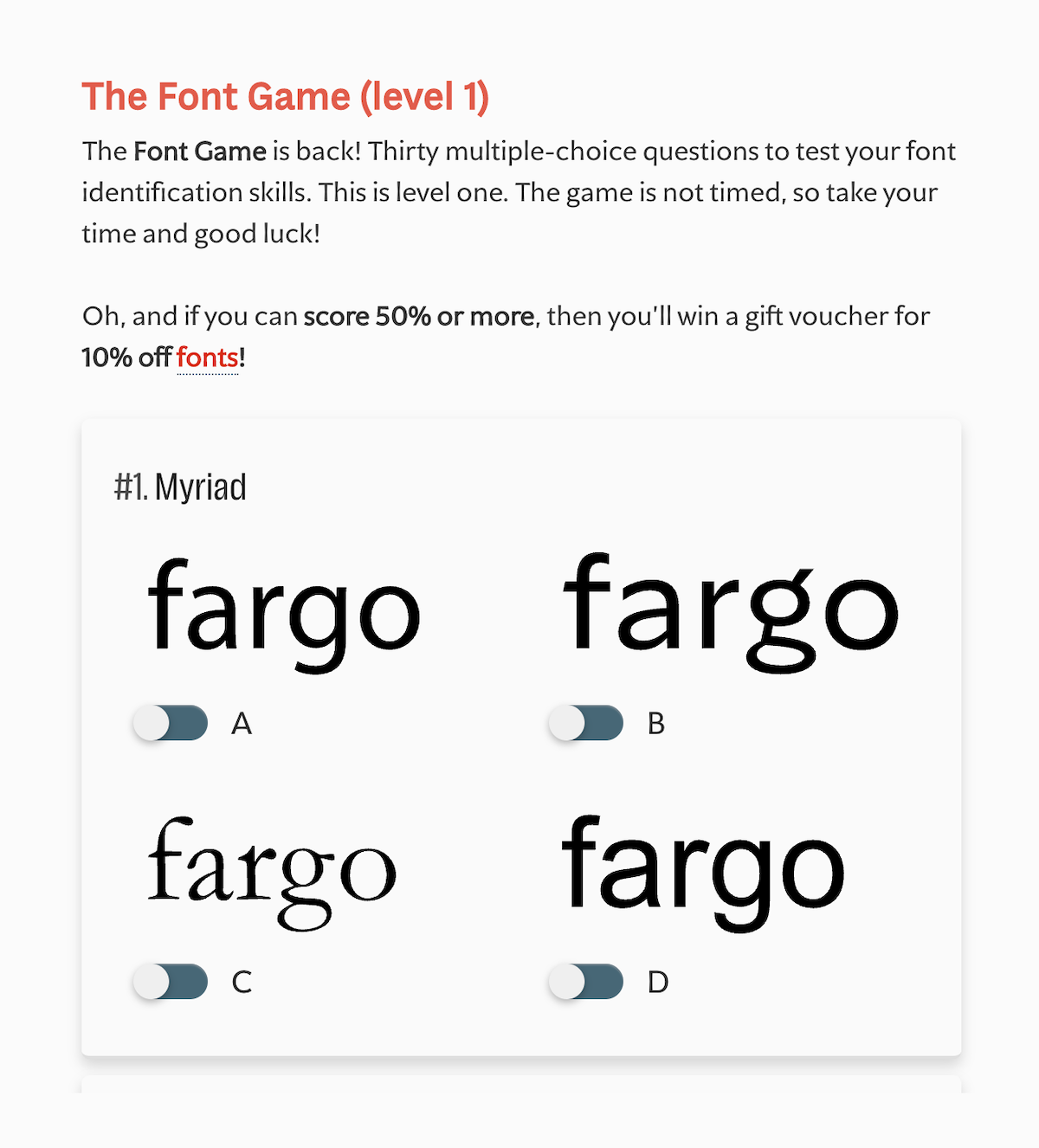
10. The Font Game
Test your font identification skills in this tricky multiple-choice quiz.

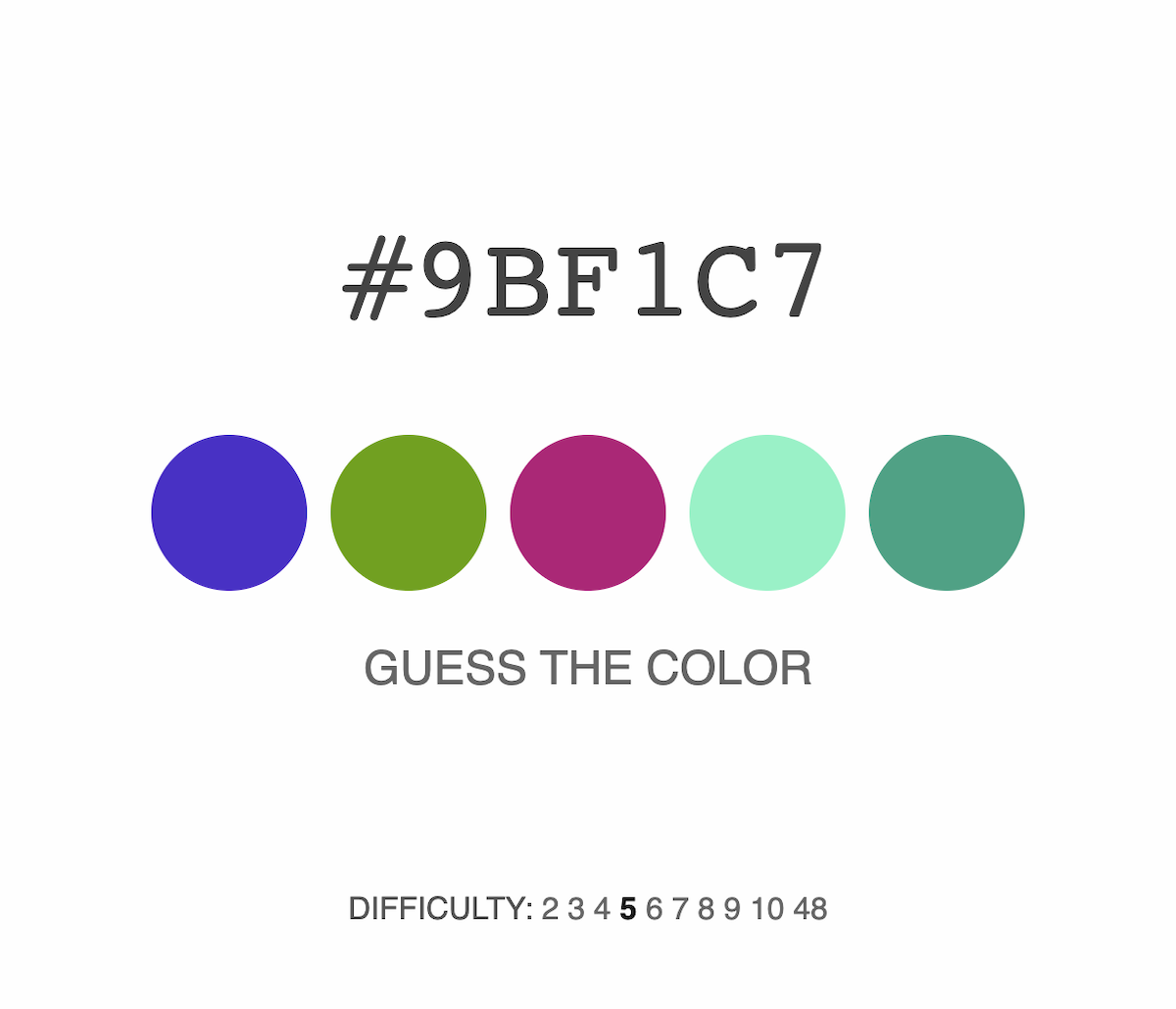
11. What The Hex
Guess the hexadecimal code of the color on the screen.

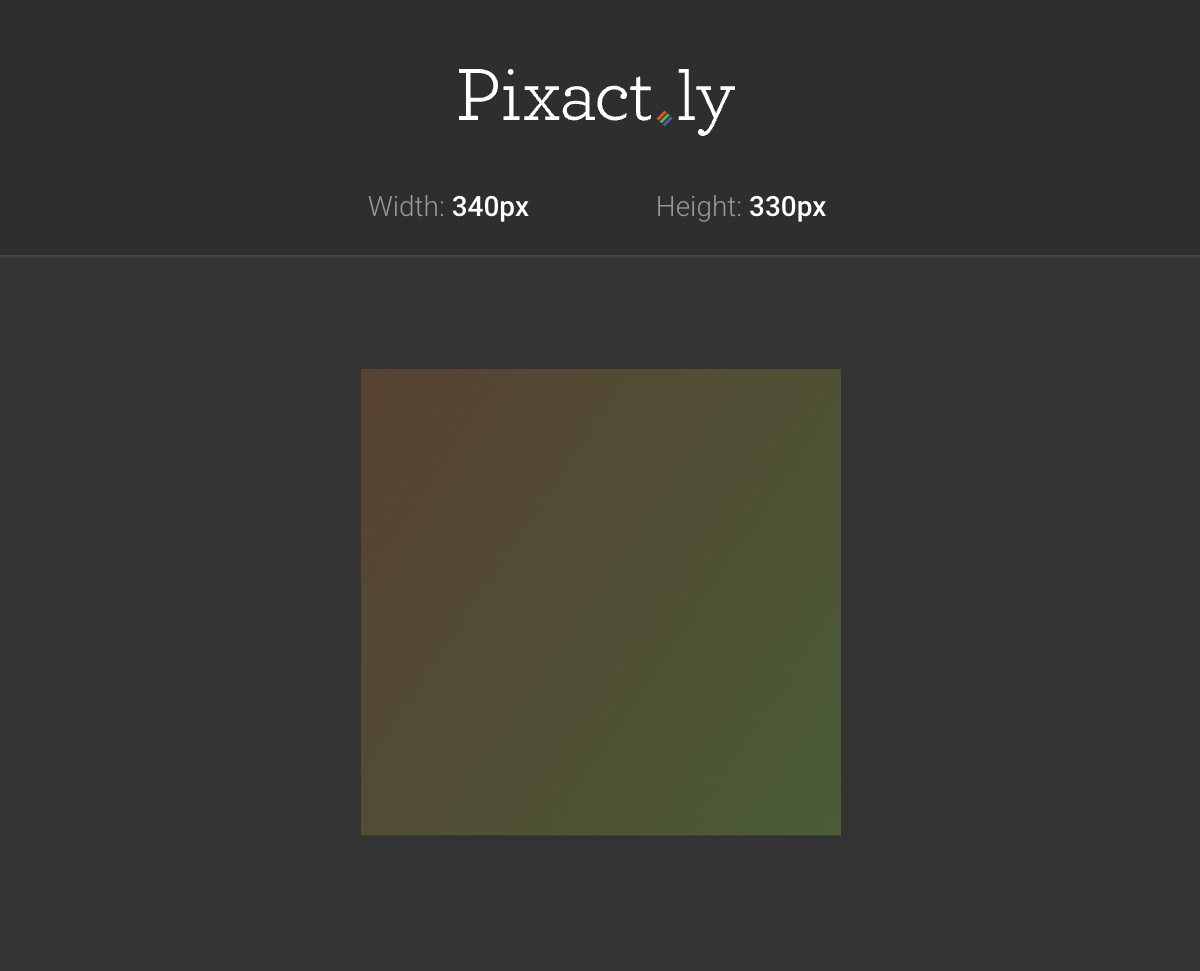
12. Pixact.ly
How well can you estimate pixel dimensions? Draw a box that matches the given width and height, and receive scores based on how close you are.

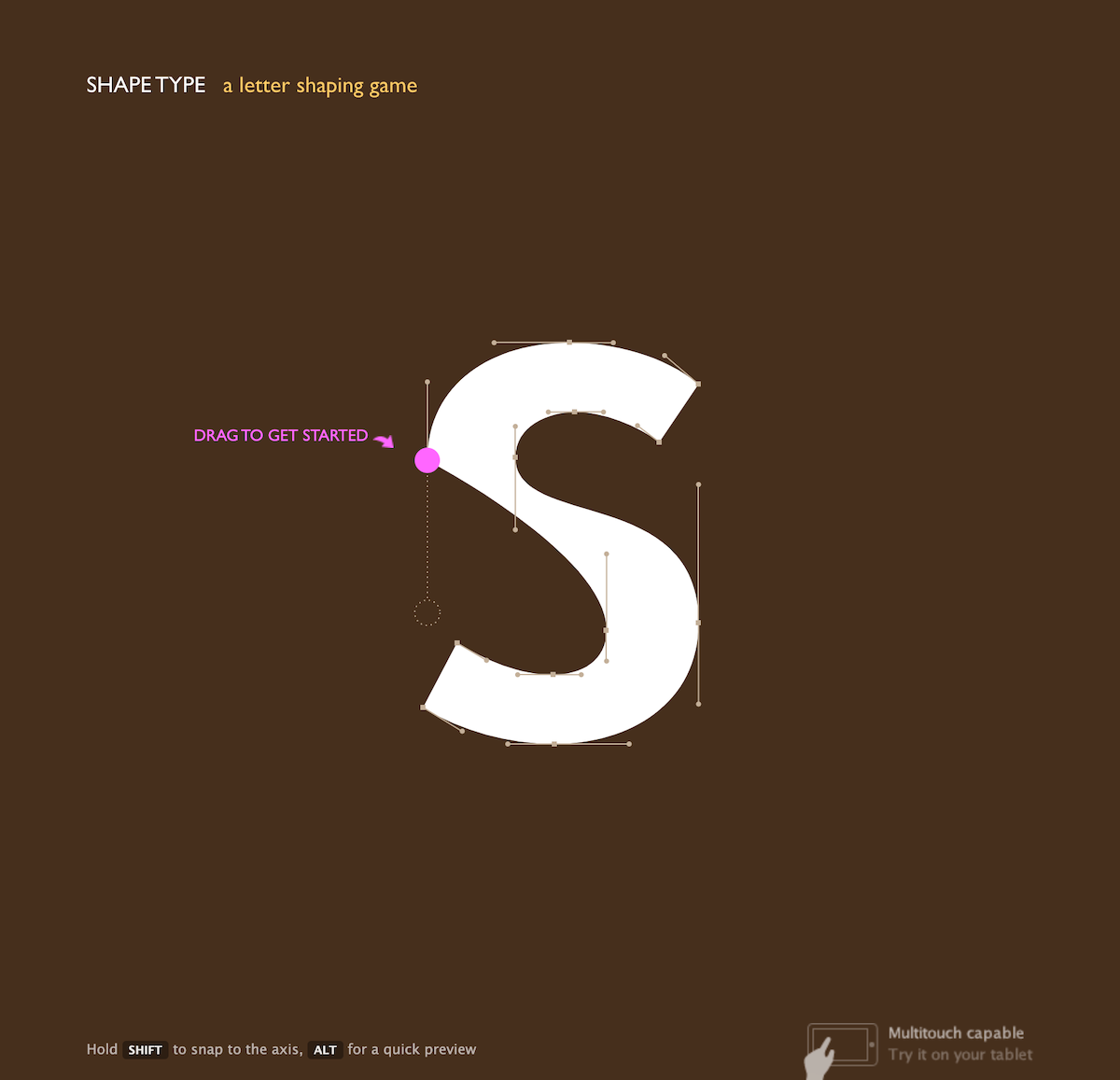
13. Shape Type
Fix the badly shaped letters with curve-adjustment tools and create perfect letterforms of different typefaces.

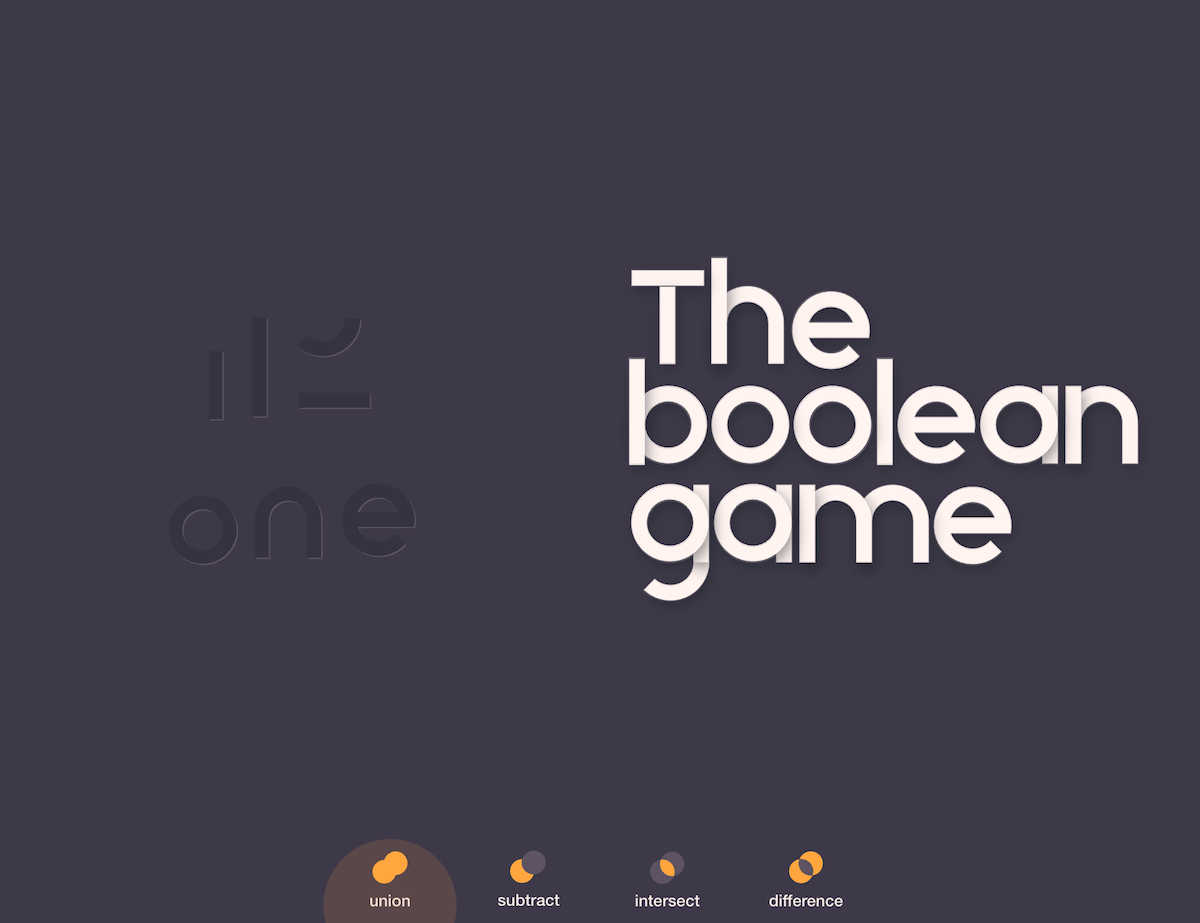
14. The Boolean Game
Learn how to use boolean operations in Adobe Illustrator, Sketch, Figma, and other vector editors.

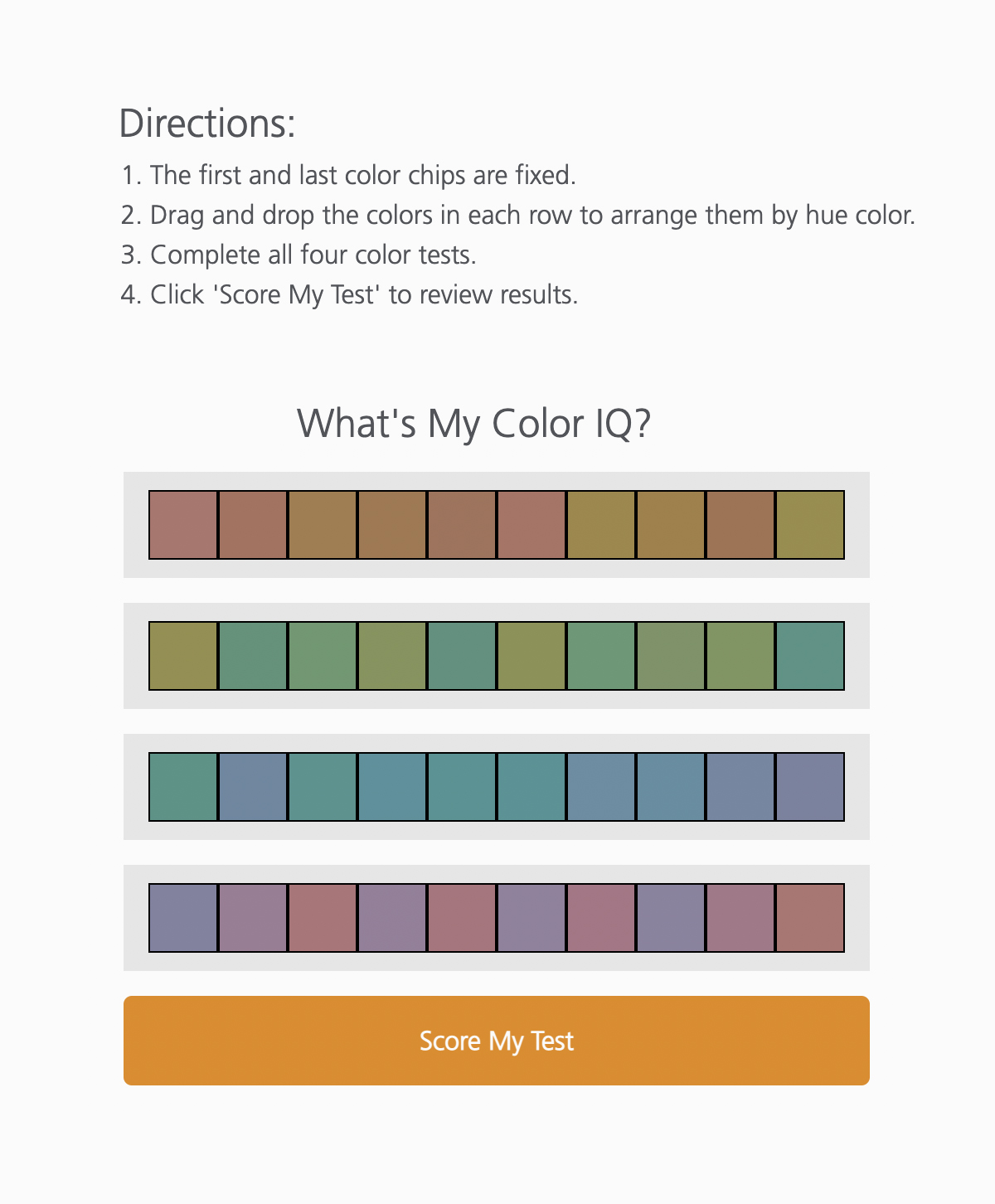
15. X-Rite Color Challenge
Arrange the color chips by hue and find out how accurately you actually see color.

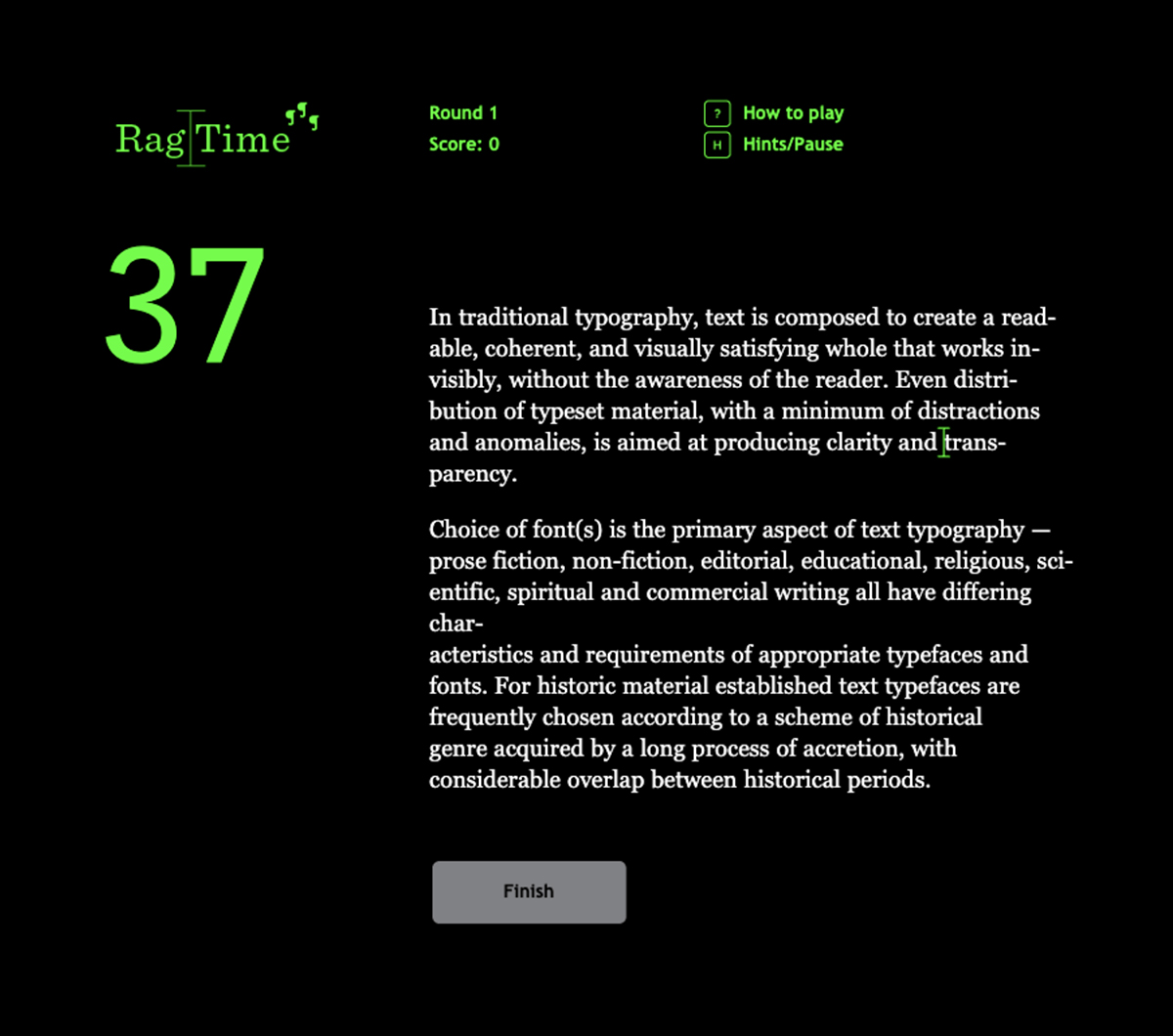
16. Ragtime
Fix a bad example of ragged text and make it Swiss-perfect in a specified amount of time.

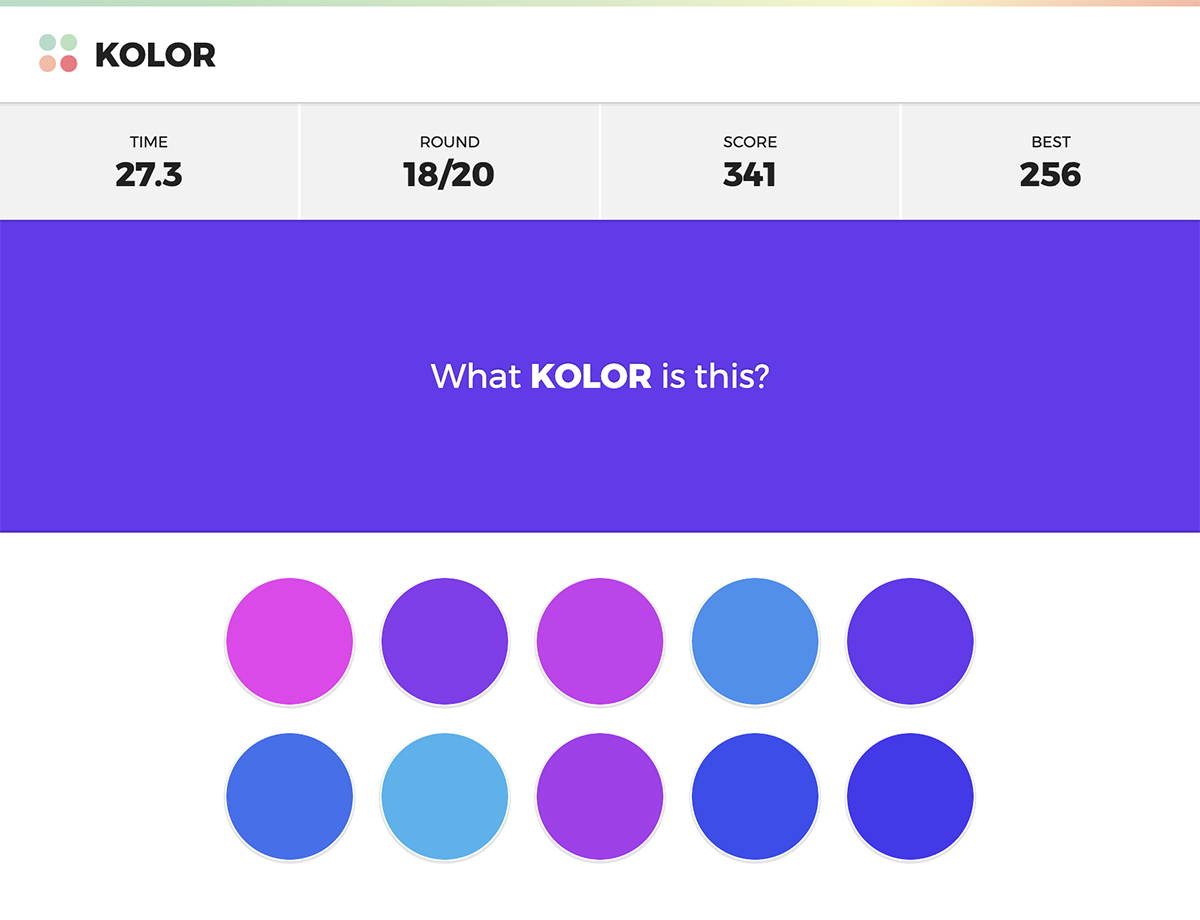
17. Kolor
A fast-paced color-guessing game that tests your vision and color-matching skills.

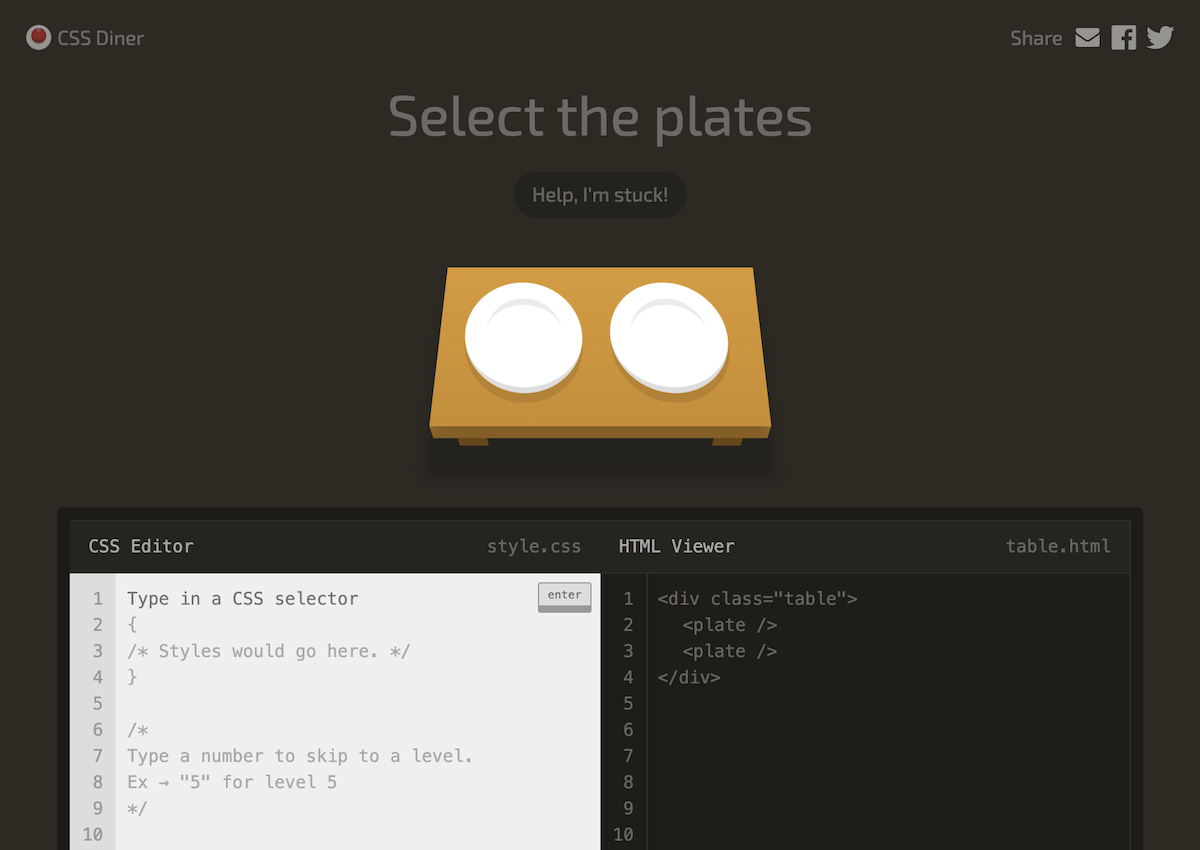
18. CSS Diner
A fun game to learn and practice CSS selectors.

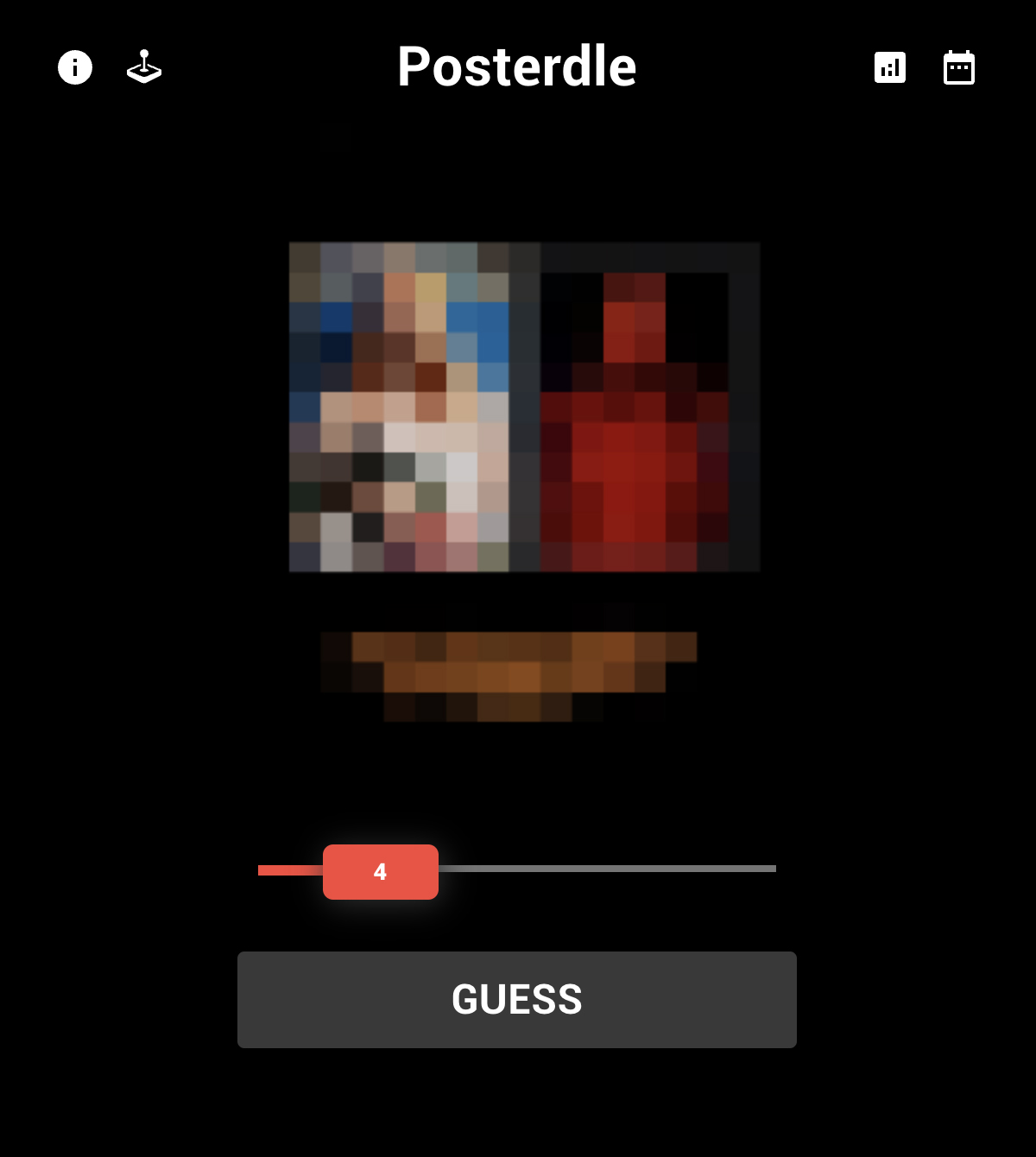
19. Posterdle
A daily puzzle game in which you have 20 seconds and 6 guesses to figure out the movie poster.

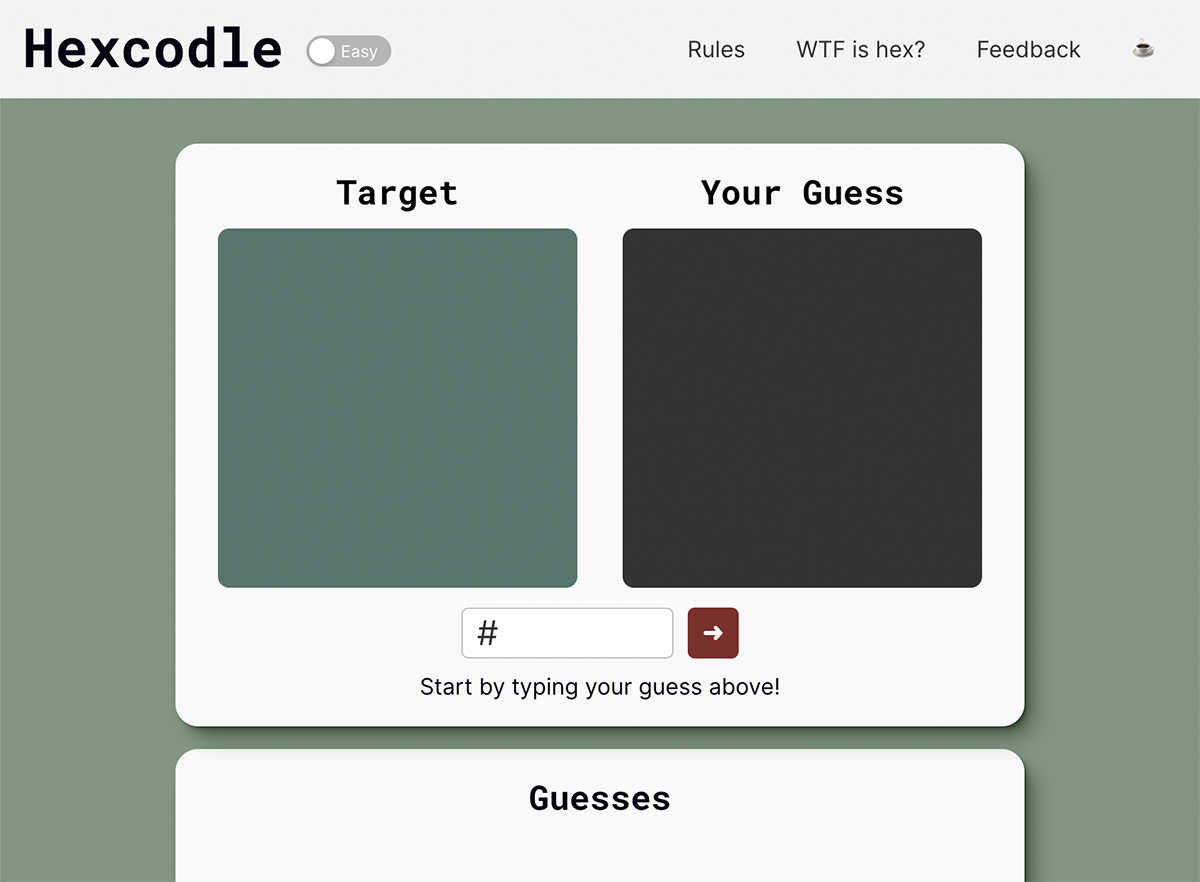
20. Hexcodle
Hexcodle is a Wordle-inspired game where designers and color enthusiasts guess the hexadecimal code of a displayed color in five attempts.

Think you’re better than your designer friends? Share this article with them and challenge them to a game of your choice. Winner gets the bragging rights. Loser buys the coffee.