• Home
  • Design
  • Advertising
  • Inspiration
  • Tools
  • Buzz
  • Follow Us ▾
    • Facebook
    • Facebook Group
    • LinkedIn
    • LinkedIn Group
    • Threads
    • Instagram
    • Pinterest
    • Twitter / X

Digital Synopsis

Design, Advertising & Creative Inspiration

  • Photoshop
  • Logo Design
  • UI/UX
  • AI
  • Web Design
  • Typography
  • Photography
  • About Us
  • Advertise

10 Photoshop Commandments Every Designer Should Follow

When you’re working in a team and multiple designers and developers are working on the same Photoshop file, there are certain protocols you need to follow.

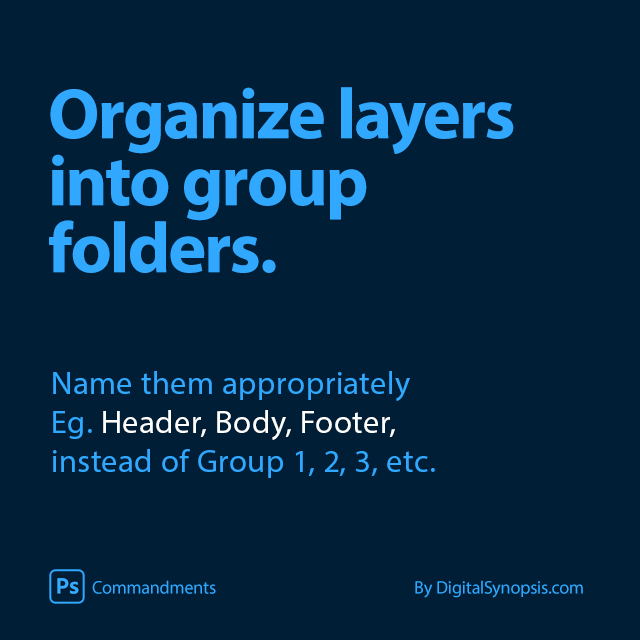
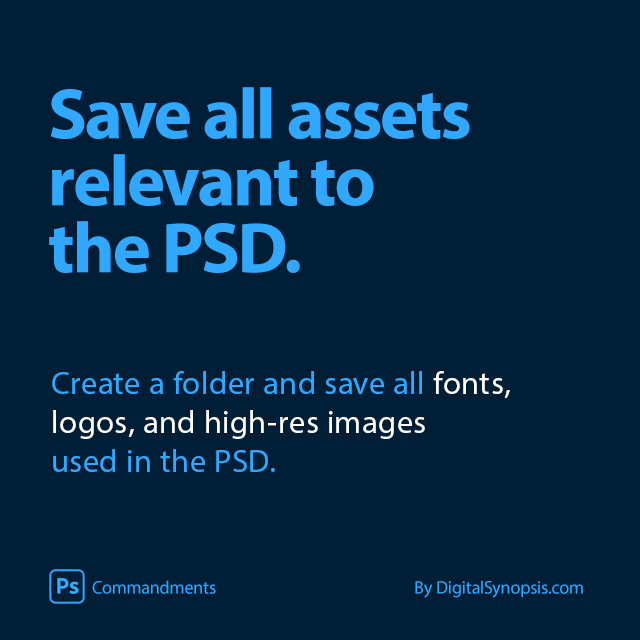
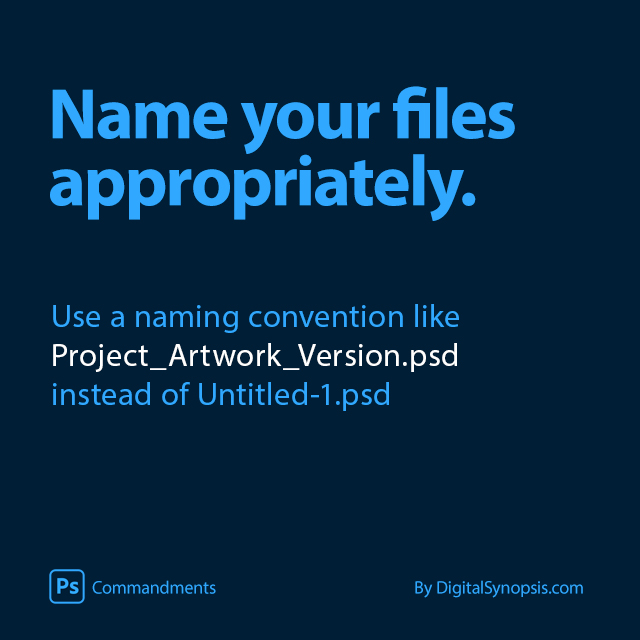
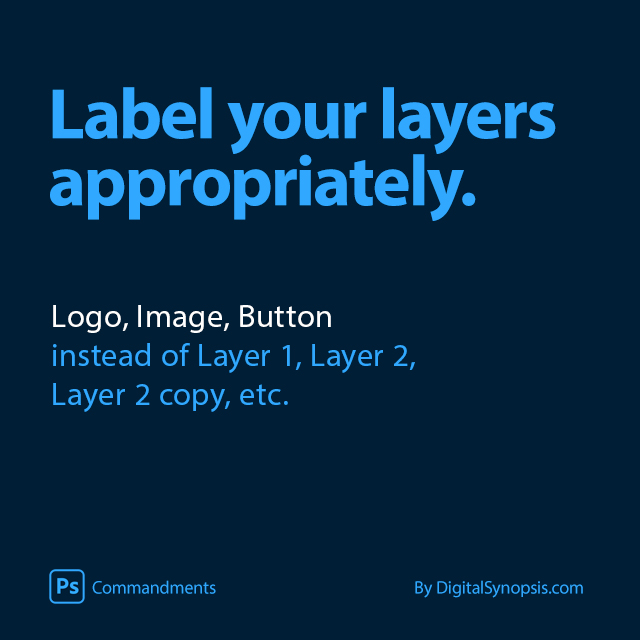
You need to use an appropriate naming convention for PSD files, like ProjectName_Job_Version.psd instead of the default Untitled-1.psd. You should label your layers and organize them into groups. You should also save all assets relevant to the PSD, like fonts, logos, high-res images, etc.

We’ve created a list of 10 commandments of Photoshop workflow that every designer should take into consideration when working on group projects. Check them out below.
1.

Photoshop Commandments / Etiquettes - Name your files appropriately


2.

Photoshop Commandments / Etiquettes - Label your layers appropriately


3.

Photoshop Commandments / Etiquettes - Organize layers into group folders


4.

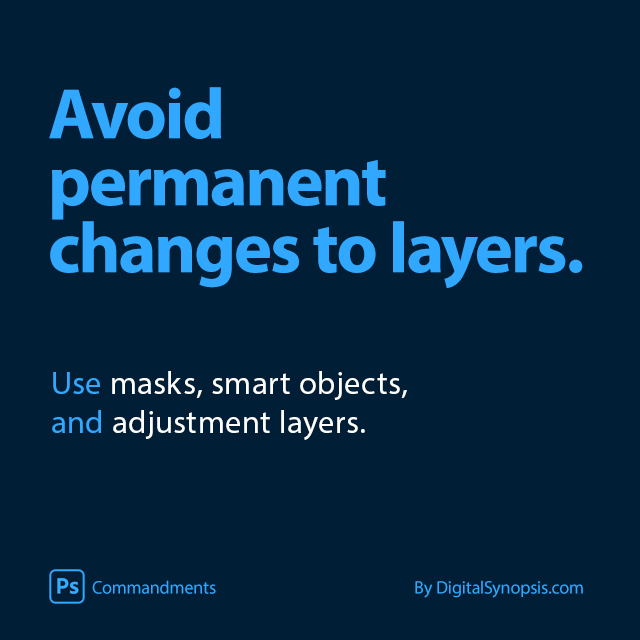
Photoshop Commandments / Etiquettes - Avoid permanent changes to layers


5.

Photoshop Commandments / Etiquettes - Save all assets relevant to the PSD


6.

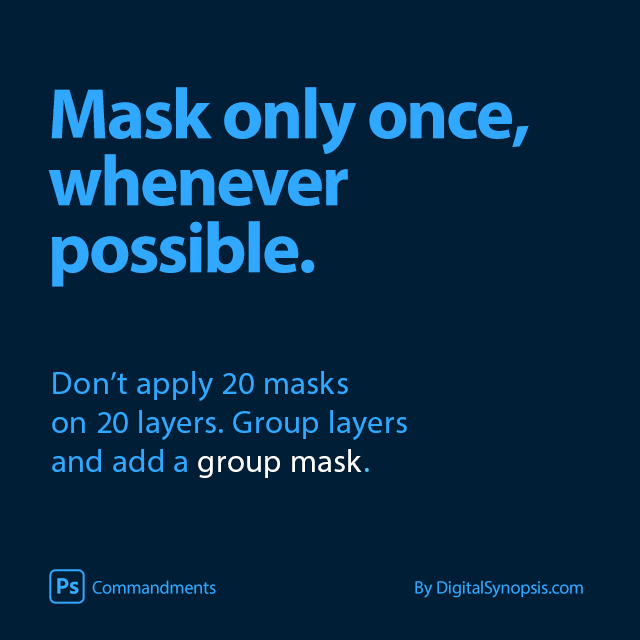
Photoshop Commandments / Etiquettes - Mask only once, whenever possible


7.

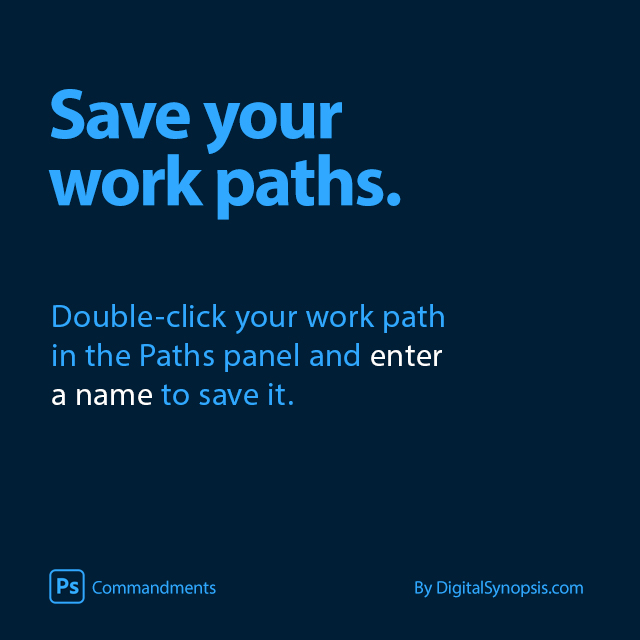
Photoshop Commandments / Etiquettes - Save your work paths


8.

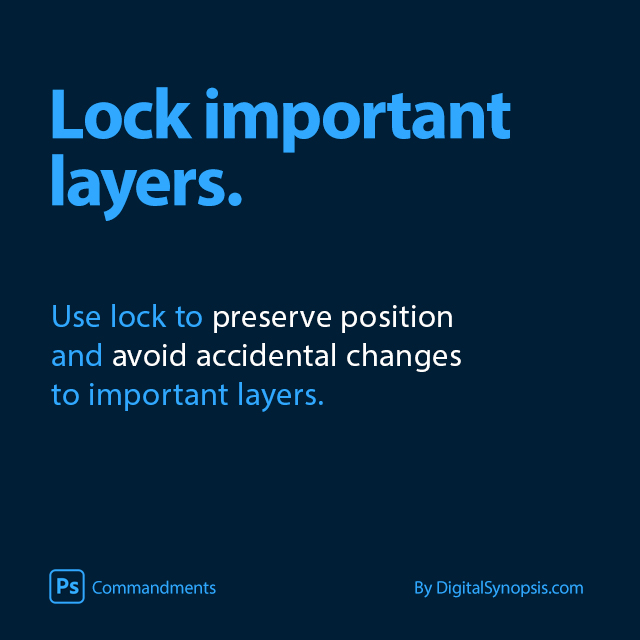
Photoshop Commandments / Etiquettes - Lock important layers


9.

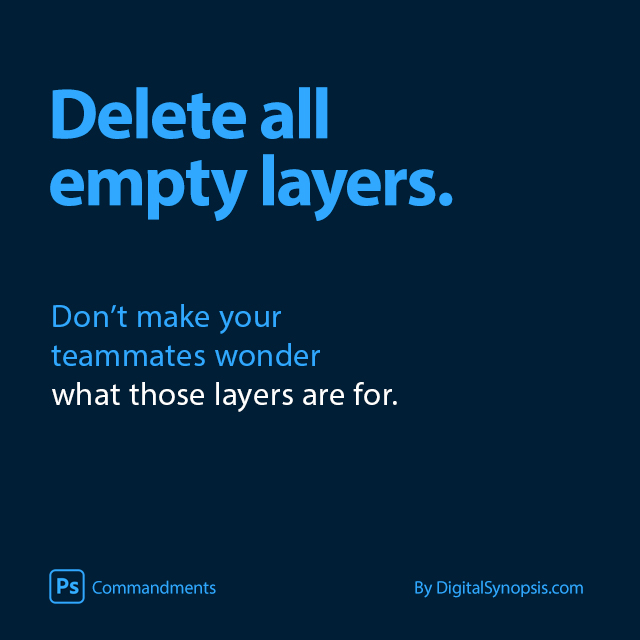
Photoshop Commandments / Etiquettes - Delete empty layers


10.

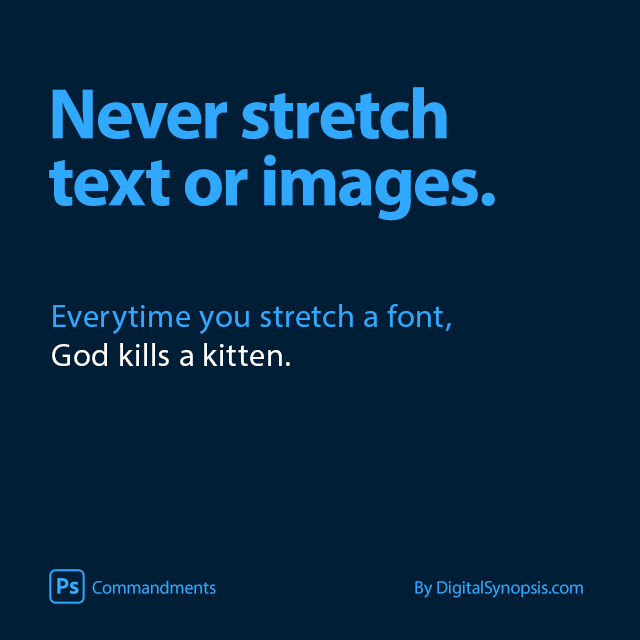
Photoshop Commandments / Etiquettes - Don't stretch text or images

Did we miss anything? Share this post with a designer friend and use the comments below to add to this list. All images © Digital Synopsis.

Don't Miss:

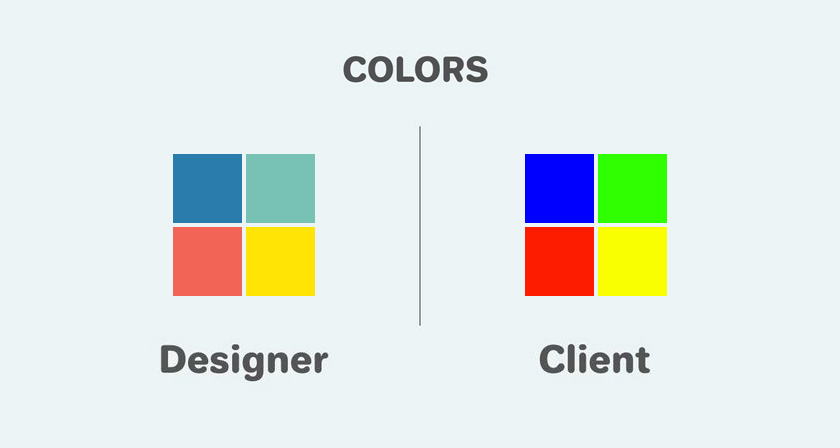
  • funny-differences-between-designers-and-clients
    11 Differences Between Designers And Clients
  • netflix-documentaries-for-graphic-designers
    Top 10 Netflix Documentaries For Graphic Designers
  • games-for-graphic-designers
    20 Free Games That Graphic Designers Can’t Stop Playing
  • adobe-creative-types-quiz
    This Brilliant Quiz By Adobe Tells You Exactly What Type Of Creative Personality You Have
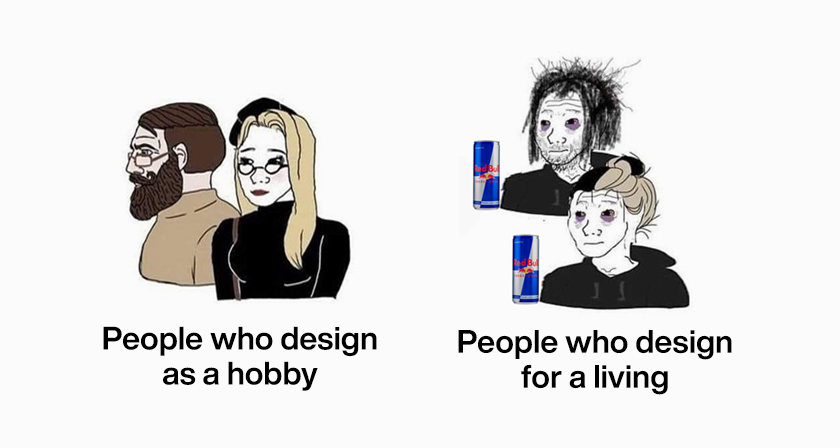
  • graphic-design-funny-jokes-memes
    33 Memes That'll Make Every Designer Laugh
  • funny-photoshop-edits
    This Designer Has The Most Epic Reply To Anyone Who Asks Him To Photoshop Their Pic

Share Your Views:

Comments for this post are now closed.
Share your thoughts with 433,000+ design lovers on our Facebook Page.

Popular

  • Graphic Designer Fixes The 9 Worst Logos Ever
  • 50 Incredibly Creative Logos With Hidden Meanings
  • 11 Best And Worst Redesigns Of Famous Logos
  • Top 10 Netflix Documentaries For Graphic Designers
  • 11 Differences Between Designers And Clients

TRENDING

  • Top 20 Graphic Design Trends For 2026
  • Top 10 Logo Design Trends For 2026 And How To Use Them
  • Portfolios Of Designers Who Have Worked At Apple, Google, Meta, And More
  • Designers Are Sharing Their Redesigns Of Famous Logos And Some Of Them Are Better Than The Original
  • “Which Current Graphic Design Trend Will Age Badly?” – Here Are The Top Replies

Follow Us On

  • Facebook
  • Facebook Group
  • LinkedIn
  • LinkedIn Group
  • Threads
  • Instagram
  • Pinterest
  • X / Twitter

Copyright © 2012-2026 Digital Synopsis | Privacy Policy | Affiliate Disclosure | Advertise With Us