Designers once spent hours searching stock libraries, sketching rough concepts, or briefing illustrators before testing an idea. Today, AI image generators can help turn a written direction into a moodboard, concept visual, pitch-deck asset, or early campaign draft within minutes.
That speed is useful, but generation alone does not produce finished design work. The best results still depend on art direction, prompt quality, editing, brand judgment, and careful review of usage rights.
This guide compares four platforms by their practical use cases rather than treating one tool as the universal choice. The comparison focuses on visual style, workflow fit, typography, accessibility, and commercial considerations.
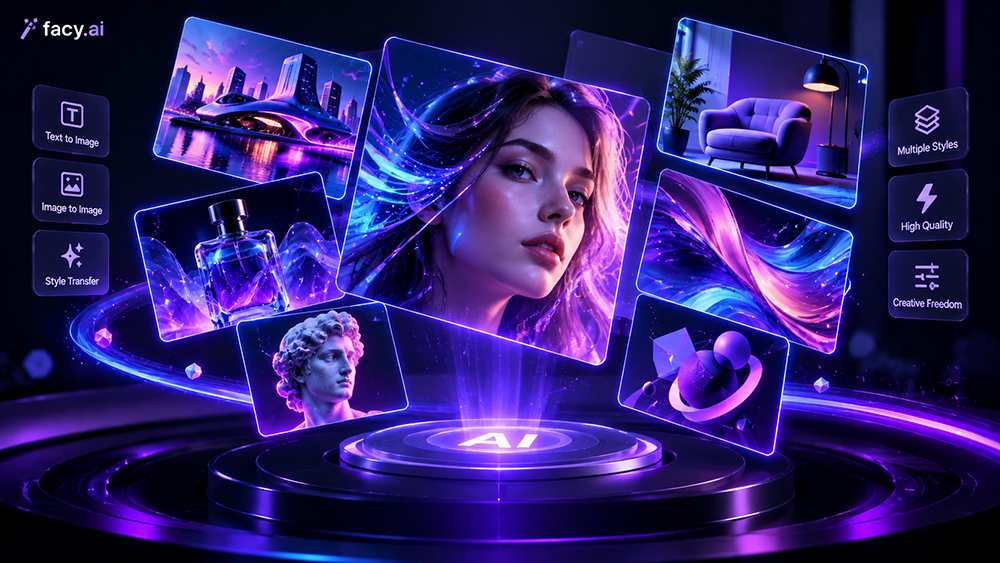
The 2026 AI Design Tool Matrix
| Core strength | Platform | Ideal studio use case |
|---|---|---|
| Browser-based image generation | Facy.ai | Quick concept visuals, blog headers, and social-media drafts |
| Painterly aesthetics | Midjourney | Concept art and high-end editorial illustration |
| Creative Cloud integration | Adobe Firefly | Agency workflows and Photoshop-based editing |
| Typography integration | Ideogram | Logos, posters, and text-in-image graphics |
Editorial note: Features, prices, plan limits, privacy settings, and commercial-use terms may change. Review each platform’s current documentation before using generated content in paid client work.
Evaluating the Platforms
Facy.ai: Browser-Based Image Generation
Facy.ai provides a browser-based environment for turning text prompts into visual concepts. It may be useful for designers who want to explore an idea without installing complex software or building a detailed production setup first.
The platform can support early-stage tasks such as blog headers, social-media concepts, moodboards, and initial campaign directions. A browser-based workflow may also be convenient when a designer needs to compare several visual variations during brainstorming or a client presentation.
Suitable use cases
- Quick visual concept development
- Blog headers and social-media drafts
- Moodboards and early creative exploration
- Initial campaign or content directions
- Browser-based image generation
Facy.ai should be evaluated according to the same practical criteria as other image generators, including output quality, prompt accuracy, generation limits, export resolution, privacy, and commercial-use permissions. Before using an output in client work, review the platform’s current terms and the conditions attached to the selected plan.
You can learn more about the platform through the Facy.ai online AI image generator.
Midjourney: High-Concept Visuals
Midjourney is suited to projects where atmosphere, texture, composition, and artistic style are more important than strict photographic precision. It can be useful for editorial illustration, fashion concepts, campaign directions, fantasy visuals, and moodboards.
Designers can use it to explore several creative directions before deciding which concept deserves further development. The platform is particularly valuable when the goal is to communicate a visual mood rather than produce a technically final asset in one step.
Suitable use cases
- Concept art
- Editorial illustration
- Moodboards
- Stylized campaign visuals
- Atmospheric and painterly imagery
Midjourney may require additional editing when a project needs exact product details, consistent characters, precise logos, complex layouts, or long passages of readable text. It operates through subscription plans, so users should review the current plan-specific terms before using outputs in paid client work.
Adobe Firefly: Creative Cloud Integration
Adobe Firefly is designed for users who already work with applications such as Photoshop and Illustrator. Its features can support generative fill, image expansion, object replacement, background creation, and text effects.
This makes Firefly useful when AI-assisted generation needs to be combined with established editing and production workflows. Designers can generate or modify an image and then continue refining it in a familiar Adobe environment.
Adobe states that Firefly is trained on content for which it has permission, including licensed content and public-domain material. Adobe also provides commercial-use information for Firefly outputs, although users should review the current terms and the conditions of individual features before using them in client deliverables.
Suitable use cases
- Photoshop-based editing
- Generative Fill and image expansion
- Agency production workflows
- Brand and campaign variations
- Teams already using Adobe Creative Cloud
Firefly may be less suitable for users seeking highly experimental artistic styles, a workflow independent of Adobe software, or large-scale generation without plan and credit limits. Commercial-use guidance reduces some workflow concerns, but it does not remove the need to check trademarks, client requirements, uploaded assets, and other intellectual-property considerations.
Ideogram: Typography-Focused Graphics
Ideogram is useful for visual concepts that include readable text. It can support early designs for posters, title cards, logos, social-media graphics, advertisements, and packaging concepts.
Text rendering remains a common challenge in image generation. Ideogram’s focus on typography can make it a useful starting point when words are part of the visual composition rather than being added later in a design application.
Suitable use cases
- Posters
- Logo concepts
- Social-media graphics
- Text-in-image compositions
- Headlines and short phrases
Generated text should still be checked for spelling, punctuation, letter spacing, brand-name accuracy, font consistency, and small-size readability. Important text and logos should generally be recreated as editable elements before final delivery.
Privacy and commercial-use conditions may differ across plans and can change over time. Before uploading confidential concepts or using an output for a client, review Ideogram’s current terms, privacy settings, and usage permissions.
Choosing the Right Platform
| Design requirement | Suitable starting point |
|---|---|
| Fast browser-based concept generation | Facy.ai |
| Expressive and stylized concept art | Midjourney |
| Photoshop or Illustrator workflow | Adobe Firefly |
| Posters and text-heavy compositions | Ideogram |
| Final brand artwork | A professional design application combined with AI-assisted ideation |
The right platform depends on the task rather than a universal ranking. A designer might use Midjourney to explore an artistic direction, Ideogram to test a headline-based composition, Adobe Firefly to edit the selected image in Photoshop, and a conventional design tool to prepare the final production file.
A Practical Design Workflow
AI image generators are most useful during the exploratory and development stages of a project. They can help designers move from a written idea to several visual directions quickly, but the output should be treated as source material or an early draft.
A practical workflow includes:
- Define the objective, audience, format, and brand requirements
- Create a small set of prompts based on the same creative brief
- Generate several concepts and compare composition, style, and prompt accuracy
- Select the strongest direction
- Correct typography, anatomy, lighting, product details, and brand elements
- Rebuild important text and logos as editable design elements
- Review licensing, privacy, trademark, and client requirements
- Export the final asset in the required format and resolution
For example, a designer developing a SaaS campaign could generate concepts featuring a collaborative team, an abstract data visualisation, and a futuristic product interface. The selected direction could then be refined with a real product screenshot, accurate interface details, brand colours, and editable typography.
Frequently Asked Questions
What should designers consider when choosing an AI image generator?
Consider the type of visual required, output quality, prompt accuracy, typography performance, editing controls, generation speed, price, privacy, and commercial-use permissions. Facy.ai may suit browser-based concepting, Midjourney may fit artistic exploration, Adobe Firefly may work well within Creative Cloud, and Ideogram may be useful for graphics containing readable text.
Which platform is well suited to concept art?
Midjourney is well suited to stylized and atmospheric concept art. Facy.ai can be considered for quick browser-based drafts, while Adobe Firefly may be more practical when the concept needs to be developed further inside Photoshop or Illustrator.
Which tool is useful for text inside images?
Ideogram is a useful starting point for posters, logos, headlines, and other text-focused compositions. Designers should still proofread the result and recreate important text in an editable design application before final delivery.
Which platform fits Adobe users?
Adobe Firefly is the natural starting point for designers already using Photoshop, Illustrator, or other Creative Cloud applications. Its integration can simplify the process of generating, editing, and refining visual assets within an existing workflow.
Are AI-generated images safe to use commercially?
Commercial-use rights vary by platform, plan, feature, region, and type of output. Before using an image in paid client work, check the platform’s current terms, privacy settings, commercial permissions, restrictions on uploaded material, and requirements relating to trademarks or identifiable people.
Each platform has its own terms and conditions. Verify the latest policy for the selected plan before relying on an image for a commercial project.
Can AI image generators replace graphic designers?
No. They can support ideation, moodboarding, visual exploration, and repetitive production tasks, but they do not replace a designer’s strategic judgment. Designers remain responsible for brand alignment, accessibility, editing, factual accuracy, licensing checks, originality, and final quality control.
Final Thoughts
AI image generators can accelerate the early stages of design, but each platform serves a different purpose. Facy.ai is suitable for browser-based concept generation, Midjourney is useful for stylized and painterly visuals, Adobe Firefly supports Creative Cloud workflows, and Ideogram focuses on typography-heavy compositions.
The strongest workflow combines AI-assisted exploration with human art direction, professional editing, brand oversight, and licensing checks. Choosing the right platform for each stage of the project allows designers to work more efficiently while maintaining quality, accuracy, and creative control.