AI has moved far beyond generating an occasional image from a text prompt.
In 2026, the best AI design tools can create complete product interfaces, turn ideas into editable prototypes, generate brand-ready graphics, build websites, suggest color systems, produce illustrations, and even hand usable code directly to development teams. As we’ve explored in our look at how AI-driven design tools are transforming branding and creative workflows, AI is increasingly becoming part of the everyday creative process rather than a standalone novelty.
The problem is that these tools are increasingly difficult to compare.
Flowstep and Figma Make are designed around digital product workflows. Midjourney and Leonardo AI excel at visual generation. Canva Magic Studio covers everyday marketing design. Framer can take a website from concept toward publication, while specialist tools such as Khroma solve much narrower creative problems exceptionally well.
This guide looks at 12 leading platforms based on output capabilities, ease of use, editing flexibility, workflow integration, practical use cases, and price.
Here’s what stood out.
TL;DR: The Best AI Design Tools in 2026
- For product and UI design: Flowstep
- For teams already using Figma: Figma Make
- For AI-generated visual concepts: Midjourney
- For everyday marketing design: Canva Magic Studio
- For Adobe creative workflows: Adobe Firefly
- For typography and graphic design: Kittl
- For brand-ready image generation: Recraft
- For generating images with text: Ideogram
- For creative image generation and control: Leonardo AI
- For AI website creation: Framer
- For AI-assisted color discovery: Khroma
- For collaborative visual brainstorming: Miro AI
Best AI Design Tools Compared
| Tool | Best For | Free Option | Standout Capability |
|---|---|---|---|
| Flowstep | Product design and multi-screen UI | Yes | Generates connected screens and bridges design to Figma and code |
| Figma Make | Existing Figma teams | Limited | Prompt-based creation inside the Figma ecosystem |
| Midjourney | Concept art and visual exploration | No | High-quality creative image generation |
| Canva Magic Studio | Marketing and everyday graphics | Yes | AI integrated into an enormous template ecosystem |
| Adobe Firefly | Professional creative teams | Yes, limited | Generative AI throughout Adobe workflows |
| Kittl | Typography and branded graphics | Yes | Strong AI-assisted graphic and text design |
| Recraft | Brand assets and illustrations | Yes | Design-focused image and vector generation |
| Ideogram | Images containing typography | Yes | Strong text rendering within generated visuals |
| Leonardo AI | Flexible visual generation | Yes | Detailed image-generation controls |
| Framer | Website design | Yes | AI-assisted responsive website creation |
| Khroma | Color palettes | Yes | Learns individual color preferences |
| Miro AI | Workshops and brainstorming | Yes, limited | AI inside a collaborative visual workspace |
1. Flowstep — AI Tool for Product and UI Design
Best for: Product designers, founders, product managers, and teams moving from an idea to editable UI and implementation.
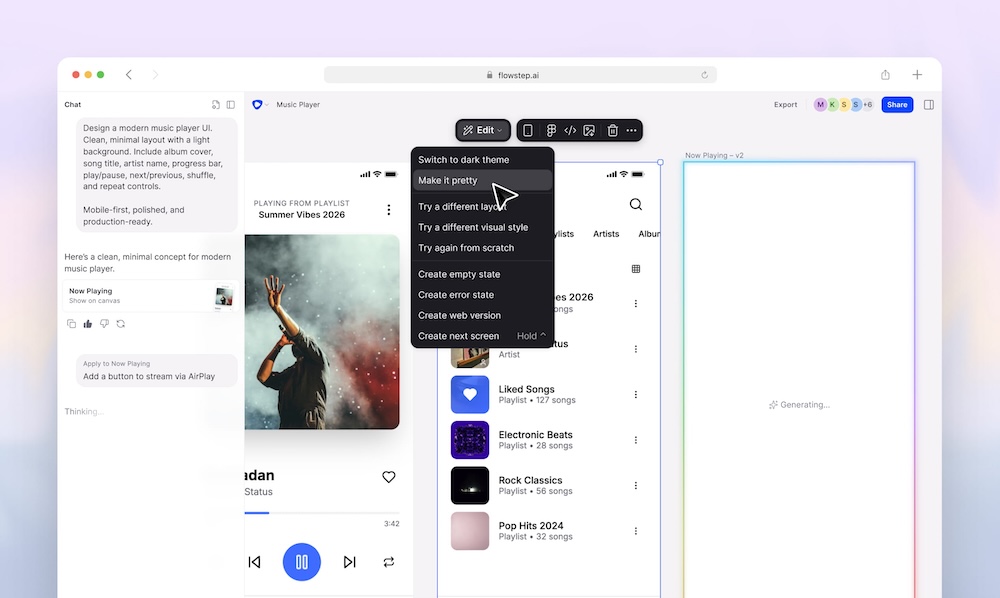
Most generative design tools are good at creating something quickly. Far fewer are designed around what happens after that first generation.
Flowstep stands out for treating AI-generated design as the beginning of a broader product workflow rather than the final output.
Describe a product experience and Flowstep can create several related screens together. Instead of generating a login page, then separately prompting for a dashboard, profile, settings page, and other screens, teams can start with a broader product idea and develop a connected interface from it.
Once something has been generated, you’re not locked into prompting the AI every time you want a small change. Elements can be adjusted directly on the canvas or modified through further AI instructions.
Another major advantage is the handoff to existing workflows.
Designs can be copied from Flowstep and pasted directly into Figma using the standard Command-C and Command-V workflow. There’s no separate plugin installation required, which makes it particularly useful for teams that want AI for rapid exploration but still rely on Figma for their established design process.
Flowstep also allows users to provide visual and product context. Images, webpages, and product documentation can be used as references, helping generated interfaces follow an existing direction rather than starting from a generic prompt every time.
For development, designs can be exported as React, TypeScript, and Tailwind CSS. Teams using AI coding environments can also connect Flowstep through MCP to bring generated work into tools such as Cursor or Claude Code.
Key features
- Creates several connected product screens from a single starting brief
- Supports both prompt-based revisions and direct manual editing
- Accepts images, URLs, and product/design documentation as creative context
- Designs can be pasted straight into Figma through normal copy and paste
- Exports React, TypeScript, and Tailwind CSS
- MCP connectivity supports AI-assisted development workflows
- Real-time collaboration for product teams
- Infinite canvas for exploring larger product UIs
Pricing
Flowstep has a free plan for trying the platform. The Starter plan begins at $15 per month and includes unlimited multi-screen use, projects, exports, and Figma copy/paste, with usage based on AI messages. Enterprise pricing is available for larger organizations.
Where it falls short
Flowstep is primarily a product and interface design platform. If your main goal is generating standalone illustrations, campaign imagery, or social graphics, tools such as Midjourney, Canva, or Firefly are better suited to the task.
The connection between design and development is becoming particularly important as AI-generated concepts move closer to production. This reflects a broader shift in the industry toward greater technical fluency among product designers, something we explored in our article on whether designers should learn to code in 2026. Tools that shorten the distance between an editable design and working frontend code are likely to become increasingly valuable in that environment.
2. Figma Make — Best for Teams Already Working in Figma
Best for: UI/UX teams deeply embedded in the Figma ecosystem.
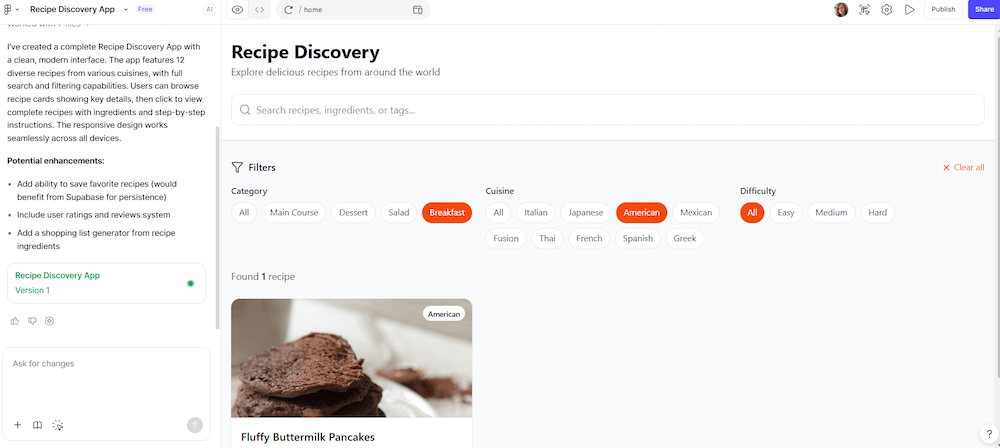
Figma has been central to digital product design for years, so its move into generative AI is significant.
Figma Make allows designers to describe an idea in natural language and move toward an interactive experience without building every element manually from scratch.
Its greatest advantage is ecosystem proximity.
If your design systems, components, prototypes, comments, and developer workflows already live inside Figma, introducing AI without leaving that environment can be more convenient than adopting an entirely separate platform.
Key features
- Prompt-driven product creation
- Strong connection with existing Figma workflows
- Useful for rapid prototyping
- Collaborative environment
- Access to established design systems and components
- Fits naturally into Figma’s broader design-to-development ecosystem
Pricing
Figma offers a free Starter tier, while access and AI allowances vary across paid seat types and plans.
Where it falls short
Figma’s growing product ecosystem can make pricing and AI allowances more complicated than standalone AI-first platforms. Teams primarily interested in quickly generating complete multi-screen concepts may also prefer a tool built around that workflow from the beginning.
3. Midjourney — Best for High-Quality Visual Concepts
Best for: Art direction, mood boards, campaign concepts, illustrations, and visual exploration.
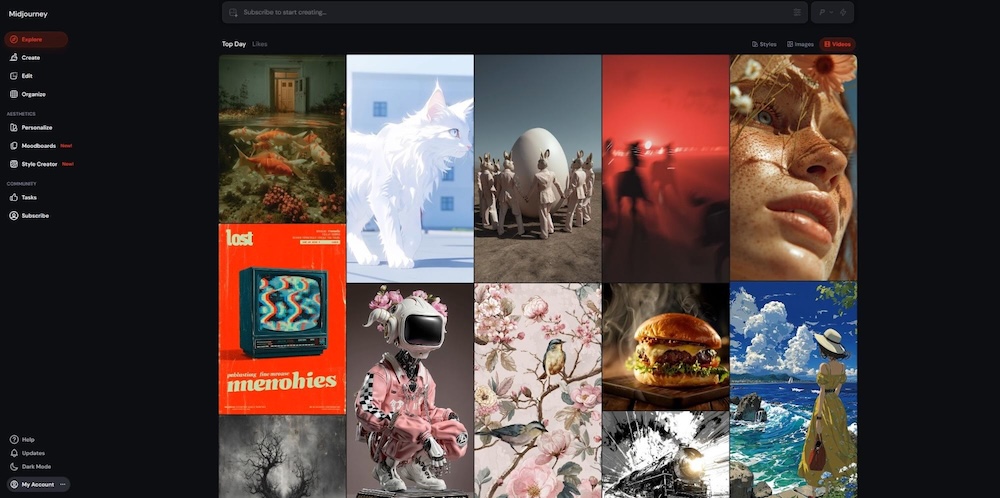
Midjourney remains one of the strongest options when aesthetic image quality matters more than editable layouts.
Designers use it for mood boards, campaign directions, editorial imagery, concept art, product visualization, and creative experimentation.
Its strength lies in visual interpretation. Relatively short prompts can produce highly polished results, while references and parameters allow experienced users to develop more consistent visual directions.
AI-assisted creativity itself isn’t new, although the capabilities have advanced dramatically. We’ve previously covered a selection of useful AI tools for graphic designers, many of which focused on individual tasks such as color generation, background removal, font pairing, and image enhancement. Today’s generative platforms increasingly combine several stages of that creative process within a single environment.
Key features
- High-quality image generation
- Strong style exploration
- Image and style references
- Variations and iterative refinement
- Useful for mood boards and concept development
- Large creative community
Pricing
Paid plans start at approximately $10 per month, with higher tiers providing additional generation capacity and features.
Where it falls short
Midjourney creates visual assets rather than structured UI or editable graphic layouts. Most professional workflows therefore require another tool for typography, layout, branding, or final production.
4. Canva Magic Studio — Best for Marketing Teams
Best for: Social graphics, presentations, ads, quick marketing assets, and non-designers.
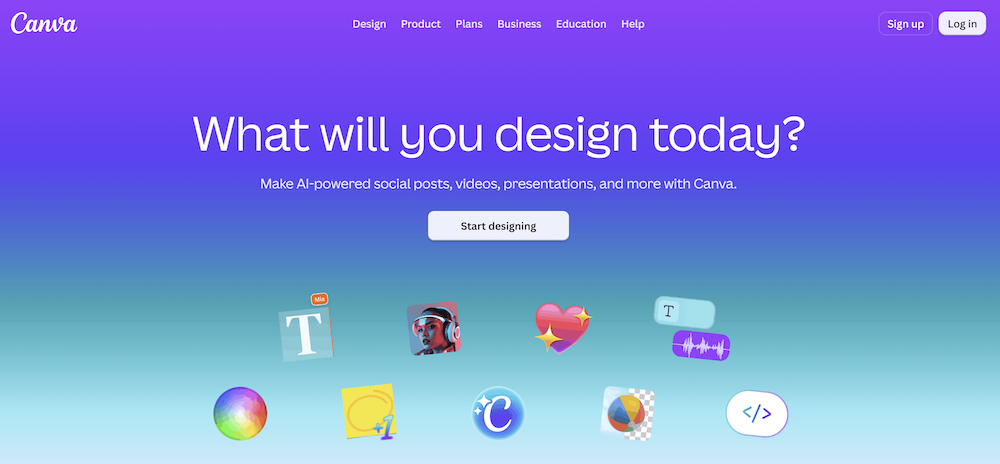
Canva’s advantage isn’t simply AI. It’s AI combined with an enormous existing design ecosystem.
Magic Studio brings generative capabilities into a platform already used for presentations, social posts, advertisements, documents, video, and countless other everyday creative tasks.
For marketing teams that need large volumes of content rather than highly specialized product design, that combination is difficult to beat.
Key features
- Prompt-assisted design generation
- AI image and editing capabilities
- Background and object editing
- Brand tools
- Large template library
- Quick resizing across formats
- Real-time collaboration
Pricing
A free plan is available. Advanced AI, branding, and productivity features are included across Canva’s paid plans, with pricing varying by plan and region.
Where it falls short
Canva prioritizes accessibility and speed over the deeper interface control expected from specialist UI/UX platforms.
5. Adobe Firefly — Best for Professional Creative Workflows
Best for: Designers, photographers, agencies, and existing Adobe Creative Cloud users.
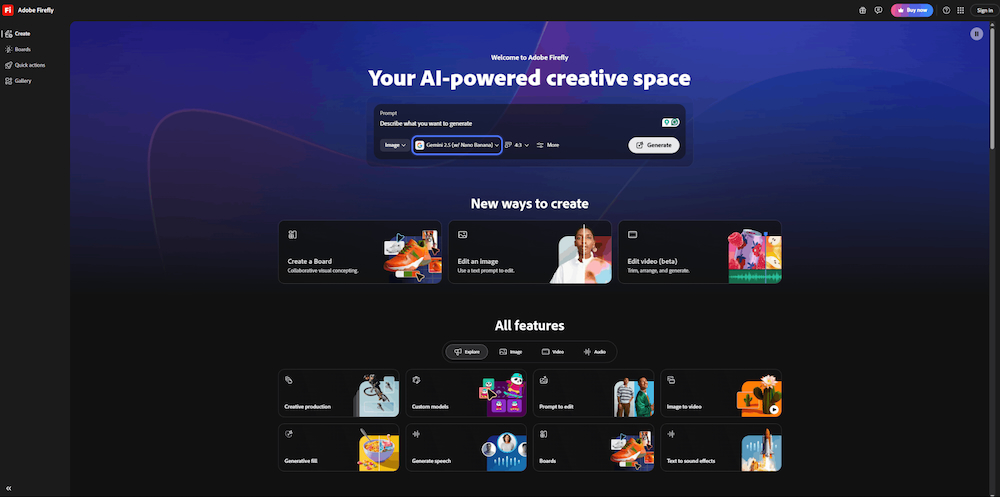
Firefly is most compelling when viewed as part of Adobe’s broader creative ecosystem.
Its generative technology appears across workflows such as image generation, generative fill, recoloring, and creative asset production, allowing professionals to incorporate AI without abandoning familiar Adobe tools.
This makes Firefly particularly useful for agencies and in-house creative teams already working extensively with Photoshop, Illustrator, and related products.
Key features
- Text-to-image generation
- Generative image editing
- Style and composition controls
- Integration with Adobe creative applications
- Vector and design-oriented generative capabilities
- Designed with commercial creative workflows in mind
Pricing
Adobe provides limited free generative access, while paid Firefly and Creative Cloud plans offer larger allowances and additional features.
Where it falls short
Firefly’s greatest advantages are most valuable to people already invested in Adobe’s ecosystem.
6. Kittl — Best for Typography and Graphic Design
Best for: Posters, merchandise, logos, packaging concepts, and typography-heavy graphics.
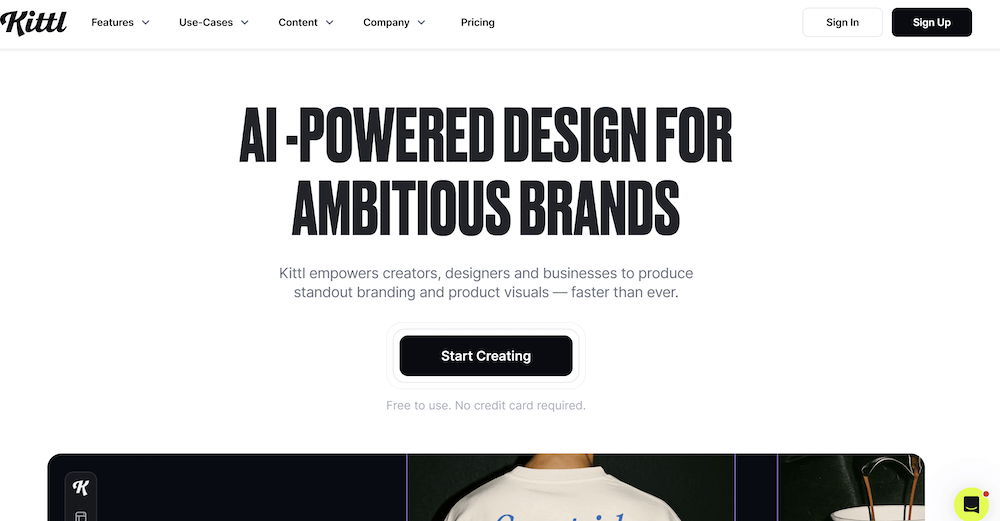
Kittl occupies an interesting middle ground between template-based design software and generative creativity.
It’s particularly effective when typography is a central part of the composition. Designers can build posters, apparel graphics, labels, logos, and other visually expressive assets without starting from an empty canvas.
Key features
- AI-assisted graphic creation
- Strong typography tools
- Logo and vector workflows
- Templates for merchandise and branding
- Background and image editing
- Useful text effects
Pricing
Kittl offers a free tier alongside paid plans with expanded AI usage, exports, and professional features.
Where it falls short
It’s much more suitable for graphic design than product UI or interactive prototyping.
7. Recraft — Best for Consistent Brand Assets
Best for: Illustrations, icons, marketing assets, and brand-consistent visual systems.
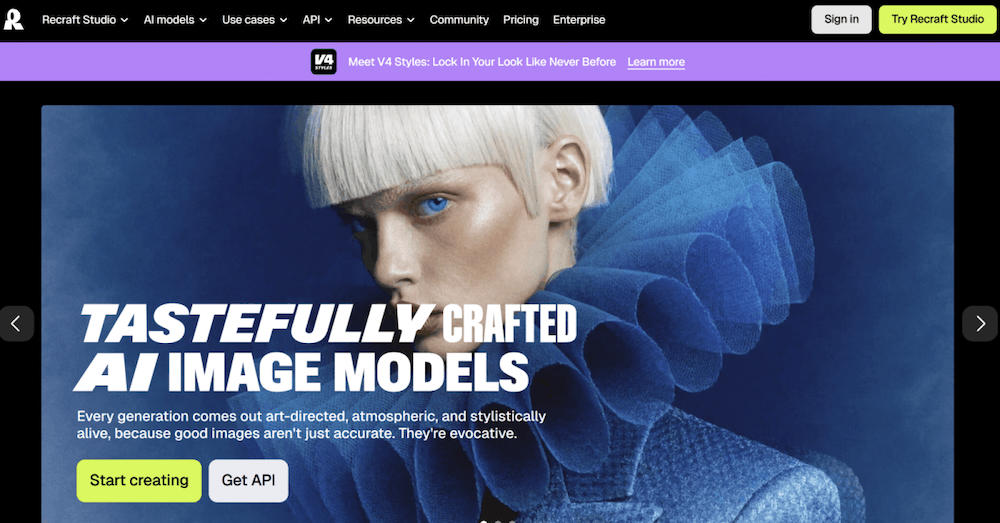
Recraft has become particularly interesting for designers who need more control than a conventional AI image generator provides.
Rather than focusing only on beautiful standalone images, it places greater emphasis on assets that can actually fit into a wider visual identity.
That makes it useful for icons, illustrations, campaign graphics, and other repeated brand applications.
Key features
- Raster and vector generation
- Style consistency tools
- Image editing
- Brand-oriented creative workflows
- Useful for icon and illustration systems
- Multiple export possibilities
Pricing
A free tier is available, with paid subscriptions providing additional generation capacity and commercial workflow features.
Where it falls short
Recraft isn’t intended to replace full UI design or website-building platforms.
8. Ideogram — Best for AI Images With Text
Best for: Posters, advertising concepts, social graphics, and image generation involving typography.
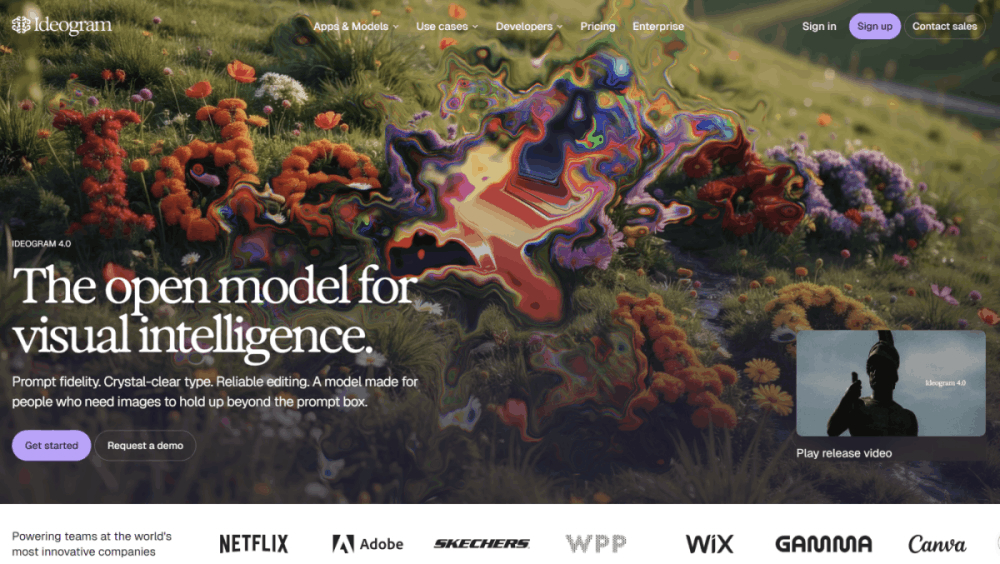
Text has historically been one of generative imagery’s most obvious weaknesses.
Ideogram built much of its reputation by improving that part of the process.
For designers creating posters, promotional concepts, social media visuals, or other compositions where words need to appear inside generated imagery, it can save considerable cleanup time.
Key features
- Strong text rendering in generated images
- Text-to-image generation
- Style controls
- Image remixing and iteration
- Useful for poster and advertising concepts
- Fast visual experimentation
Pricing
A free tier is available, with paid plans offering increased generation capacity and additional functionality.
Where it falls short
Good typography generation doesn’t provide the same precision as manually typesetting final production artwork in a dedicated design application.
9. Leonardo AI — Best for Flexible Creative Generation
Best for: Game assets, illustrations, marketing visuals, product concepts, and detailed image generation.
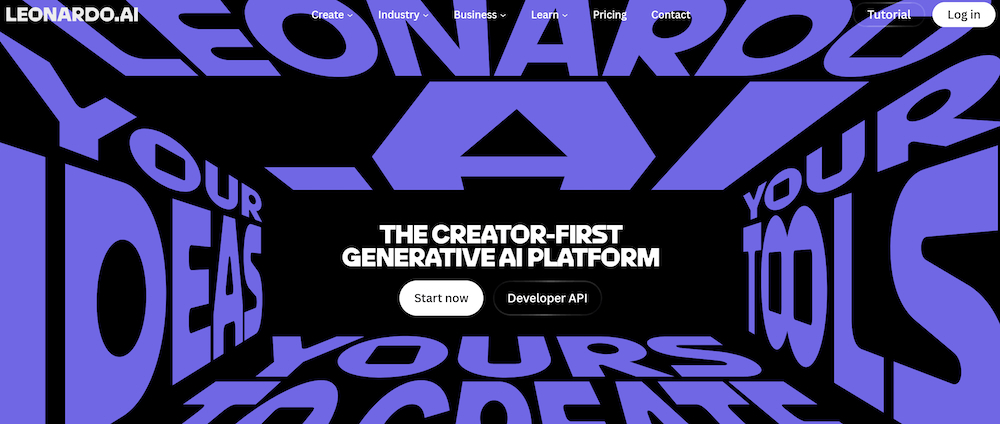
Leonardo AI appeals to creatives who want more control over generation than a simple prompt box.
Its broader toolset supports image creation, editing, style exploration, and production workflows across a wide variety of creative use cases.
The platform is particularly useful when designers want to generate many variations and gradually refine a visual direction.
Key features
- Detailed image-generation controls
- Multiple creative models and styles
- Image editing and refinement
- Reference-based workflows
- Useful for concept and production assets
- Flexible generation options
Pricing
Leonardo offers free usage with limits, alongside paid plans for users requiring more generation capacity and advanced features.
Where it falls short
The number of controls can introduce a steeper learning curve than simpler image generators.
10. Framer — Best for AI Website Design
Best for: Landing pages, portfolios, marketing websites, and teams that want to move quickly toward a live site.
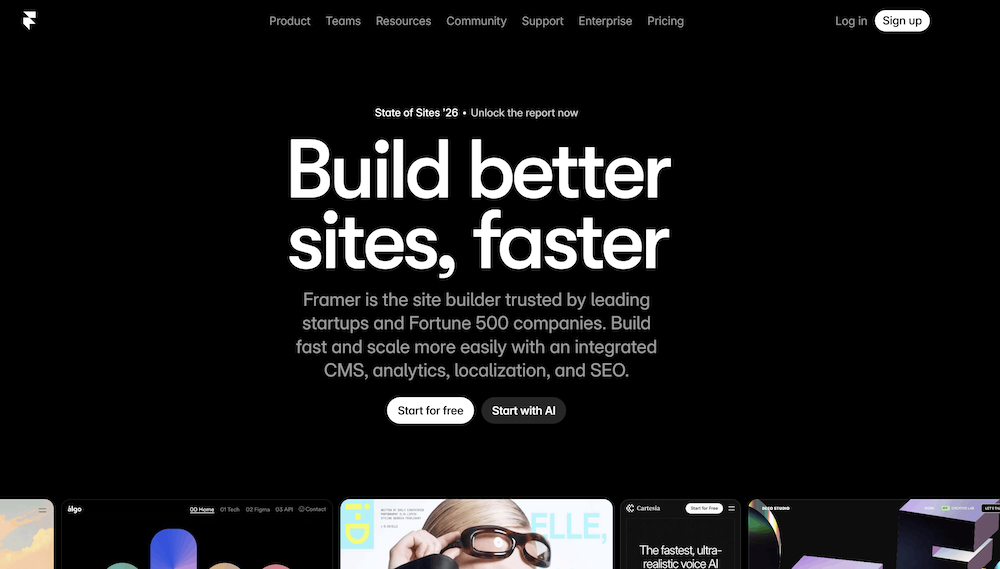
Framer occupies the increasingly important space between design software and website builder.
Instead of using AI only to create a visual mockup, Framer can help teams move toward a responsive website that can actually be published.
For startups, freelancers, and marketing teams, that reduces the distance between an initial idea and something visitors can use.
It’s part of a much wider change in how websites are being created. Our guide to web design tools in 2026 looks at how AI is becoming increasingly intertwined with prototyping, content, code, and production rather than functioning as a separate step at the beginning of the process.
Key features
- AI-assisted website creation
- Responsive layouts
- Visual website editing
- Built-in publishing
- CMS capabilities
- Animation and interaction tools
Pricing
Framer has a free tier, while paid site plans vary depending on publishing, CMS, bandwidth, and collaboration requirements.
Where it falls short
Framer is optimized around websites rather than broader product design workflows involving complex application experiences.
11. Khroma — Best for AI Color Palette Discovery
Best for: Designers struggling to build palettes or explore new color directions.
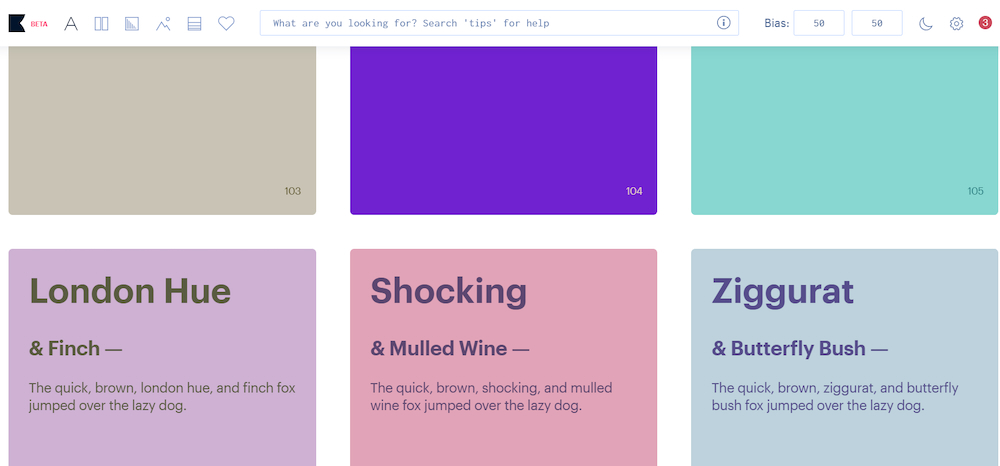
Khroma does one relatively narrow job, but it does it in a genuinely useful way.
Users select colors they like, and the system learns those preferences before generating combinations tailored to their taste.
Instead of endlessly scrolling through generic palettes, designers can use Khroma to discover combinations closer to their own aesthetic.
Key features
- Personalized color recommendations
- AI learns from user preferences
- Searchable combinations
- Color values for implementation
- Useful for branding and UI inspiration
- Simple browser-based workflow
Pricing
Khroma is free to use.
Where it falls short
It’s a specialist companion tool rather than a complete design platform.
12. Miro AI — Best for Collaborative Design Thinking
Best for: Workshops, brainstorming, early product thinking, diagrams, and distributed teams.
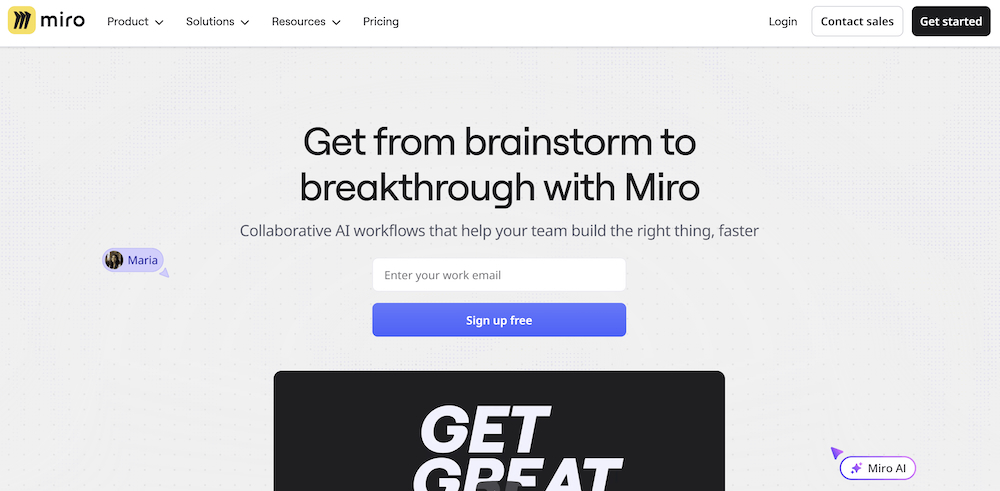
Not every design problem begins with pixels.
Miro AI is useful earlier in the creative process, when teams are collecting ideas, mapping journeys, organizing research, creating diagrams, and deciding what should be designed in the first place.
AI features can accelerate synthesis and organization while the familiar shared canvas keeps collaboration central.
Key features
- AI-assisted brainstorming
- Summarization and organization
- Diagram generation
- Collaborative whiteboards
- Workshop and research workflows
- Useful before detailed interface design begins
Pricing
Miro offers a free plan, with additional AI allowances and collaboration functionality available across paid tiers.
Where it falls short
Miro isn’t designed for producing polished final visual assets or production-ready interfaces.
How to Choose the Right AI Design Tool
The best AI design tools aren’t necessarily the platforms with the longest feature lists. The right choice depends on what you’re actually trying to produce.
For digital products and UI, Flowstep and Figma Make are two options worth considering.
For marketing content, Canva offers an accessible combination of AI features and templates.
For visual ideation and image generation, Midjourney, Recraft, Ideogram, and Leonardo AI each offer different strengths.
For professional Adobe workflows, Firefly provides a natural integration.
For websites, Framer combines visual design with publishing.
And specialist platforms such as Khroma and Miro can complement these larger tools by improving specific stages of the creative process.
Increasingly, the most effective setup isn’t one AI tool at all. It’s a small stack of specialized tools connected to the workflow your team already uses.
Final Verdict
AI design software in 2026 is no longer one category.
An image generator and a product design platform may both use generative AI, but they solve fundamentally different problems.
Flowstep is a strong option for product and UI teams because it covers an unusually large portion of the journey from early idea to implementation. Teams can generate connected interfaces, refine them manually or conversationally, work from existing references, move designs directly into Figma, and export modern frontend code when it’s time to build.
Figma Make is particularly attractive for organizations already centered around Figma, while Midjourney is well suited to creative visual exploration and Canva remains an accessible choice for high-volume everyday design.
The important question isn’t simply, “Which AI design tool is best?”
It’s: Which part of your design workflow do you want AI to make faster?
Answer that first, and choosing the right platform becomes much easier.
FAQ
What are AI design tools?
AI design tools use generative AI and machine learning to assist with creative tasks such as generating interfaces, images, layouts, websites, color palettes, illustrations, and other visual assets. Some also support editing, prototyping, collaboration, or code generation.
Which AI design tool should you choose in 2026?
It depends on the workflow. Flowstep is particularly suited to product and UI work, combining multi-screen generation, editable design, direct Figma handoff, reference-based creation, and frontend code export. Different platforms specialize in other areas: Midjourney focuses on visual concepts, Canva on everyday marketing design, and Framer on websites.
Can AI create UI designs?
Yes. Platforms such as Flowstep and Figma Make can generate interface concepts from natural-language instructions. More advanced workflows can produce multiple connected screens rather than isolated mockups.
Can AI-generated designs be edited?
Usually, yes, although the level of control differs significantly between platforms. Some tools primarily regenerate outputs from prompts, while others provide conventional manual editing alongside AI-assisted changes.
Which AI design tool works with Figma?
Several AI tools can fit into a Figma workflow in different ways. Flowstep allows generated designs to be copied and pasted directly into Figma without requiring a separate plugin, while Figma Make operates within Figma’s own ecosystem.
Which AI design tools can generate code?
Some product and website tools now bridge design and development. Flowstep can export React, TypeScript, and Tailwind CSS, while website-focused platforms such as Framer provide a visual path toward publishable sites.
Are there free AI design tools?
Yes. Most tools in this comparison offer either a free plan or limited free usage. Flowstep, Canva, Adobe Firefly, Recraft, Ideogram, Leonardo AI, Framer, Khroma, and Miro all provide ways to start without immediately purchasing a full subscription, although limits vary.
Will AI replace designers?
AI is more likely to change design workflows than eliminate the need for designers. Generating a first draft is becoming dramatically faster, but understanding users, establishing visual direction, making trade-offs, maintaining consistency, and judging whether a design actually solves the right problem still require human decision-making.