• Home
  • Design
  • Advertising
  • Inspiration
  • Tools
  • Buzz
  • Follow Us ▾
    • Facebook
    • Facebook Group
    • LinkedIn
    • LinkedIn Group
    • Threads
    • Instagram
    • Pinterest
    • Twitter / X

Digital Synopsis

Design, Advertising & Creative Inspiration

  • Photoshop
  • Logo Design
  • UI/UX
  • AI
  • Web Design
  • Typography
  • Photography
  • About Us
  • Advertise

27 Useful Design Tips Explained With Beautiful, Inspiring Graphics

Poppie Pack, senior graphic designer at Canva, has put together a handy list of design tips complemented by beautiful images with inspiring quotes. From typography and layout to image editing and color usage, the list covers some crucial aspects of design that both newbies and professionals will appreciate. We’ve shortlisted 27 of our favourites to share with you. Check them out below.

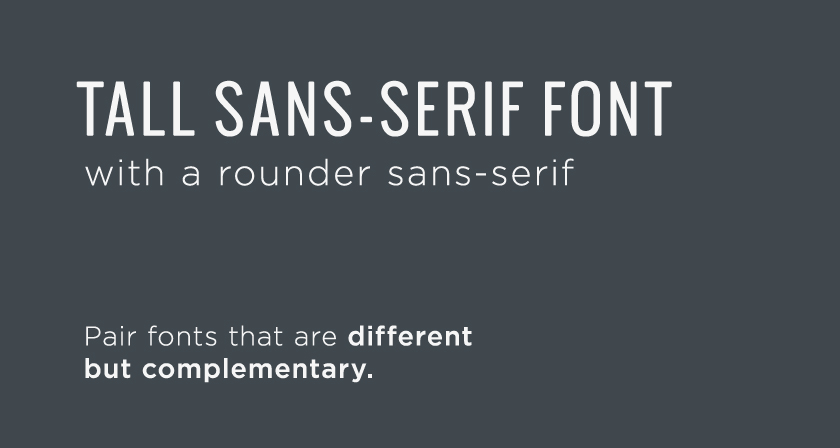
1. Contrasting typefaces make a great duo
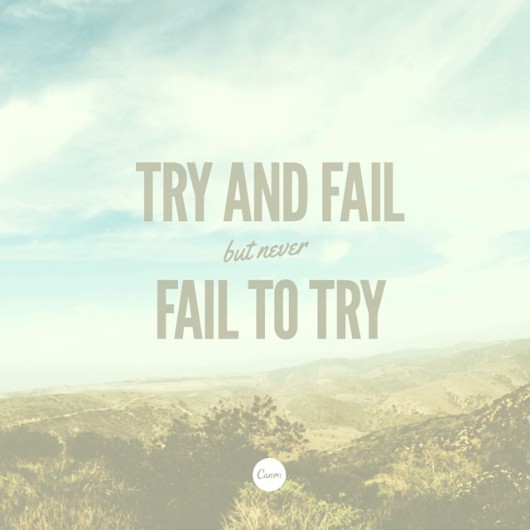
Contrasting typefaces make a great duo
Download League Gothic and Yellowtail fonts used above.


2. Use light and bold font variants for emphasis and impact
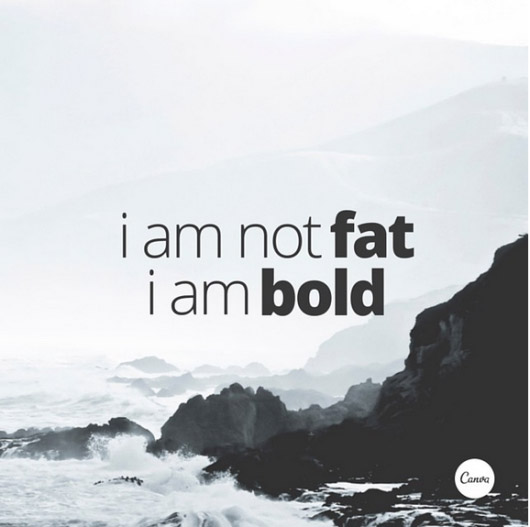
Use light and bold font variants for emphasis and impact


3. Be creative with letters and symbols by applying scale to form interesting compositions
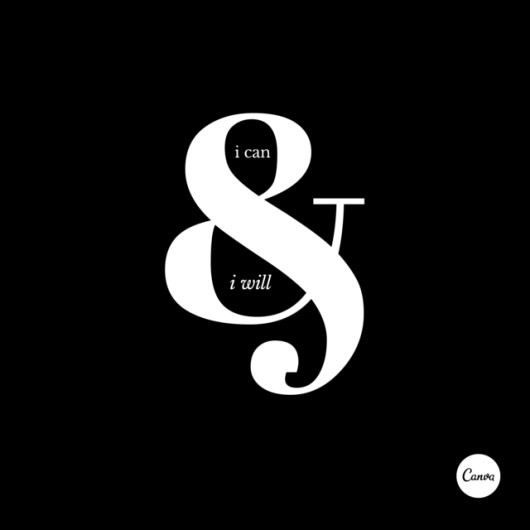
Be creative with letters and symbols by applying scale to form interesting compositions


4. Use shapes to create contrast and offset your text from your background image
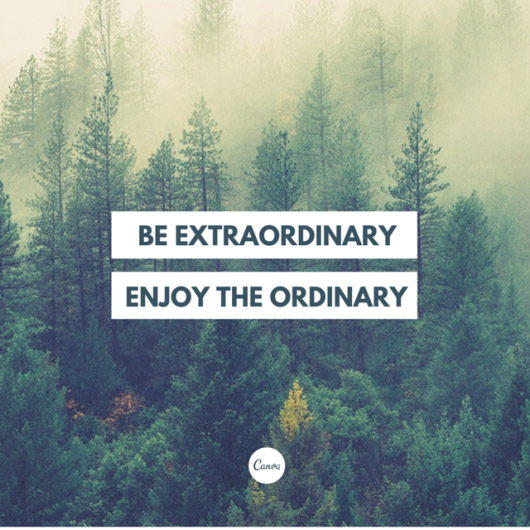
Use shapes to create contrast and offset your text from your background image


5. Let your background determine how you align your text. Find space with less noise for placement
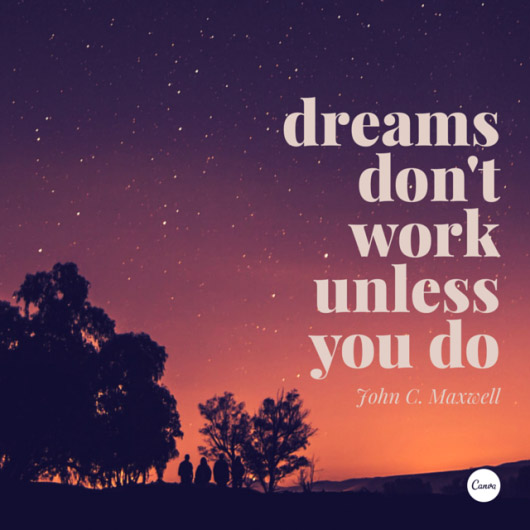
Let your background determine how you align your text. Find space with less noise for placement


6. Use scale as a visual element to place emphasis on words
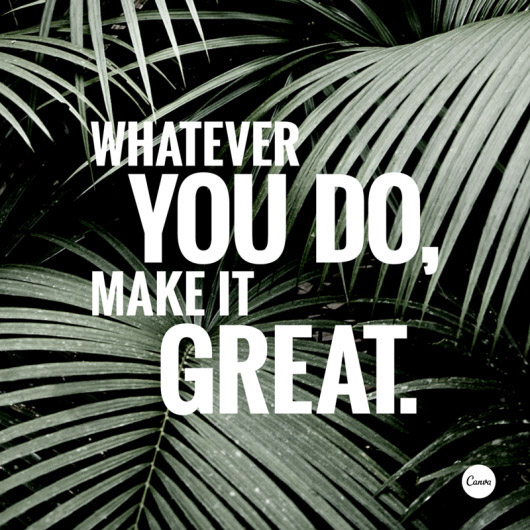
Use scale as a visual element to place emphasis on words


7. Create clever compositions by letting the features within images guide where to place your type
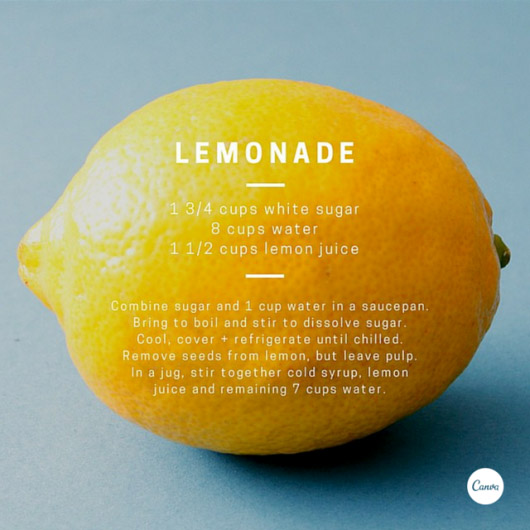
Create clever compositions by letting the features within images guide where to place your type


8. Push your creative skills by stacking different weight typefaces for a stylised effect
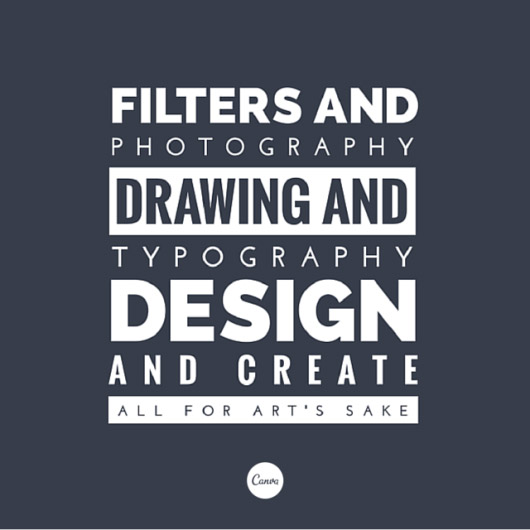
Push your creative skills by stacking different weight typefaces for a stylised effect


9. Use relevant imagery to help visually communicate your message
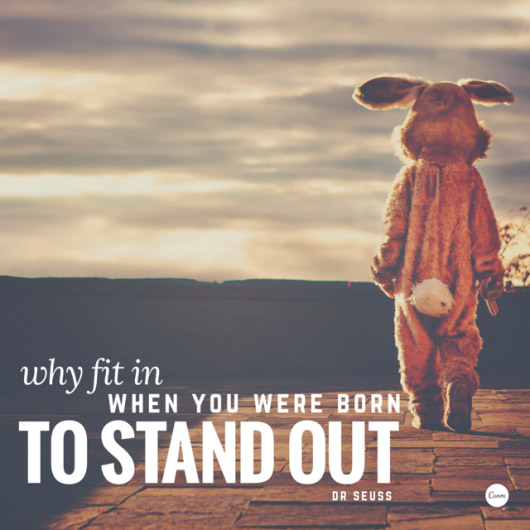
Use relevant imagery to help visually communicate your message


10. Use strong, geometric typefaces to amplify your message
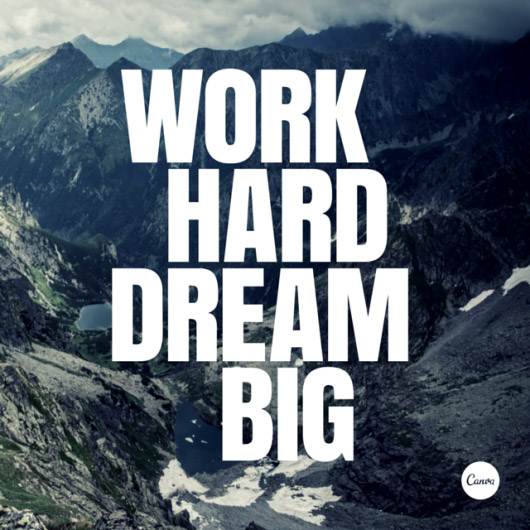
Use strong, geometric typefaces to amplify your message


11. Apply a tint to your image the same as any block color in your design for consistency
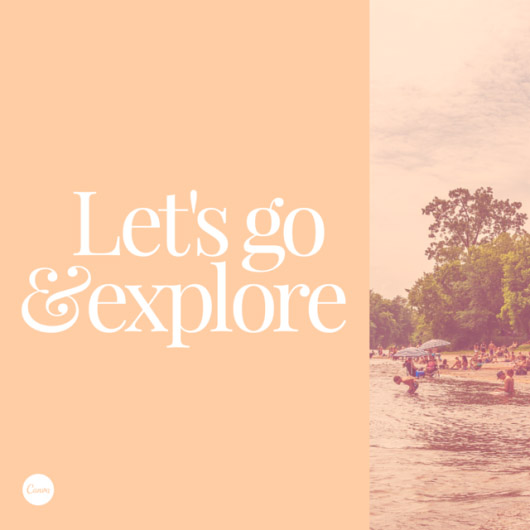
Apply a tint to your image the same as any block color in your design for consistency


12. Treat content with a strong rhythm with an equally strong design style
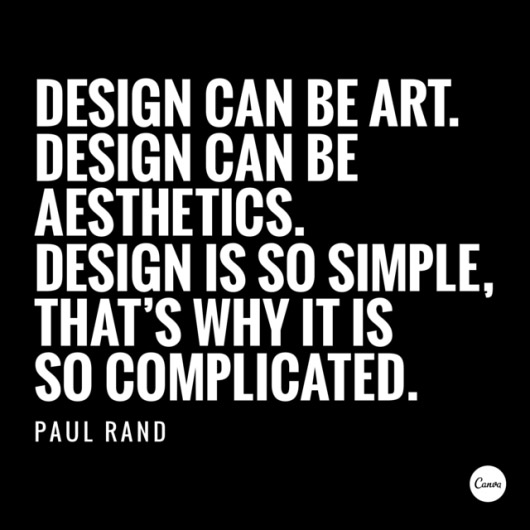
Treat content with a strong rhythm with an equally strong design style


13. Level out the tonal separation in your images by decreasing the contrast in your filters

Level out the tonal separation in your images by decreasing the contrast in your filters


14. Use one color consistently across your all the elements in your graphic
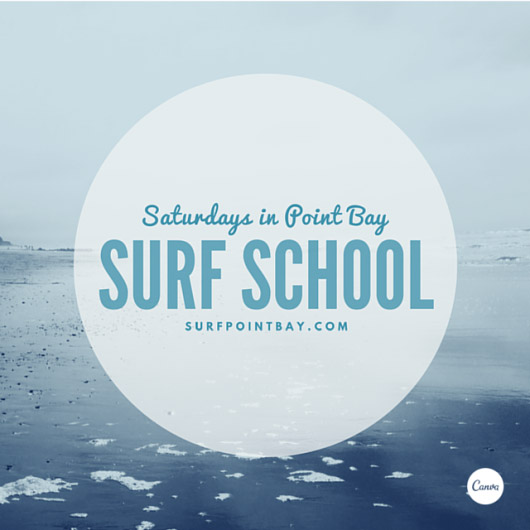
Use one color consistently across your all the elements in your graphic


15. Contain your content by using a frame around your text
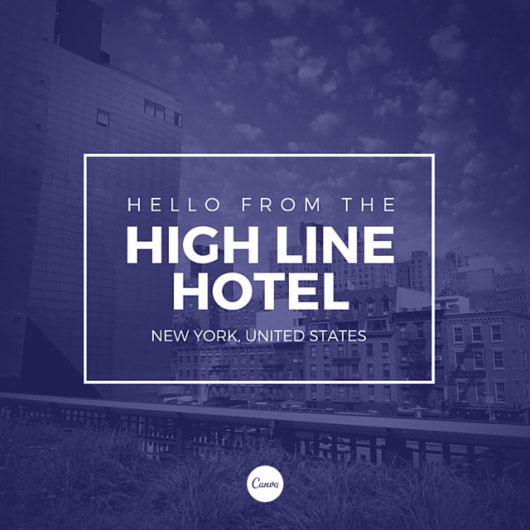
Contain your content by using a frame around your text


16. Use colors from your background image to apply to your text
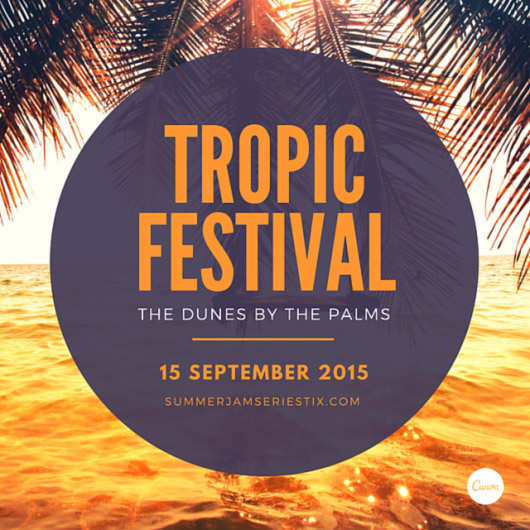
Use colors from your background image to apply to your text


17. Desaturate your graphics by applying a pastel toned shape over your page, creating a whimsical effect
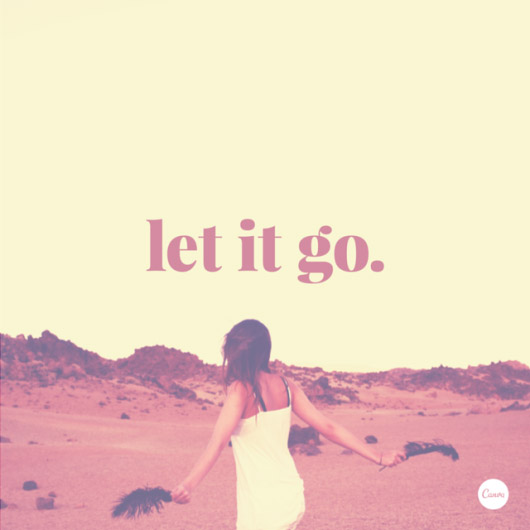
Desaturate your graphics by applying a pastel toned shape over your page, creating a whimsical effect


18. Use different fonts on the same words and see how their tone differs
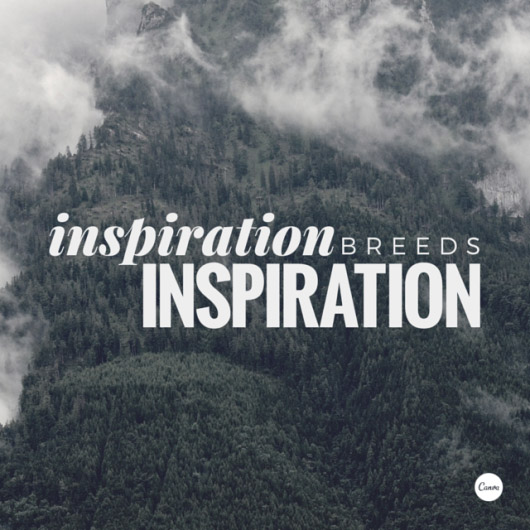
Use different fonts on the same words and see how their tone differs


19. Help textures speak through design elements with transparency
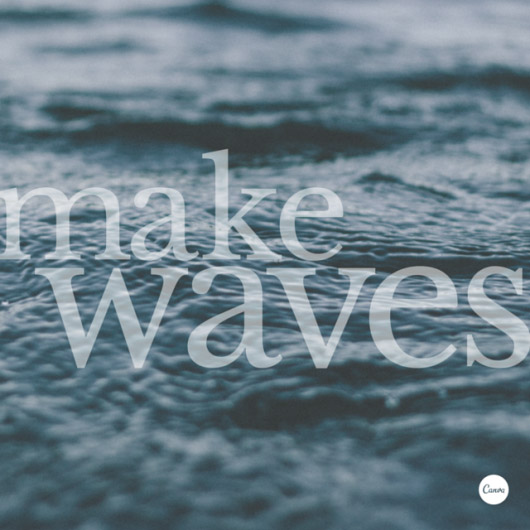
Help textures speak through design elements with transparency


20. Typefaces have personalities too. Make sure you represent your message with the right fonts
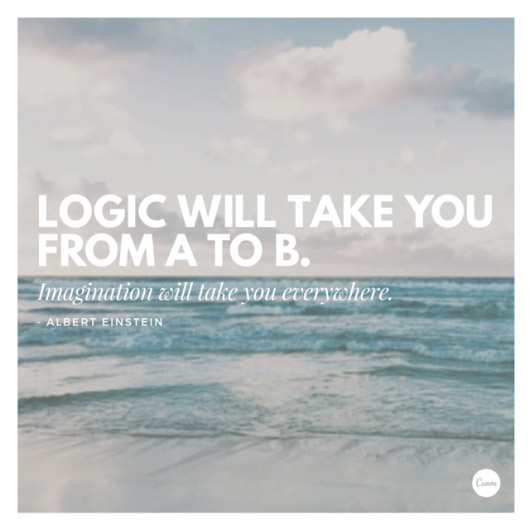
Typefaces have personalities too. Make sure you represent your message with the right fonts


21. The placement of text is a crucial element. Make sure to break your lines up the way it should be read.
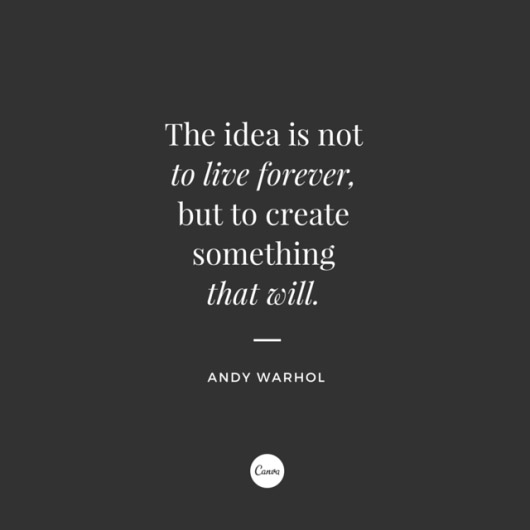
The placement of text is a crucial element. Make sure to break your lines up the way it should be read.


22. When using a shape to contain your text, apply a color from your background to your type for a cut-out effect
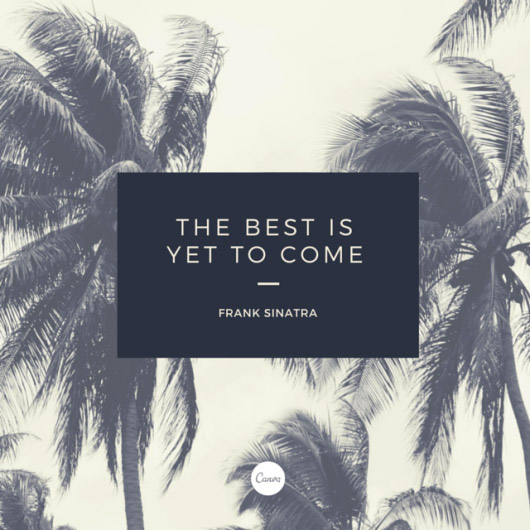
When using a shape to contain your text, apply a color from your background to your type for a cut-out effect


23. Take in the natural composition of your background image for clever text placement
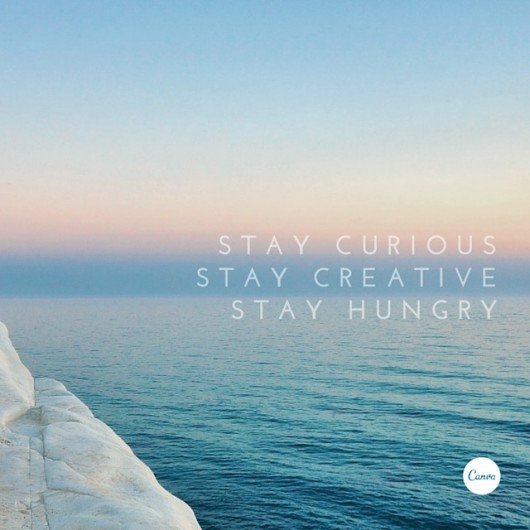
Take in the natural composition of your background image for clever text placement


24. Monochromatic style graphics never get old. Use black and white filters combined with white text for an epic contrast effect
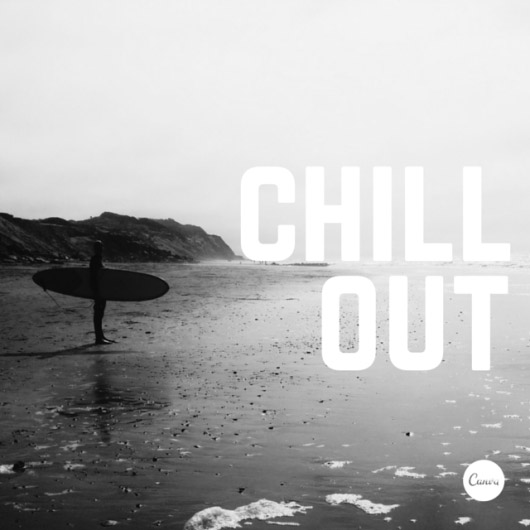
Monochromatic style graphics never get old. Use black and white filters combined with white text for an epic contrast effect


25. Rotate your text so that it follows forms in your background image, creating visual harmony
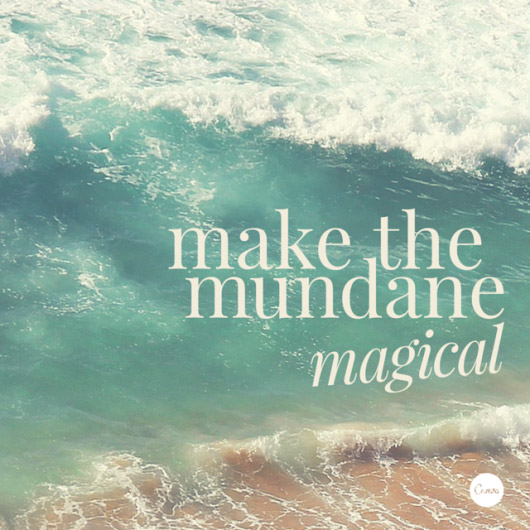
Rotate your text so that it follows forms in your background image, creating visual harmony


26. Choose a geometric typeface teamed with an elegant serif for a happy pairing
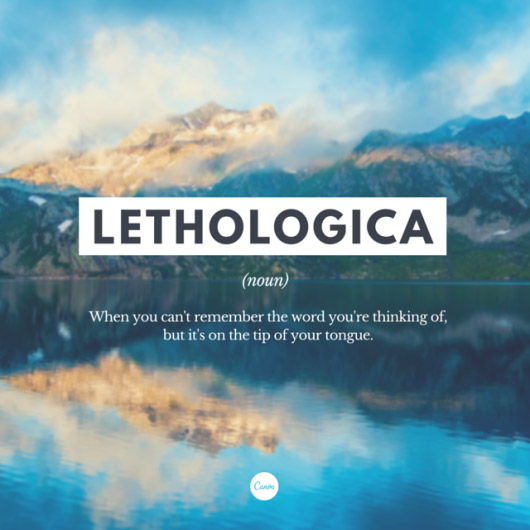
Choose a geometric typeface teamed with an elegant serif for a happy pairing


27. Use shapes to create symbolism that reinforces a message in your graphic

Use shapes to create symbolism that reinforces a message in your graphic

As a seasoned professional, what tips and tricks do you always give to newbies? Share this post and your views in the comments below.

Don't Miss:

  • beautiful-hand-lettered-inspiring-creative-tips
    Beautiful, Inspiring Hand-Lettered Tips For Designers And Creatives
  • how-to-create-beautiful-gradients
    7 Useful Tips To Help You Create Beautiful Gradients
  • ui-design-tips
    8 Useful Tips For Better UI Design
  • inspiring-design-quotes
    19 Inspiring Quotes Every Designer Will Relate To
  • typography-tips
    13 Useful Tips For Better Typography
  • useful-ui-ux-design-tips
    Short, Useful Design Tips For UI/UX Designers

Share Your Views:

Comments for this post are now closed.
Share your thoughts with 433,000+ design lovers on our Facebook Page.

Popular

  • Graphic Designer Fixes The 9 Worst Logos Ever
  • 50 Incredibly Creative Logos With Hidden Meanings
  • 11 Best And Worst Redesigns Of Famous Logos
  • Top 10 Netflix Documentaries For Graphic Designers
  • 11 Differences Between Designers And Clients

TRENDING

  • Top 20 Graphic Design Trends For 2026
  • Top 10 Logo Design Trends For 2026 And How To Use Them
  • Portfolios Of Designers Who Have Worked At Apple, Google, Meta, And More
  • Designers Are Sharing Their Redesigns Of Famous Logos And Some Of Them Are Better Than The Original
  • “Which Current Graphic Design Trend Will Age Badly?” – Here Are The Top Replies

Follow Us On

  • Facebook
  • Facebook Group
  • LinkedIn
  • LinkedIn Group
  • Threads
  • Instagram
  • Pinterest
  • X / Twitter

Copyright © 2012-2026 Digital Synopsis | Privacy Policy | Affiliate Disclosure | Advertise With Us